Scan Date:Mar 24, 2026
Show More


46.9 MB
File Size
Everyone
Android 9.0+
Android OS
Quick and easy with face recognition app lock, Intruder Selfie, Vault
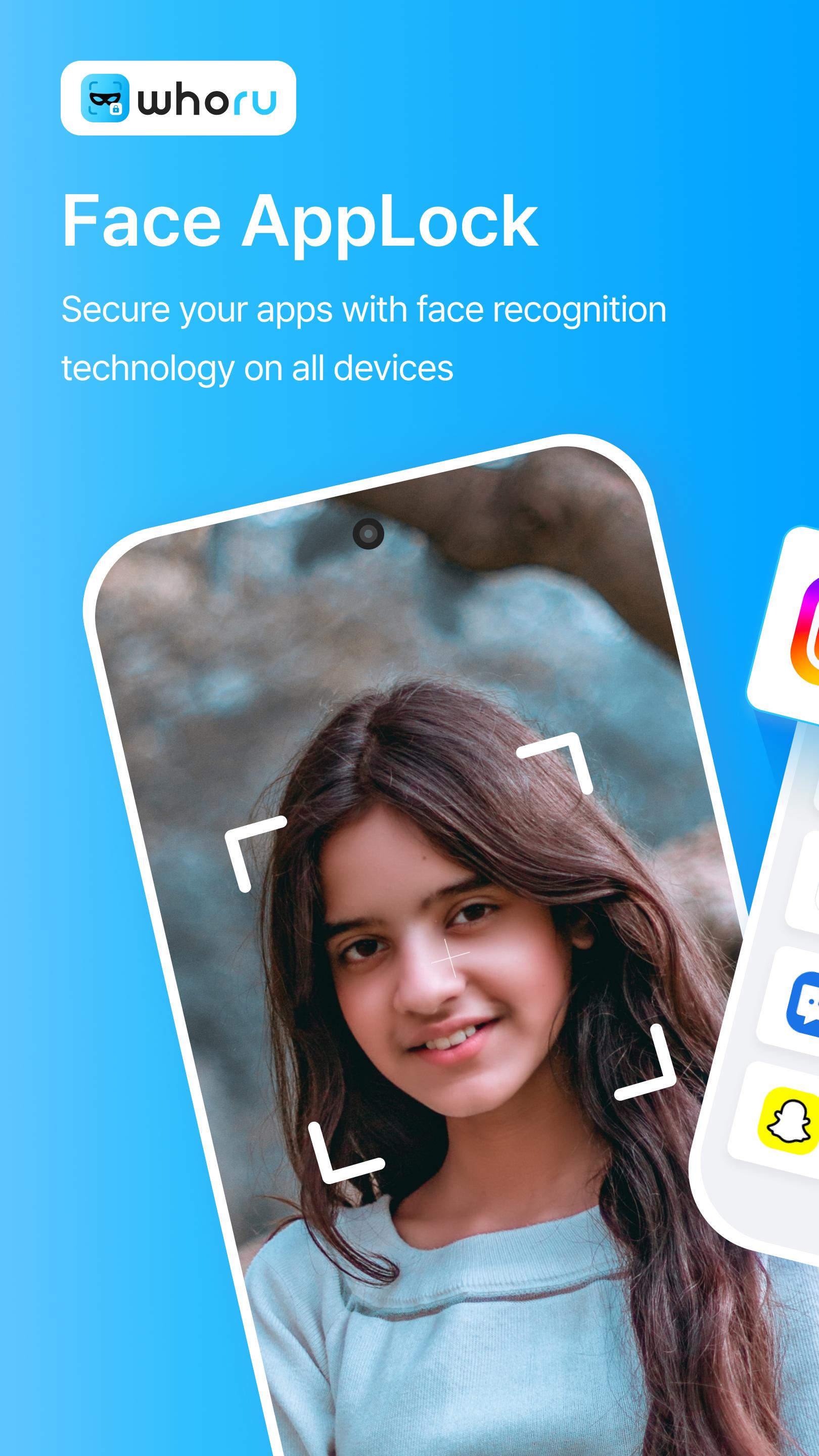
✅ It is possible to lock your app with face recognition and prevent the intruder even with a device that does not support face recognition functionality
✅ Face recognition, Fingerprint, App lock, WTMP, Vault
✅ It is possible to protect your privacy from face recognition and fingerprint by using WhoRU AppLock
✅ WhoRU AppLock is an app for protection of personal information and security lock capable of locking an app or photographs
✅ WhoRU AppLock can lock an app by using face recognition, fingerprint, PIN code, and pattern
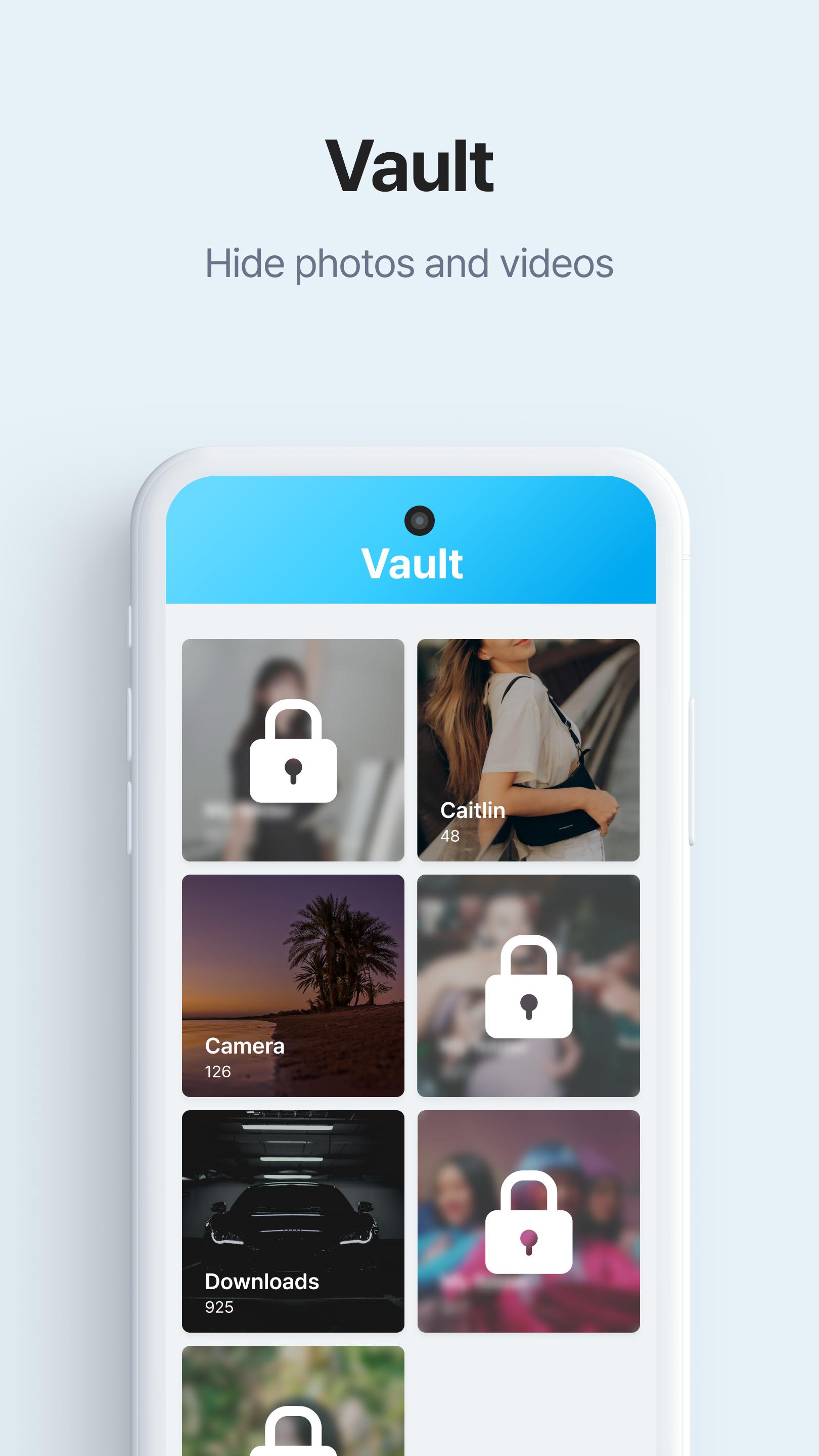
✅WhoRU AppLock can easily hide photos and videos in the gallery in a Secret vault.
✅ Captures photos of intruders using the front camera / The registered face will not be captured
✅ WhoRU AppLock can protect any of your apps including Facebook, WhatsApp, Snapchat, Instagram, Gallery, Messenger, Gmail, and even Setting, etc.
✅ WhoRU AppLock can prevent your children from purchasing paid games and abuse of in-app purchases (IAP) on the app market such as Google Play, etc.
✅ All of your information and usage logs will be stored only in the local storage of your device and will not be used for other purposes
👉 Quick and easy with face recognition app lock
Lock your apps with various authentication options such as face recognition, fingerprint recognition (if the device supports it), pattern locking or PIN code.
It will block unauthorized access to protect your personal information.
No need for PIN and pattern authentication when launching the app.
👉 Capture intruder photo (WTMP) Front camera captures intruder photos.
Capture intruders attempting to unlock the app.
Capable of reviewing the intrusion attempt with captured information such as photo, date, and time.
When using face recognition, registered faces are not captured.
👉 Vault
Hide photos and videos
👉 Supports various authentication options
Face recognition
Fingerprint recognition (if the device supports it)
PIN and pattern
👉 Fake app icon
Hide WhoRU by changing the icon.
WhoRU AppLock looks like a calculator to intruders.
👉 Prevent uninstall attempts
Protect WhoRU from manipulation and uninstall attempts.
Prevent forced termination of WhoRU AppLock.
👉 Convenience features
The lock can be set with one click.
App Lock can be turned on/off with one click.
You can set the app lock interval.
Please feel free to ask us your questions or give feedback.
Thank you.
Head office
660, Daewangpangyo-ro, Bundang-gu, Seongnam-si, Gyeonggi-do,
Republic of Korea
www.whoru.app





One-click to install XAPK/APK files on Android!

Thanks for your rating and feedback!
You have already rated.