










Thanks for your rating and feedback!
You have already rated.

Learn languages with smart flashcards, open a PDF, tap any word for its meaning.
*Read what you actually want to read — and learn every word in it.**
Most vocabulary apps hand you someone else's word list. AnyWord starts from
the thing in front of you: the PDF you were sent, the chapter you photographed,
the article you saved. Open it, tap a word, and its meaning is there. One more
tap and it is a flashcard, with the sentence you met it in already on the back.
**Documents exactly as they were written**
A PDF opens as its printed pages — the columns, the figures, the tables, the
typography. A Word document keeps its headings, its lists, its tables and its
pictures. A spreadsheet stays a grid, with its own column letters. Nothing is
flattened into a wall of grey text. When a page is too dense for a phone, one
tap reflows it to plain text you can size to your eyes.
**Tap a word. Any word.**
Every word on the page is live. Tap one for its meaning; hold and drag across
several for a phrase. What the reader answers with comes in this order:
- your own cards first — instant, and it works with the network off
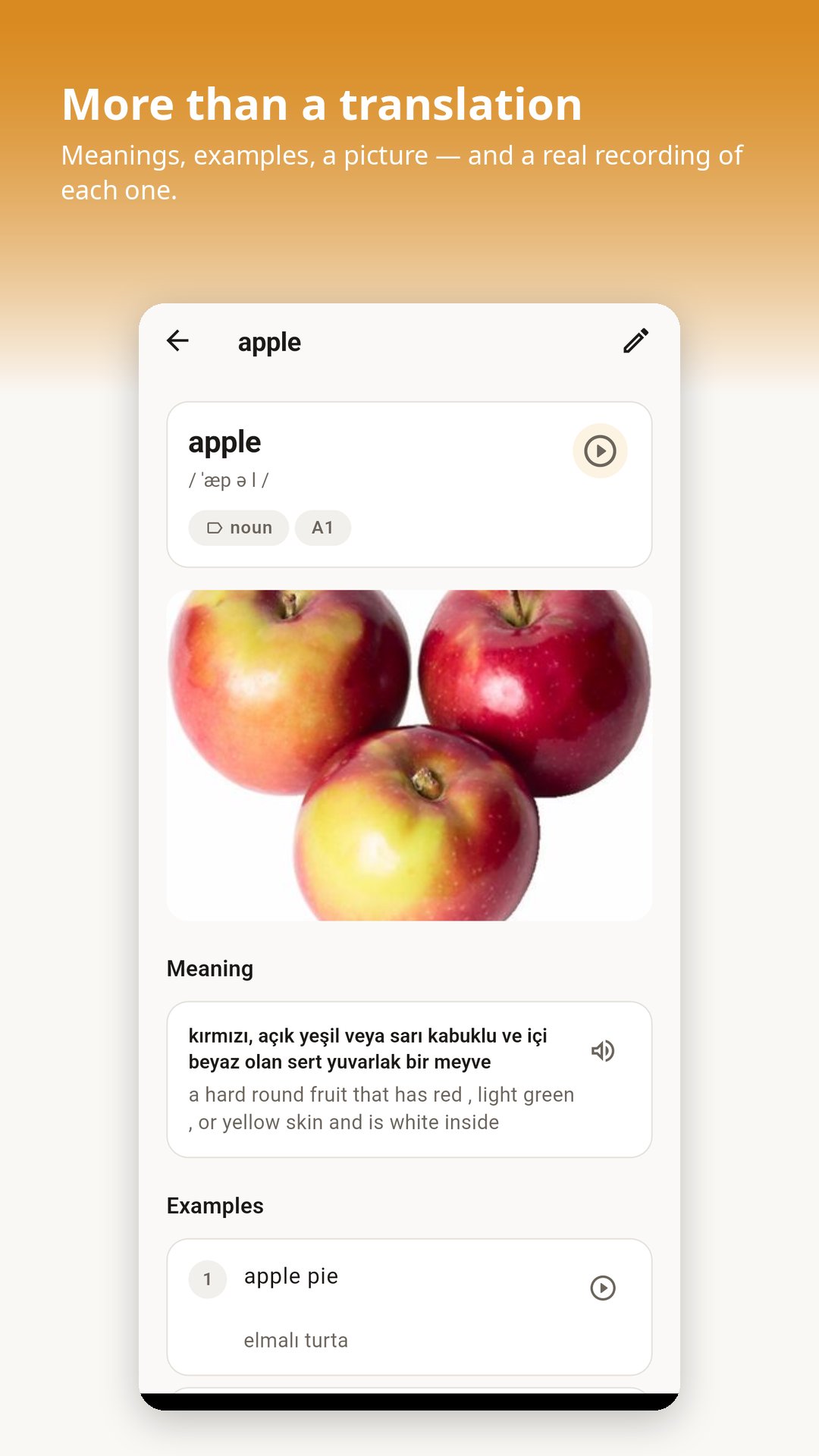
- then the Longman Dictionary of Contemporary English: definitions, examples,
phonetic spelling, recordings, and for many words a picture
- and if you would rather read it in Turkish, the translation, with the
English definition kept underneath it
Inflected words are handled: tap "running" and you get "run".
**Scanned pages work too**
Half the PDFs worth reading are photographs of paper — a scanned textbook, a
receipt, a chapter someone copied. AnyWord reads the words off the page itself
and makes them tappable, without moving a thing on it. That reading happens on
your phone, not on a server, and works with no connection at all.
**Every word you save arrives complete**
A card made from a document carries the sentence you actually read it in — far
more use later than any invented example. The dictionary's own example, its
recording, its picture and its phonetic spelling come along too.
**Or bring the words you already have**
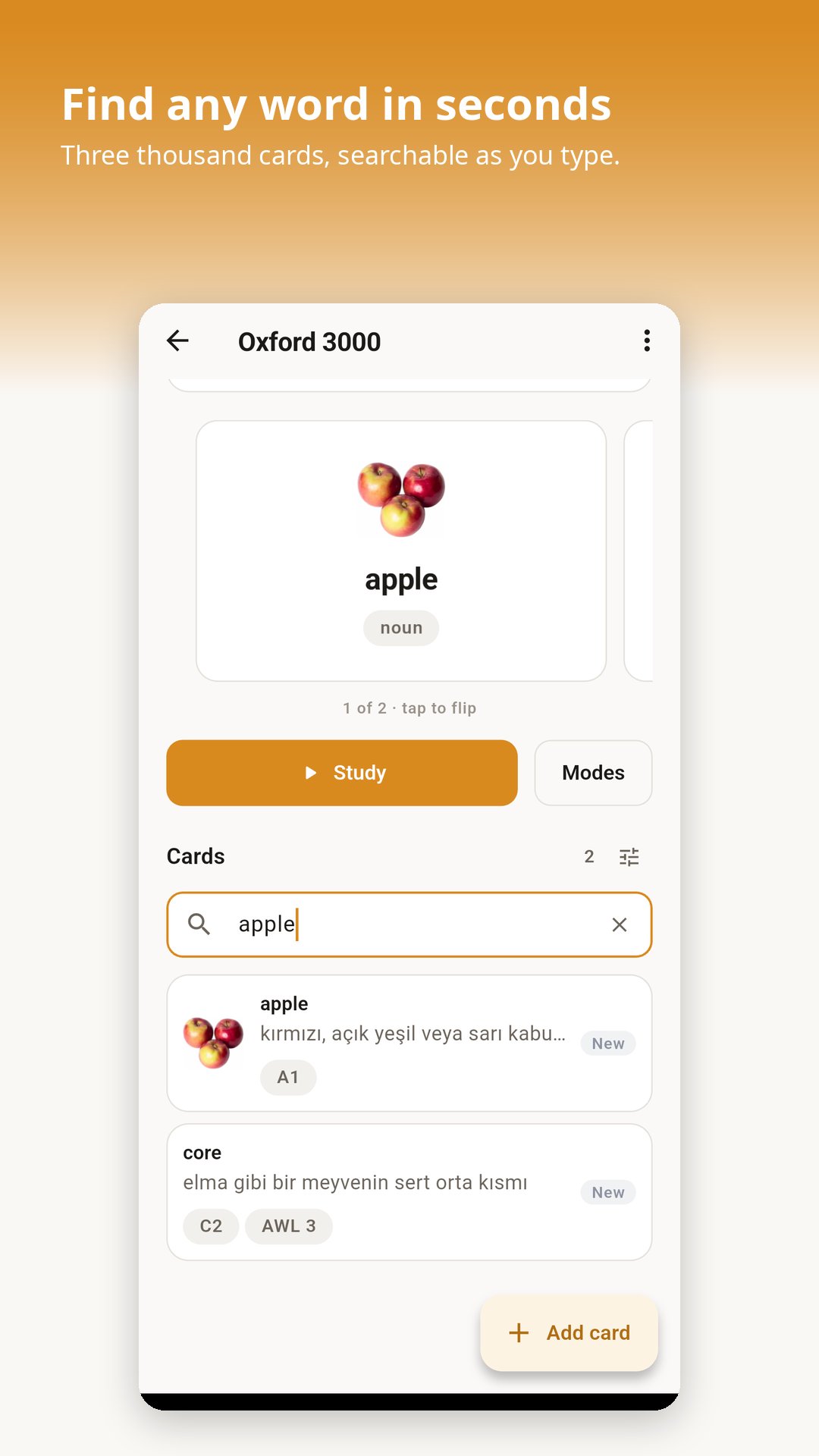
Import an Excel sheet, a CSV, a Word file or a text file. AnyWord works out
which column is which, shows you exactly what it found, and lets you fix
anything before a single card is added. Any language pair: English to Turkish,
German to Spanish, Russian to English, whatever you need.
**Five ways to study**
- Flashcards — flip a card and rate how well you knew it
- Learn — guided practice that adapts as a word becomes familiar
- Quiz — pick the right translation out of four
- Writing — type the word from memory
- Matching — pair words against the clock
**Reviews timed for how memory actually works**
Every card is scheduled on its own. Words you find hard come back soon; words
you know well drift further apart, so your time goes where it counts. Every
figure on the progress screen comes from reviews you really did — nothing is
estimated.
**Hear it read by a person, not a robot**
Word lists can link real recordings, and a card plays them at a tap. Anything
without one falls back to your device's own voice, which needs no connection.
**Yours, on your device**
No account. No sign-up. No advertising, and no analytics of any kind. Your
sets, your cards, your progress and the documents you read stay on your phone.
Studying, importing, exporting, reading a document and reading a scanned page
all work with the network switched off.
The network is used for three things, each only when you ask: looking a word up
in the dictionary, translating a selection when you have chosen Turkish, and
downloading a recording or picture a word list links to.



One-click to install XAPK/APK files on Android!
Thanks for your rating and feedback!
You have already rated.