Package Name:com.gombosdev.ampere
Show More

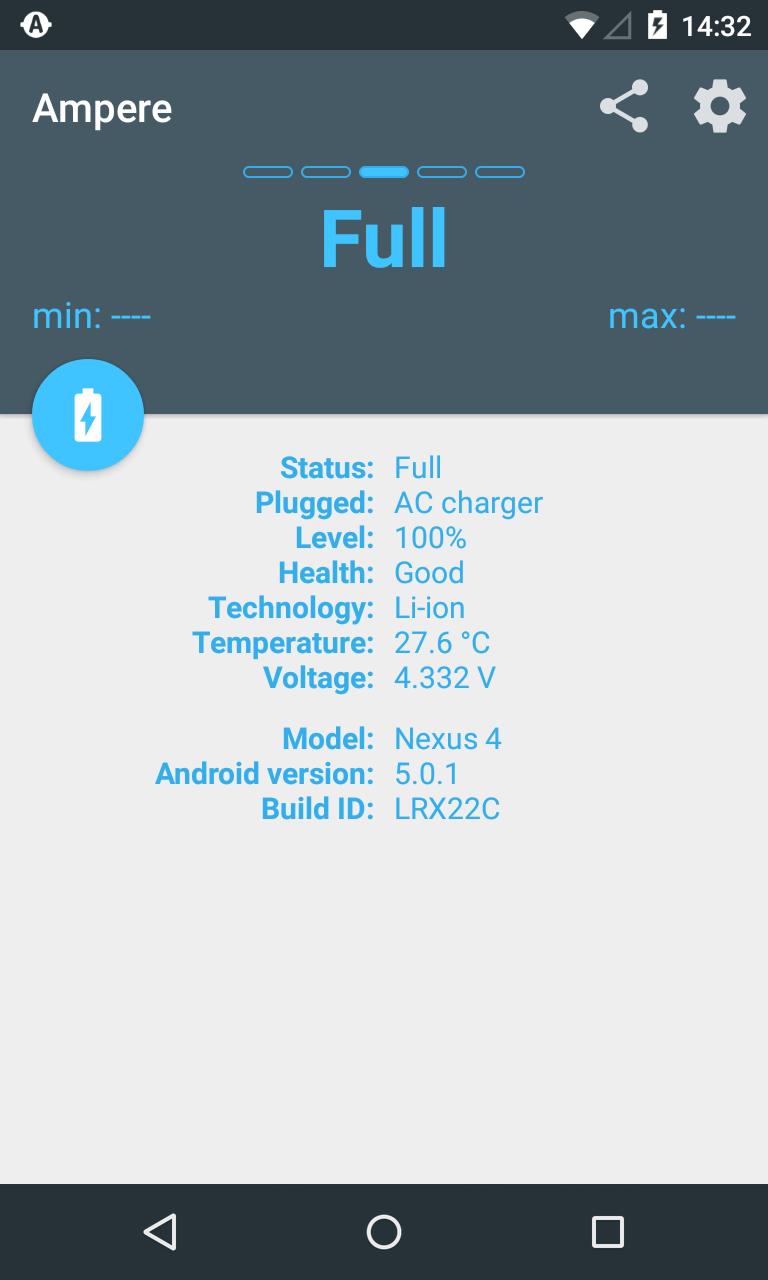
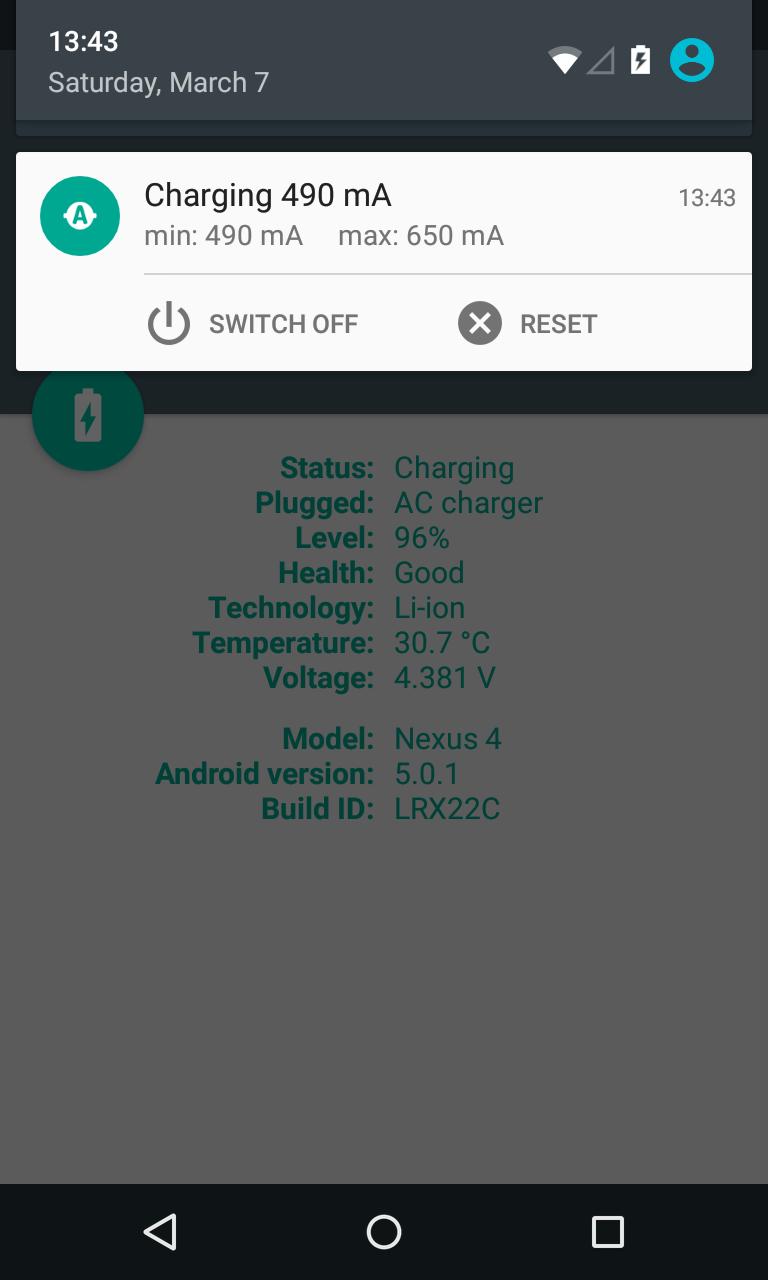
Ampere is a battery diagnostics app that measures charging and discharging current.
Created by Brain_trapp, Ampere helps you quickly compare how chargers and USB cables perform on your phone. It shows the charging or discharging current after a short measuring period, so you can see which combo delivers more power on the same device. Results are relative rather than mA-accurate, which suits everyday testing without lab gear. To explore what it offers, download Ampere and review the key features below.
Comparing chargers and cables is the core experience. The app shows how much current reaches your phone, highlighting the differences between setups on the same device. After a brief measuring period, numbers settle and you can switch from one cable or adapter to another to see real-world gains. Keep conditions consistent—screen brightness, Wi-Fi, and running tasks affect readings—so results make sense. Ampere focuses on relative performance, helping you pick a faster combo without guessing or relying on specs alone.
You can get the Ampere APK from APKPure in just a few moments, depending on your connection. The file downloads quickly, and installation follows standard Android prompts. After opening the app, it may take a short measuring period before current is displayed.
APKPure hosts the Ampere latest version, making it easy to install cleanly and update when needed. If numbers appear unstable or stay at zero, try the fallback measurement option and check your device’s compatibility. For consistent comparisons, test under similar conditions and let readings settle before switching chargers.





One-click to install XAPK/APK files on Android!

Thanks for your rating and feedback!
You have already rated.