Scan Date:Oct 10, 2019
Show More


8.4
5 Reviews
6.6 MB
File Size
Everyone
Android 4.4+
Android OS
AMOLED Wallpapers app to show info about time, date & notifies in black screen
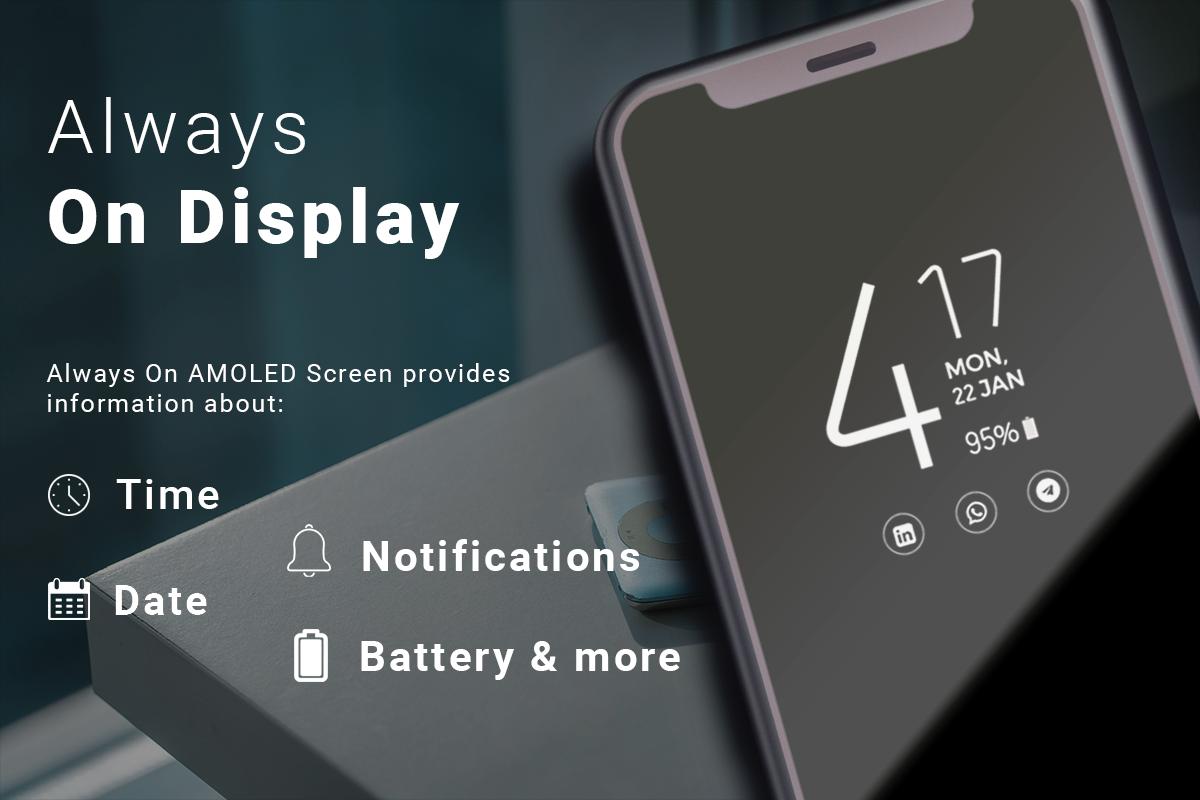
Always On Dispaly - AMOLED Wallpapers Screen provides information about, time, date, notifications and more and all without having to touch the phone. Just by looking at it. This is made possible thanks to Always on AMOLED. Most of the screen stays black except for a few pixels.
SUPER AMOLED Live Wallpapers (Display on Screen) is designed for this proposes to show some basic info in black screen whenever you want. All this information will be permanently displayed on your screen.If you want to see what's going on your phone, you can simply take your phone out of your pocket to view all the latest notifications, in a similarly pleasing and minimalist manner by using this best Always on Display app.
Try the new feature from Samsung™ Galaxy S8, Galaxy S7, S8 edge and LG G5 Works perfectly with screen lock.
What's New in AOA
- Time Rules which lets you set custom start and end time
- Adjust screen brightness and Auto Brightness
- shortcuts added such as flashlight, home button, Calculator
- Pocket mode which uses proximity sensor to turn off screen when placed in your pocket
How to use this App (Always on Edge - AMOLED & Smart Watch):
1. Open always on display - AMOLED, start service
2. To weak up your phone, double tap on screen
3. To turn off screen just press power button
4. The user can on or off service.
Option Always on Display- AMOLED & Watch Black Wallpapers
1- while charging and discharging
2- while only charging
3- while only discharging
Edge Lighting
Always On Edge : Edge Lighting for any android phone application has an amazing user interface to use and it make your mobile screen totally adorable with attractive lighting.Color effects will run around your screen when incoming calls or new notification arrive.
Edge Lighting Amoled Customize options for user:
* Edge Lighting color effect
* Edge Lighting duration animation
* Edge Lighting speed animation
* Edge Lighting Thickness line
Round Corner:
Round Corners are very catchy and produce very nice effects on all android phones. Galaxy Round corner is very Popular among its user. Install and use Round Corner & Edge Lighting and all android phone to experience the the latest handset. Round Corner blinker consist of following.
Picture/Photo Clock Added
Now you can display your own picture or your favorite photo on your Amoled Screen.
Emoji Clock
You Can also display your favorite best emoji on Always on display Screen.
Always on Display - AMOLED : Edge Lighting Main features:
* Add Music Controller
* Stylish and smart Watch - Always On Screen
* Enable/Disable showing notifications
* Option to start display after screen lock activated
* Handle display during calling
* Change font size, color.
* Change clock style (digital, analog,Calendar and Photo and Emoji clock).
* Display battery level.
* Can be used as a night clock
* Always on' screen on (double tap will turn screen the on).
* Custom watch faces - Digital S7 style, Analog S7 style, Analog Pebble style and more!
* Always On Memo - write a reminder and make it show up on your screen all the time!
* Customization - change the text color, text size,font, brightness and more
* Change clock style there a vast variety of styles of clocks (Digital, Analogue).
I wish app ( Always On AMOLED ) will make your life better and more convenient.




One-click to install XAPK/APK files on Android!

Thanks for your rating and feedback!
You have already rated.






