
Safe & Fast APK Downloads on APKPure
APKPure uses signature verification to ensure virus-free Document Reader PDF Reader APK downloads for you.

Document Reader PDF Reader is a lightweight Android document viewer for everyday file reading.
SwiftBiz Apps keeps the app focused on quick access to local documents, which makes it useful when a user needs to open study notes, work reports, forms, or saved downloads without switching between separate viewers. It is built for reading and basic file handling rather than advanced editing, so the main value is simple, fast viewing. Here are the key functions to know before you download Document Reader PDF Reader.
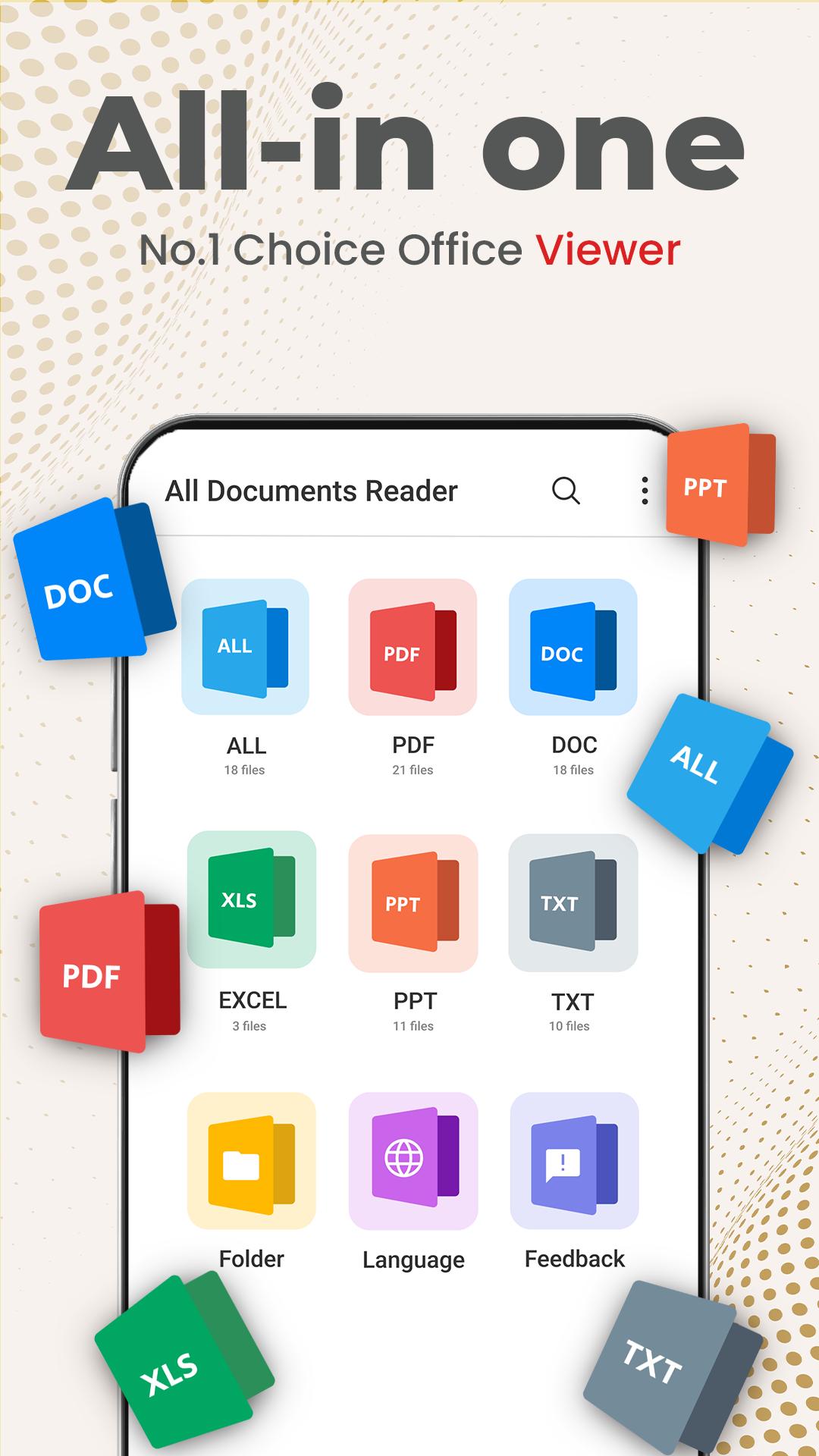
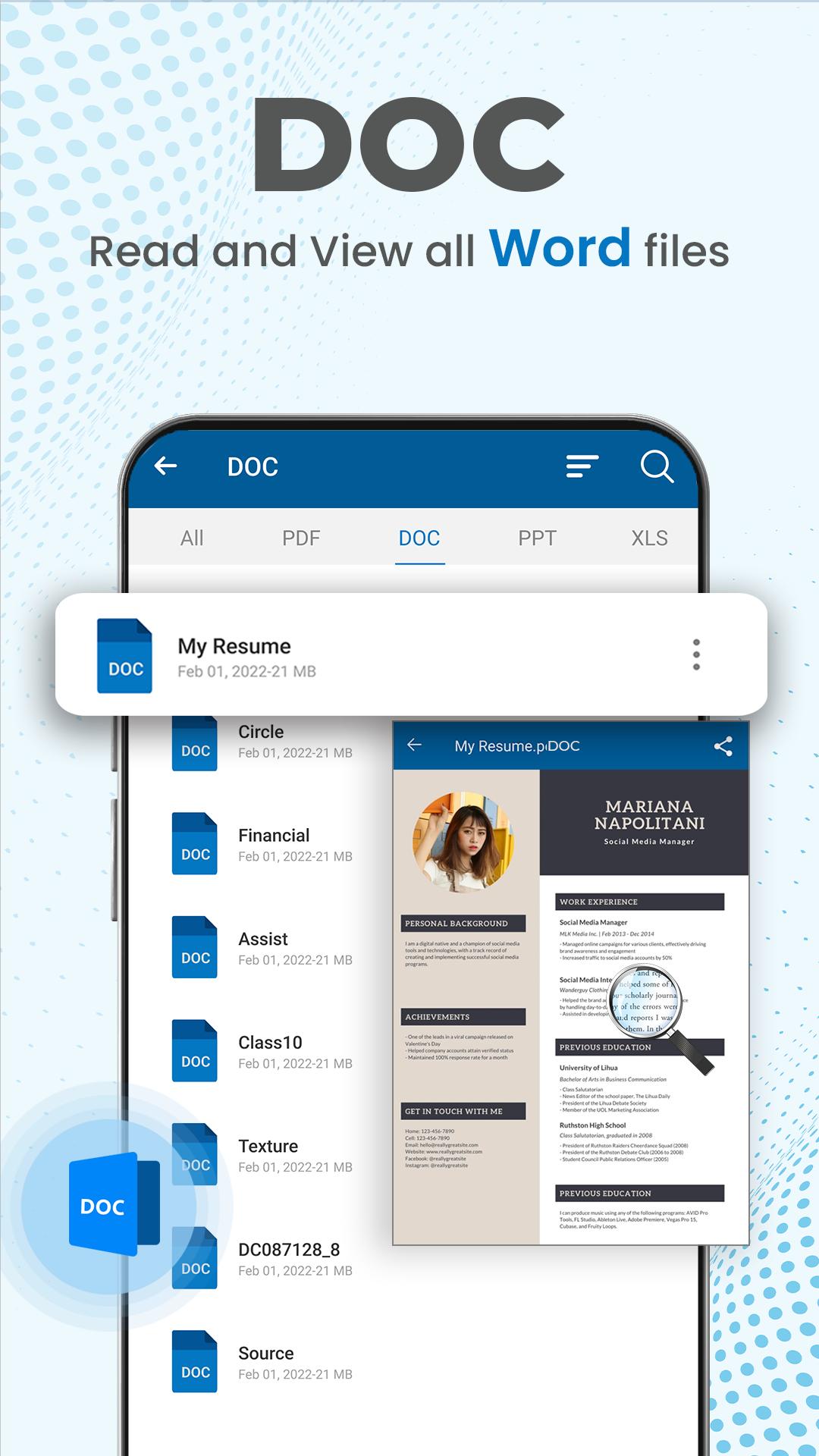
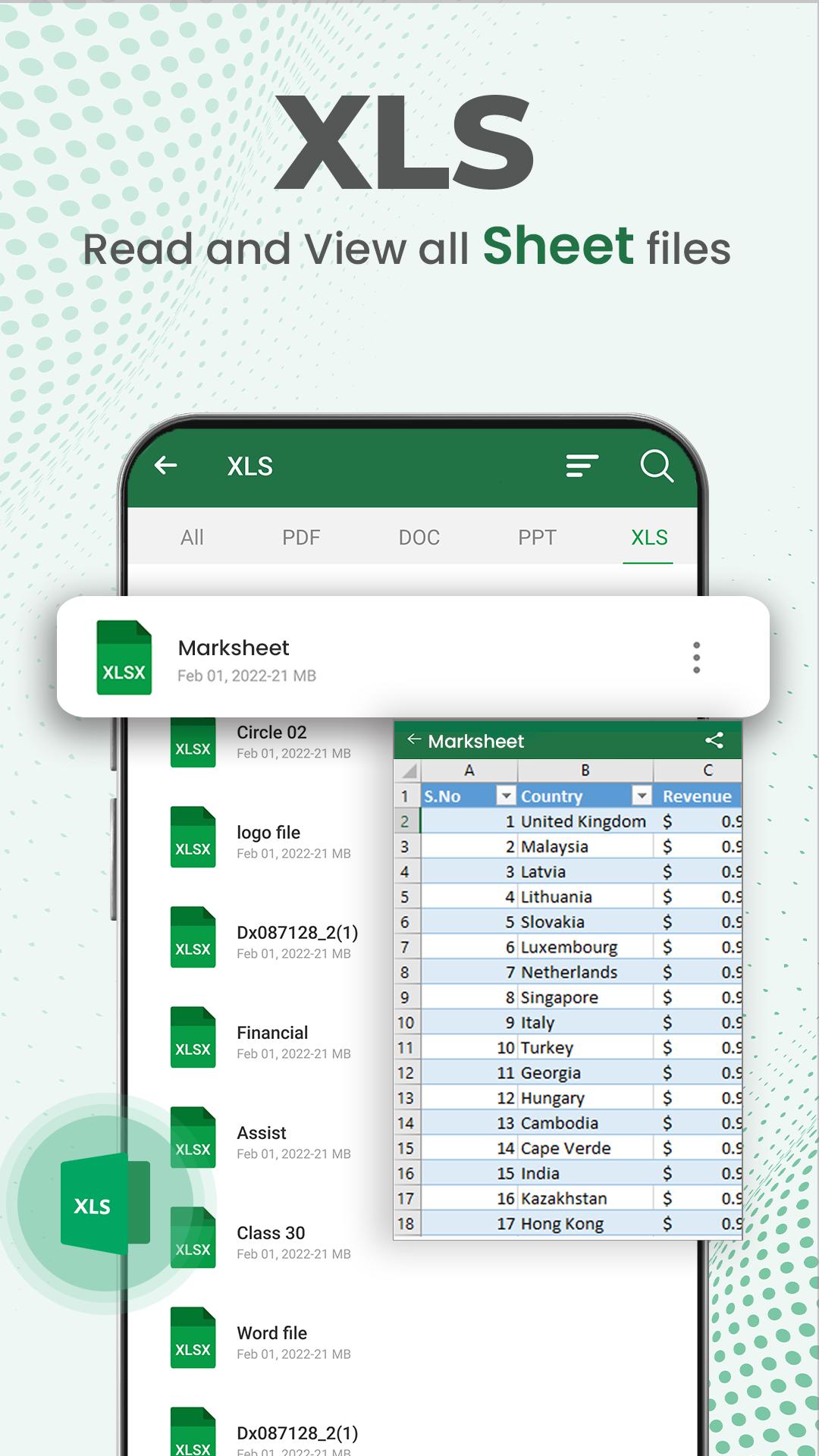
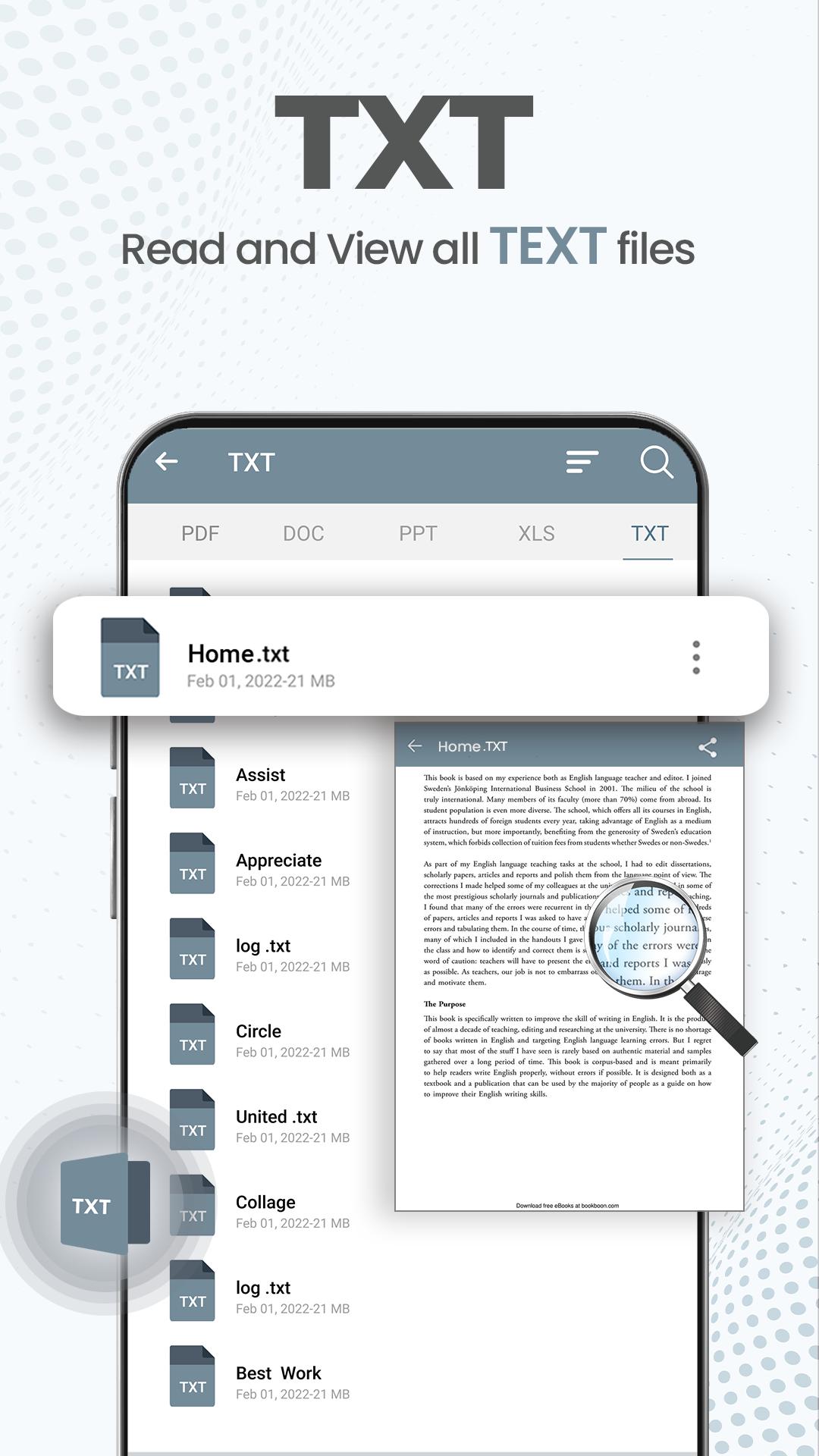
Document Reader PDF Reader brings common office and text files into one place, so users can open PDF, DOCX, XLS, XLSX, PPT, and TXT documents without relying on different apps for each format. This is useful for phones that collect many file types from email attachments, messaging apps, school platforms, or workplace downloads.
After opening the app, supported files saved on the Android device are scanned and shown in the document list. A user can tap a file once to read it in the built-in viewer, which keeps the experience simple for quick checks such as reviewing a class handout, opening a meeting slide, or reading a saved form before sending it back. Since the app is mainly a viewer, it fits best when reading matters more than changing the original file.
Document Reader PDF Reader organizes documents by file type, including PDF, DOCX, XLS, PPT, and TXT. This helps users avoid scrolling through a long mixed list when they already know what kind of file they need. For example, a student looking for lecture slides can check the PPT category, while an office user can move directly to DOCX or XLS files for reports and spreadsheets.
The recent documents area also makes repeat reading easier. If a user opens the same PDF manual or work form several times during the day, it can be found again more quickly through the recent list. Folder-based browsing adds another practical layer for users who store documents in download folders, chat folders, or work folders. The result is a simple document viewer that feels more organized than a basic file manager, while still keeping navigation easy for everyday use.
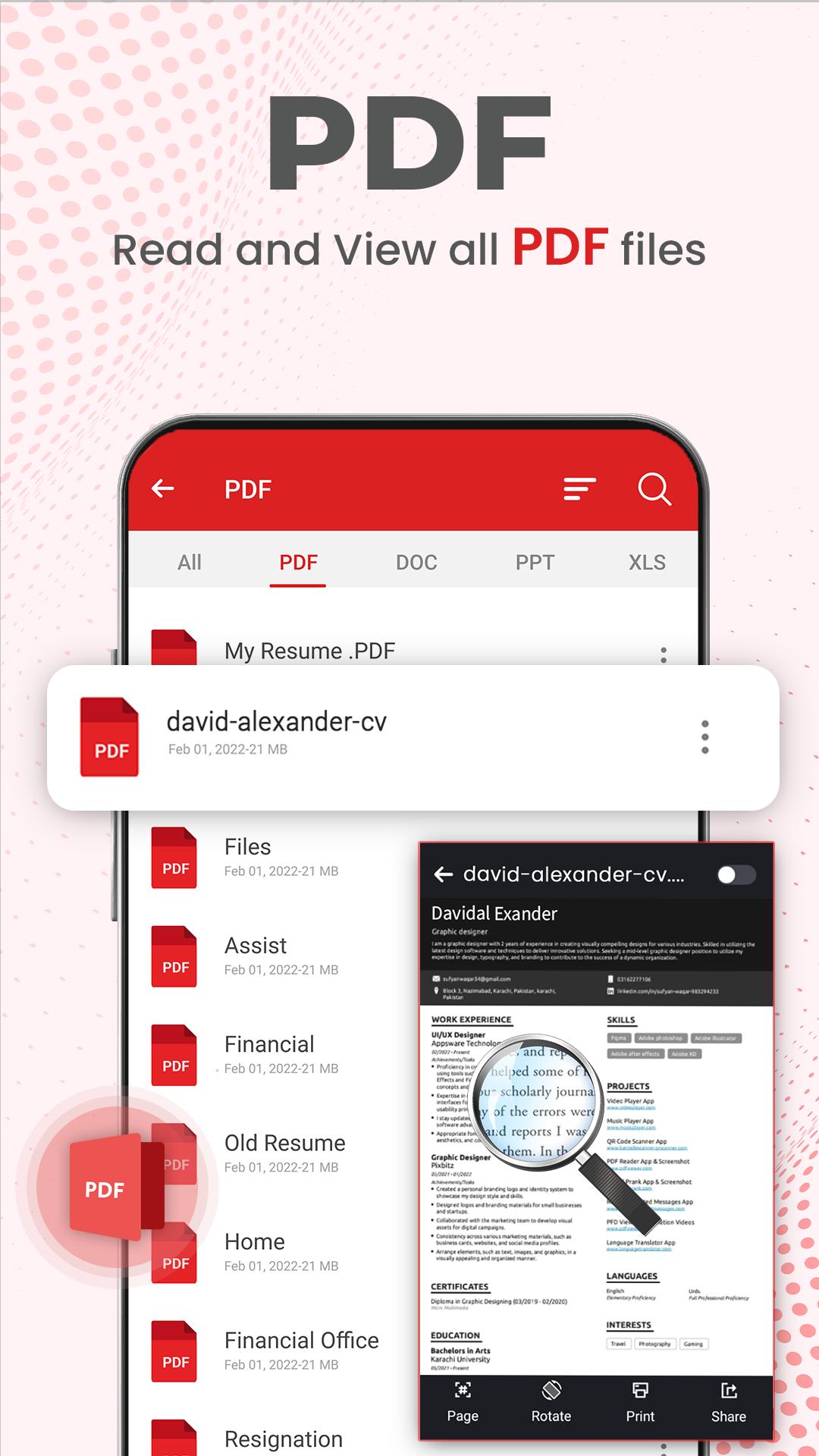
Document Reader PDF Reader includes basic PDF controls that make long files easier to read on a phone screen. Users can zoom in to check small text, zoom out to see more of a page, and jump to a specific page when a document has many sections. These tools are helpful for reading contracts, study materials, manuals, and reports that are not comfortable to scan from start to finish.
Search is another useful tool in PDF reading mode. Instead of moving through every page manually, a user can look for a word or topic and move closer to the needed section. This works well when checking a receipt number, finding a topic in study notes, or reviewing a work report before a meeting. The available tools focus on reading convenience, but advanced PDF actions such as signing, annotation, or cloud syncing are not clearly supported, so users who need those functions may need a separate tool.
Document Reader PDF Reader also supports basic file management from the document list. Users can share documents directly from the app when sending a report to a coworker, forwarding a PDF form, or passing a TXT note to another contact. This keeps simple document handling close to the reading experience.
The remove option helps clear files that are no longer needed, such as duplicate downloads or outdated forms. This can be useful on devices with limited storage, especially when many documents build up over time. The app experience may depend on how well local files are scanned and sorted on each device, so keeping documents in clear folders can make browsing smoother. For users who mainly need an all document reader for viewing and light organization, the feature set stays practical and easy to understand.
These points reflect how Document Reader PDF Reader performs as a lightweight office viewer for daily reading, file browsing, and basic PDF use on Android.
ProsUsers can get the Document Reader PDF Reader APK latest version from APKPure for Android devices. The APK file is around 25 MB, so it should download quickly on a stable connection and does not require much storage compared with larger office apps.
During installation, the device may ask for permission to install APK files, depending on Android settings. After the app is installed, opening it allows supported documents stored on the phone to appear in the file list. To keep the first scan cleaner, it helps to remove duplicate downloads or place important files in familiar folders before use.
For anyone who needs a compact PDF reader and document viewer for local files, the Document Reader PDF Reader latest version is a practical choice. After installation, users can start with the PDF or recent documents section to check whether their most-used files are listed correctly.



One-click to install XAPK/APK files on Android!

Thanks for your rating and feedback!
You have already rated.






