Safe & Fast APK Downloads on APKPure
APKPure uses signature verification to ensure virus-free Aim Lab Mobile APK downloads for you.


10.0
3 Reviews
712.6 MB
File Size
Teen
Android 8.0+
Android OS
Aim Lab Mobile is an aim trainer for mobile FPS players.
Developed by State Space Labs, Inc., it brings pro-grade AI training and performance tracking to phones. Tailored drills mirror mobile FPS play. You can download Aim Lab APK and explore the core features below.
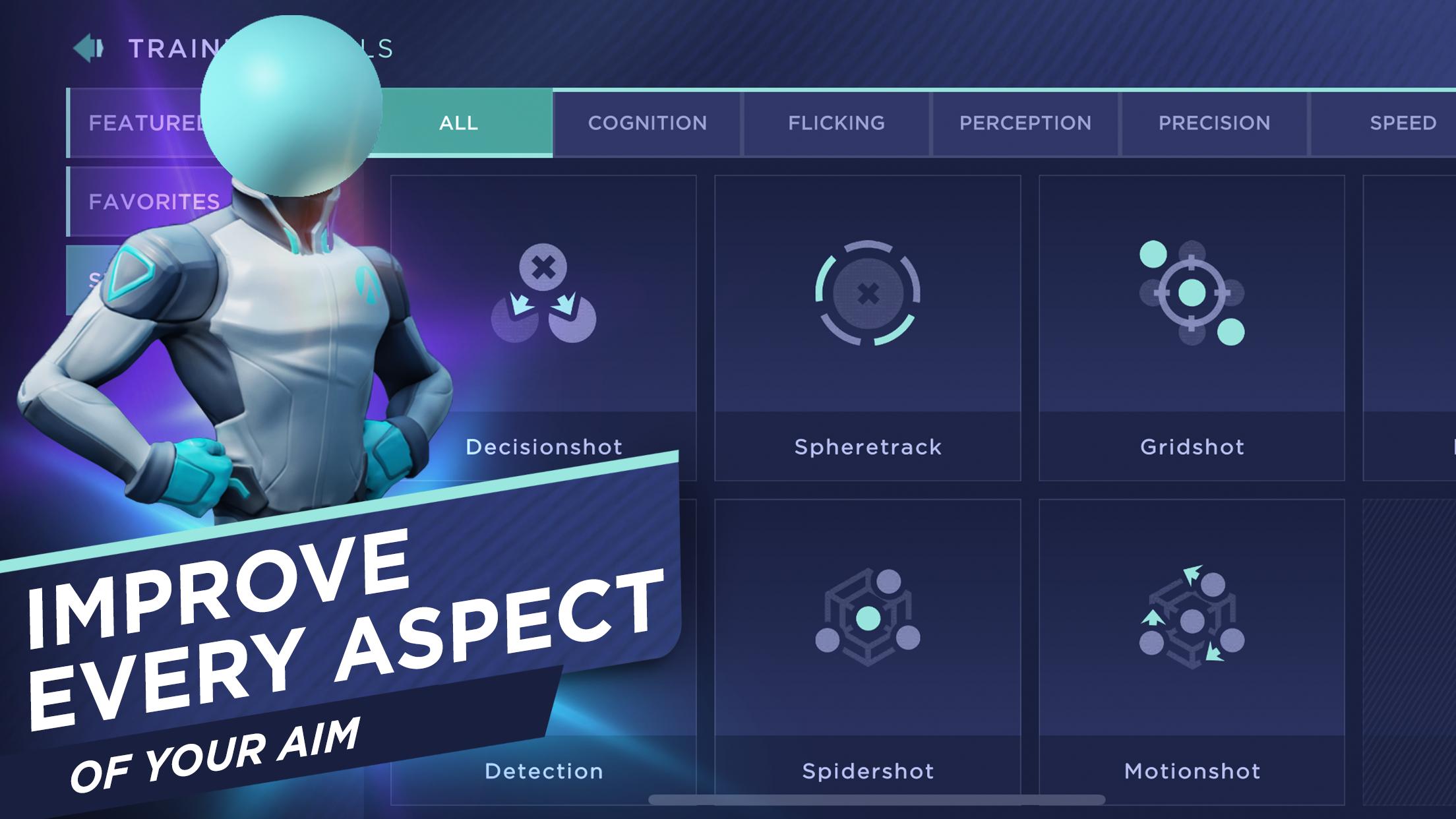
The training catalog covers reaction time, target detection, accuracy, tracking, flicks, and precision. Each category offers short, focused tasks that isolate one core skill. The Aim Lab Mobile app lets you jump in for quick reps during breaks or stack sessions for deeper practice on a weak area.
Players typically start with a reaction-time drill to get a baseline, then move into detection tasks to improve recognition under pressure. Tasks feel close to real firefights without needing full match queues. A practical approach is cycling two or three categories daily, especially when an upcoming event or ranked push is on the calendar.
Presets aim to mirror sensitivity and control layouts found in common mobile shooters. Aim Lab Mobile maps taps, swipes, and camera movement in ways that feel familiar, so training translates more naturally to favorite titles.
Sensitivity matching reduces the “practice feels different than the game” problem. If movement or aim still feels off, users can nudge device-specific adjustments until motion matches their usual setup. While presets cover popular styles, exact replication of every game’s mechanic isn’t possible, so minor fine-tuning often helps.
Adjustable aim assist and control parameters help tailor touch aiming to personal preference. The Aim Lab Mobile app allows changes to stickiness, smoothing, and other key handling values to find a comfortable balance between speed and stability.
Small tweaks can prevent overshooting targets or sluggish tracking. For instance, lowering assist can sharpen precision for flick-heavy drills, while increased smoothing may help with long tracking exercises. Users usually revisit settings after a few runs, then lock in a profile once performance stabilizes.
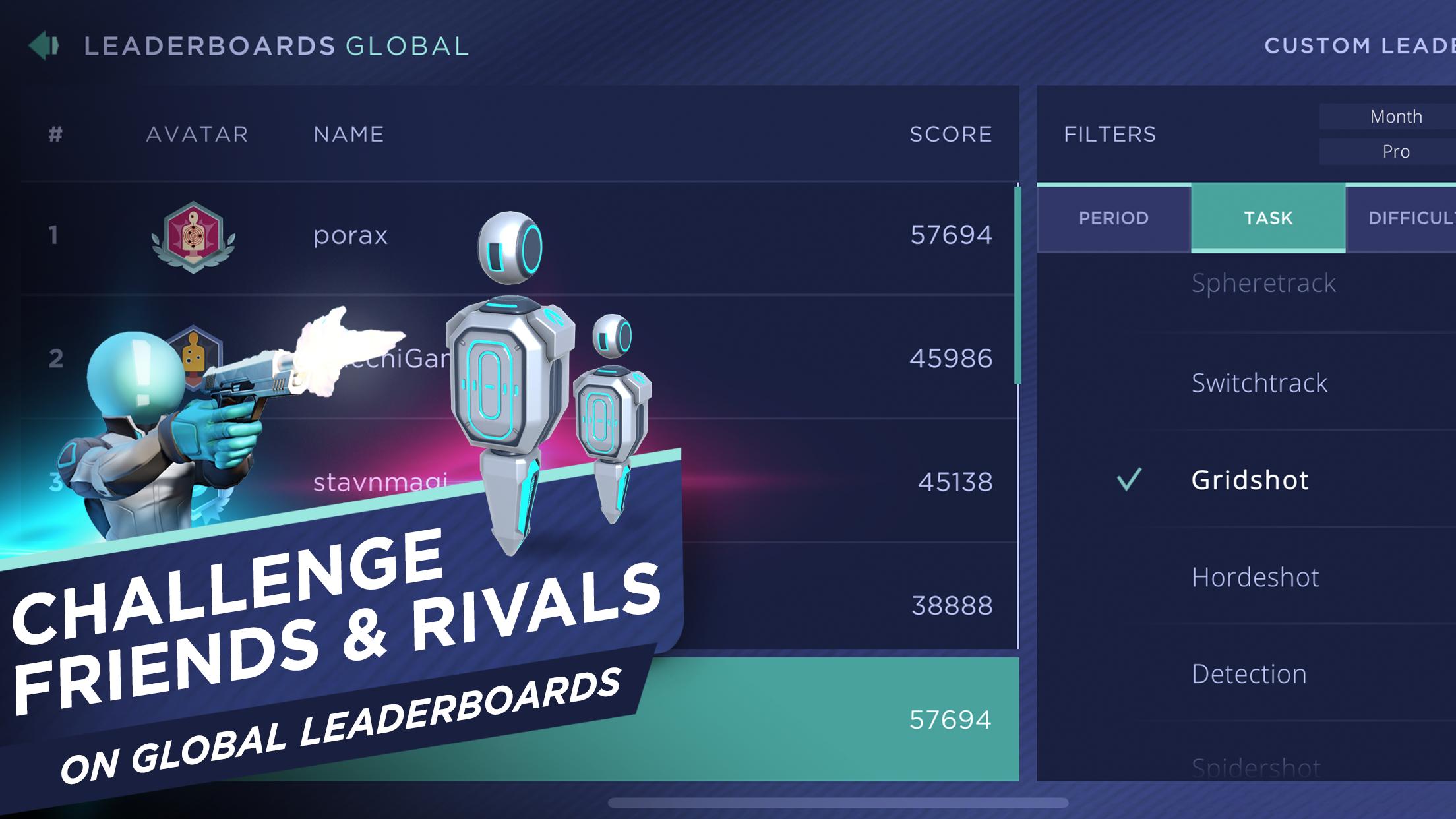
Post-session analytics highlight accuracy, reaction time, and consistency trends, turning results into decisions about what to train next. Aim Lab Mobile also supports profiles with achievements and ranks, so you can display milestones and compare stats with friends.
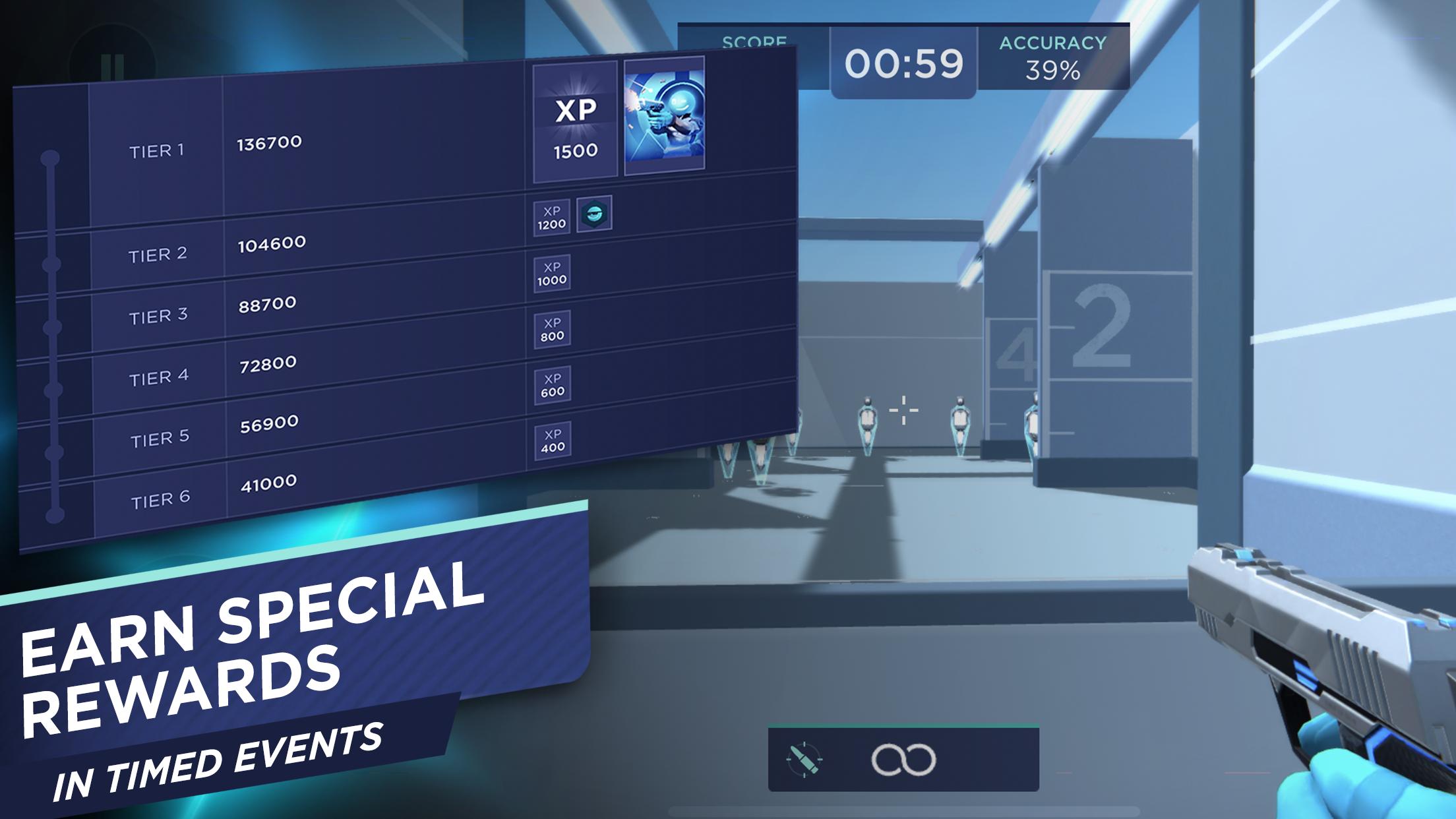
Results appear on global leaderboards, boosting competition and goal-setting. For competitive users, Aimlabs leaderboards raise stakes with worldwide rankings and seasonal targets. Limited-time events bring themed tasks and unique rewards that keep practice fresh. Because this is a Public Beta, occasional bugs or instability may occur. If a run doesn’t track correctly or feedback looks off, a quick retry or settings check usually clears it. Long-term improvement depends on steady practice; mixing shorter daily drills with targeted sessions tends to show better gains.
These points reflect the mobile-first training approach and the app’s active Public Beta phase, where the Aim Lab Mobile app evolves through ongoing updates and feedback.
ProsYou can download Aim Lab latest version APK from APKPure. Download time depends on connection speed and device performance. APK size may vary by version, so ensure sufficient storage before starting the download.
During installation, follow the prompts and allow standard permissions if requested. On first launch, initial content may load briefly. After setup, choose a training category and run a quick reaction drill to set a baseline.
For stable sessions and accurate leaderboard posting, use a reliable network. If sensitivity feels off, revisit presets and adjust controls before longer training blocks.





One-click to install XAPK/APK files on Android!

Thanks for your rating and feedback!
You have already rated.