













Thanks for your rating and feedback!
You have already rated.

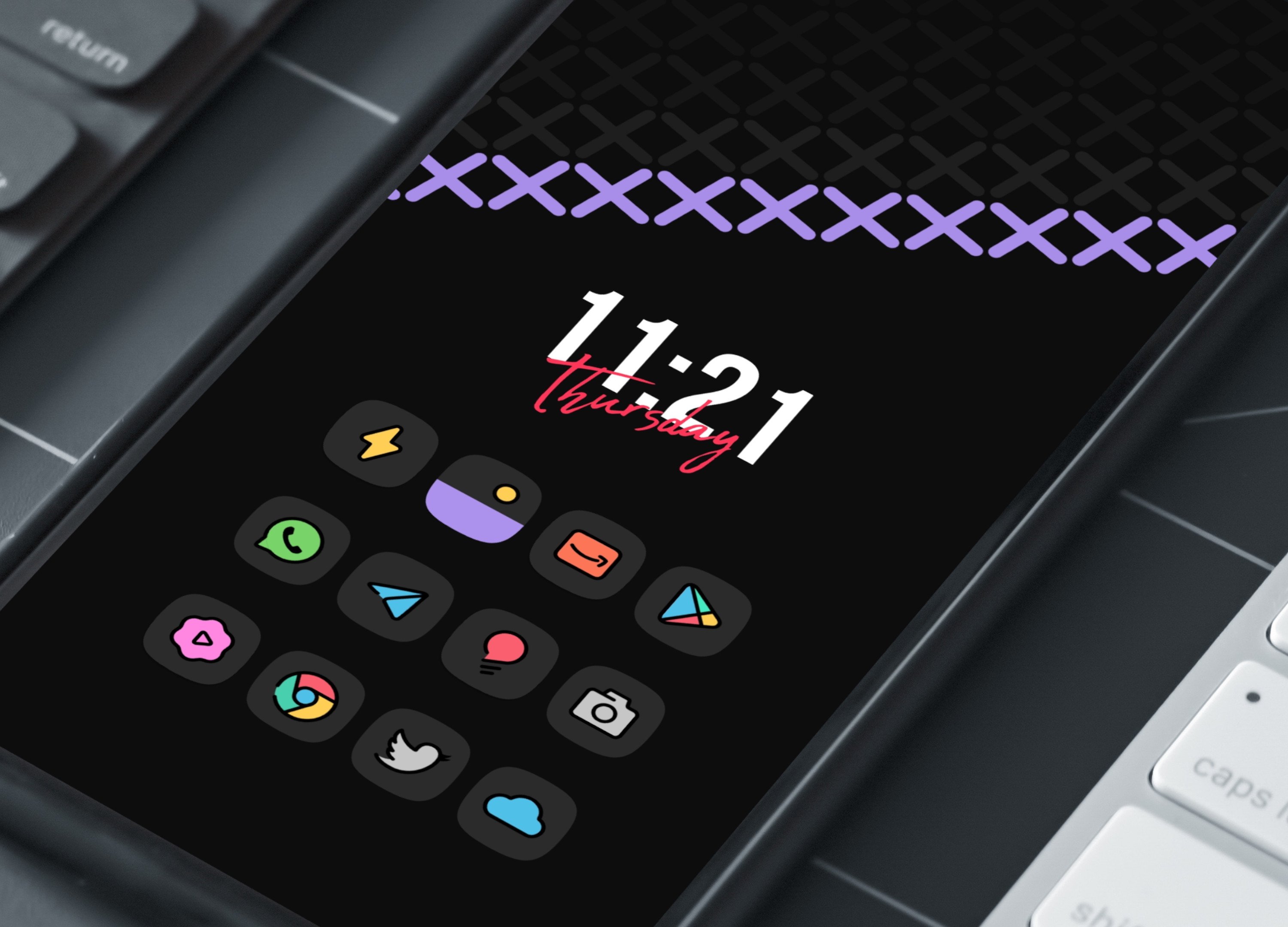
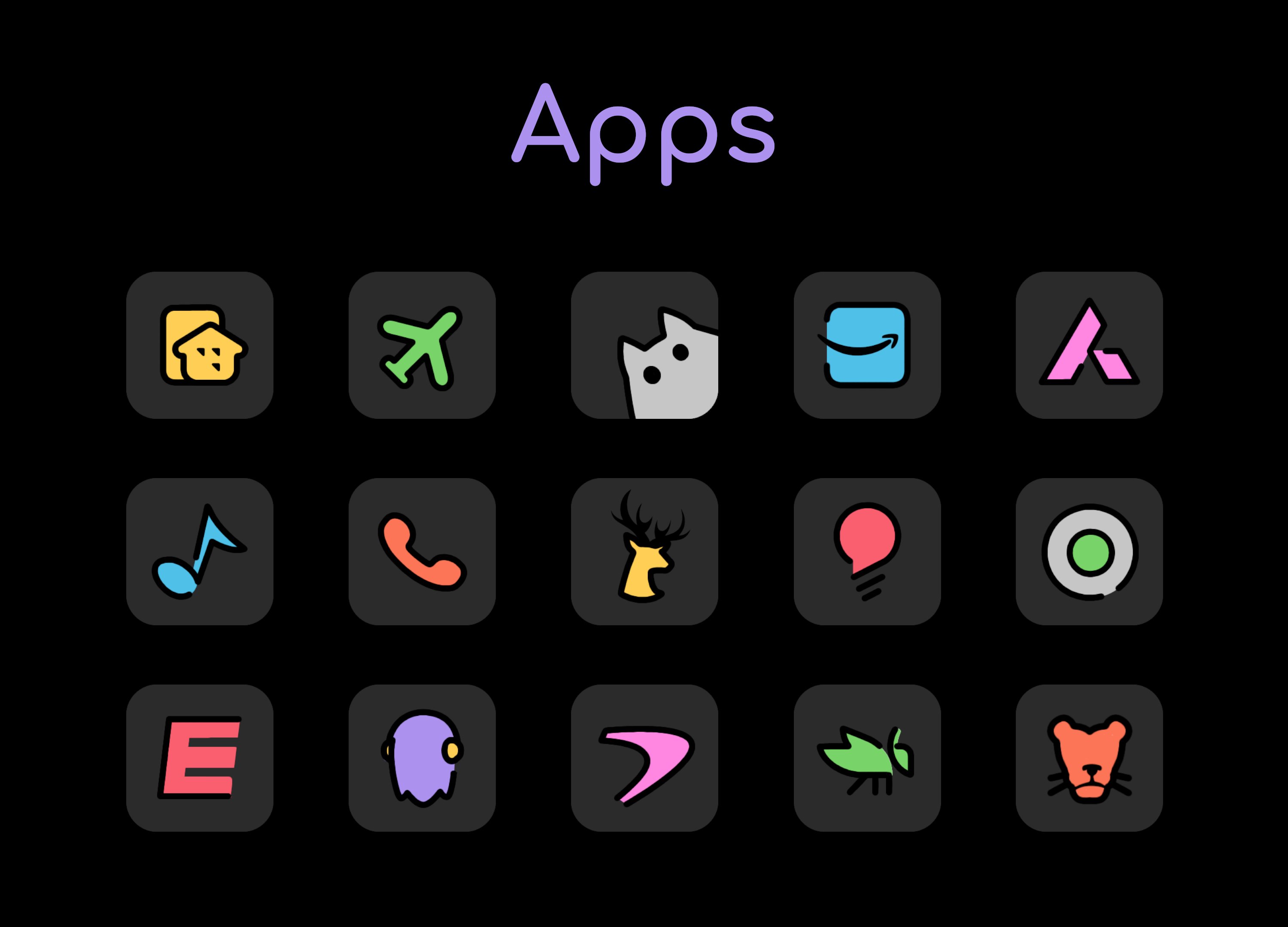
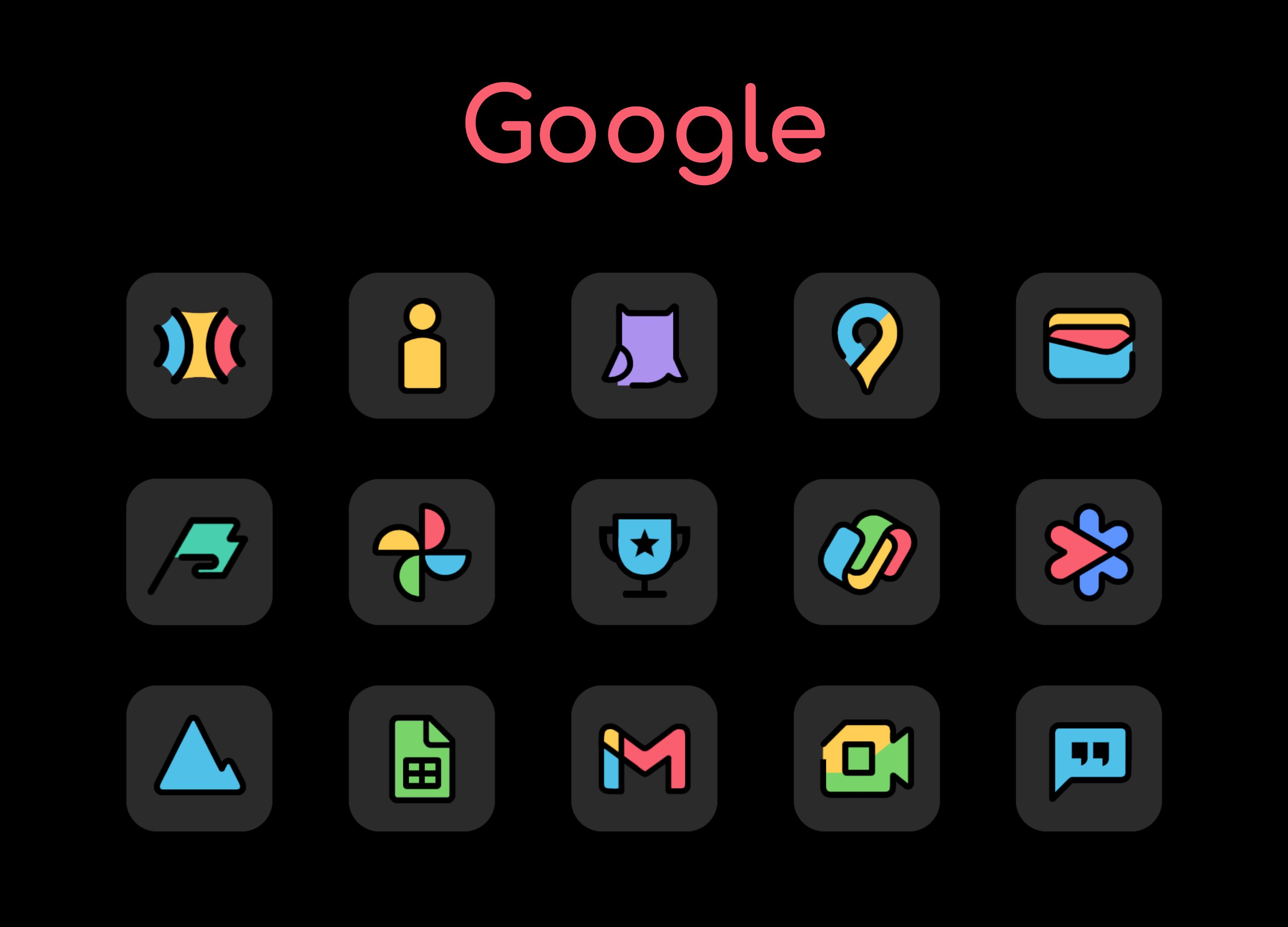
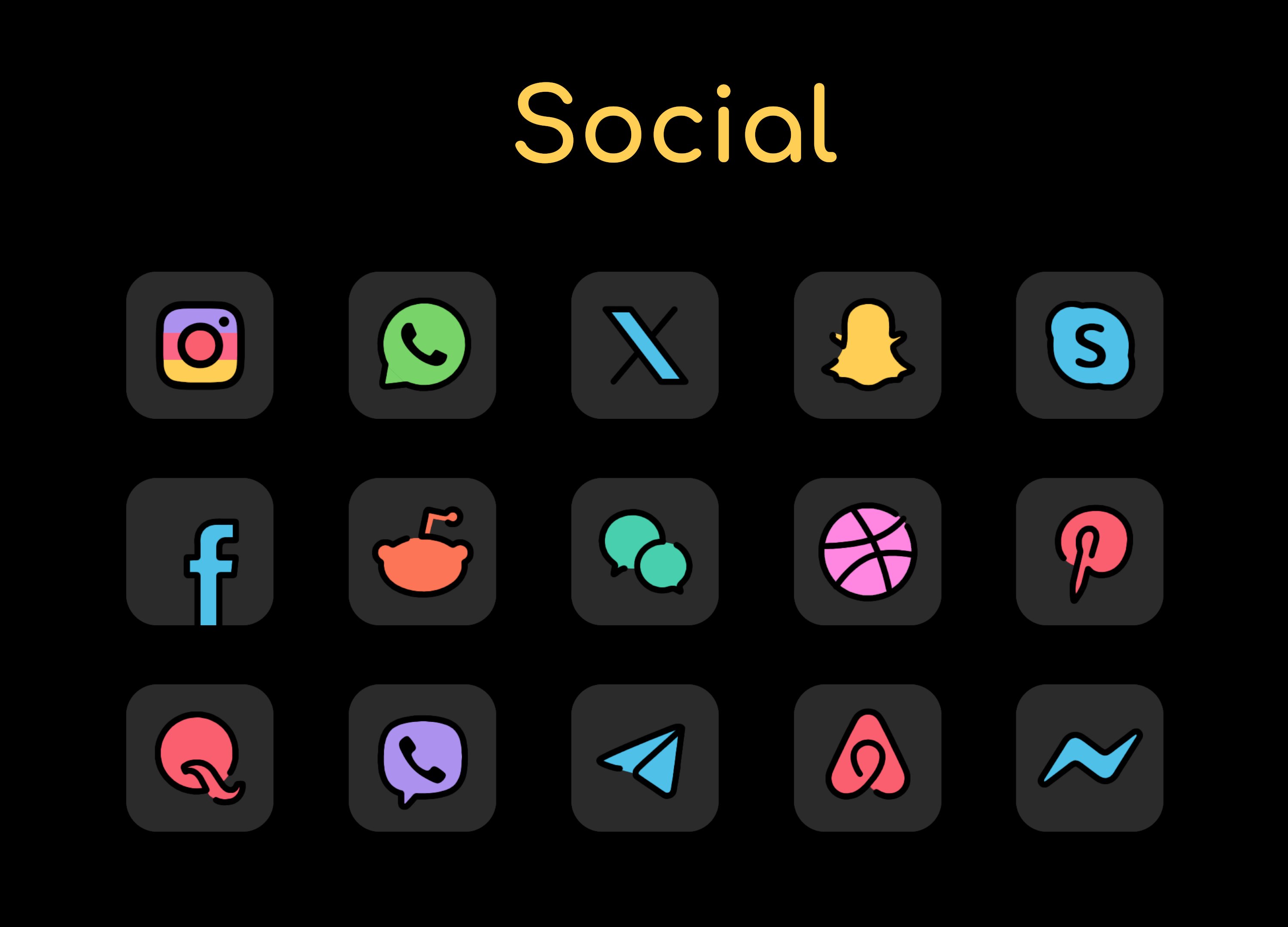
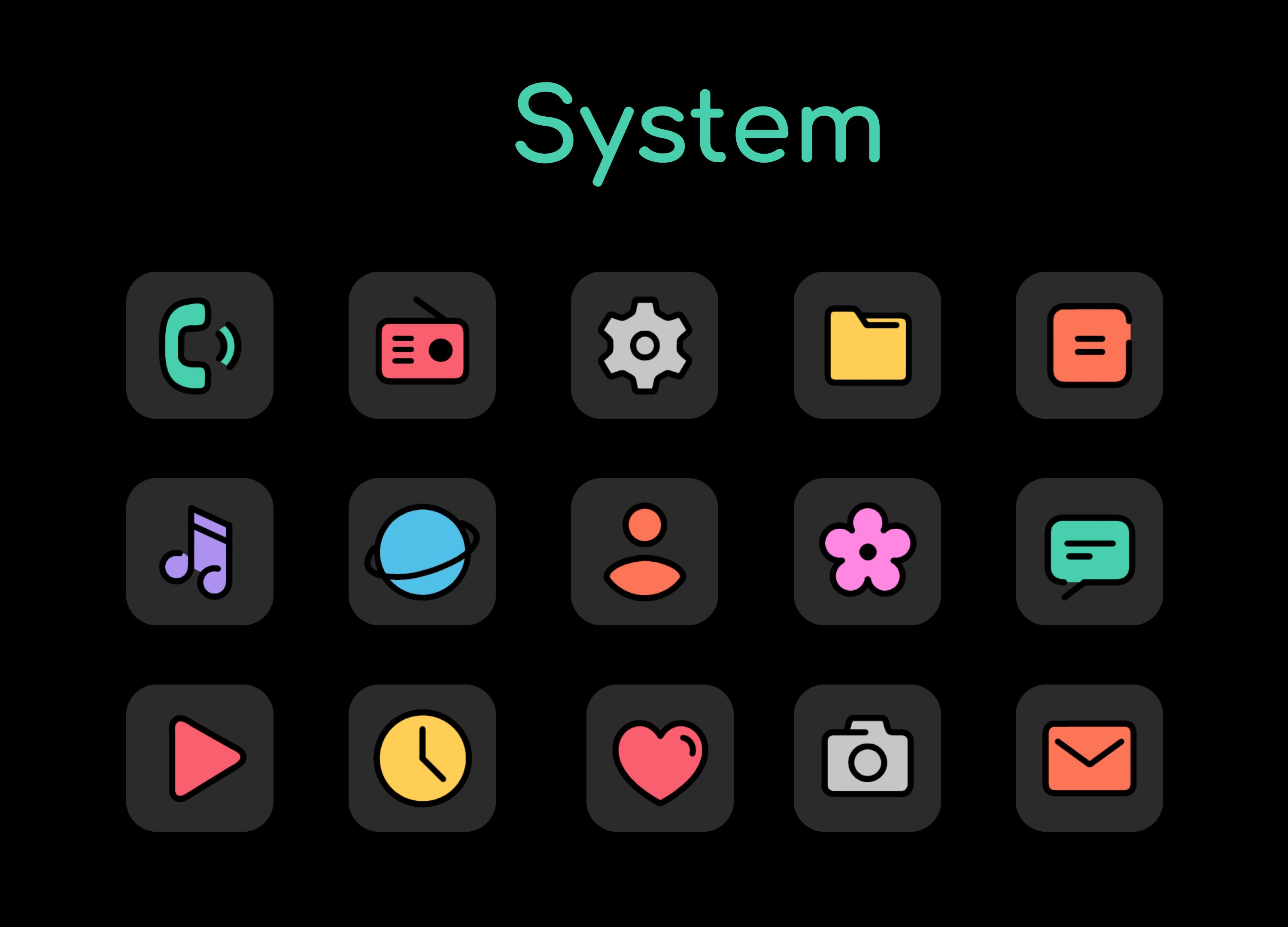
Flat illustration & Cartoon style minimal and dark icons.
Why Adaptive Toons Dark?
* Adaptive Toons Dark Icon pack is designed with a Flat illustration style.
* The icons are Minimal and Clean.
* The icons look Great on light as well as dark wallpapers.
* Adaptive Toons Icon pack comes with Beautiful Dark wallpapers that go perfectly with the icons.
* The Pack has 11 Awesome widgets, specially made for Adaptive Toons Dark.
Try our new Adaptive Toons Dark Icon Pack!
FEATURES
* Dynamic calendar support.
* icon request tool.
* Beautiful and clear icons with 192 x 192 resolution.
* Compatible with multiple launchers.
* Help and FAQ section.
* Ads free.
* Cloud-based wallpapers.
HOW TO USE
You will need a launcher that supports custom icon packs, supported launchers are listed below...
* icon pack for NOVA (recommended)
nova settings --> look and feel --> icon theme --> choose Adaptive Toons Dark Icon Pack.
* icon pack for ABC
themes --> download button(top right corner)--> icon pack--> choose Adaptive Toons Dark Icon Pack.
* icon pack for ACTION
action settings--> appearance--> icon pack--> choose Adaptive Toons Dark Icon Pack.
* icon pack for AWD
long press home screen--> AWD settings--> icon appearance --> underneath
Icon set, choose Adaptive Toons Dark Icon Pack.
* icon pack for APEX
apex settings --> themes--> downloaded--> choose Adaptive Toons Dark Icon Pack.
* icon pack for EVIE
Long press home screen--> settings--> icon pack--> choose Adaptive Toons Dark Icon Pack.
* icon pack for HOLO
long press home screen--> settings--> appearance settings--> icon pack-->
Choose Adaptive Toons Dark Icon Pack.
* icon pack for LUCID
tap apply/ long press home screen--> launcher settings--> icon theme-->
Choose Adaptive Toons Dark Icon Pack.
* icon pack for M
tap apply/ long press home screen--> launcher--> look and feel-->icon pack->
local--> Choose Adaptive Toons Dark Icon Pack.
* icon pack for NOUGAT
tap apply/ launcher settings--> look and feel--> icon pack--> local--> choose
Adaptive Toons Dark Icon Pack.
* icon pack for SMART
Long press home screen--> themes--> underneath icon pack, choose Adaptive Toons Dark Icon Pack.
If you have any issues with the icon pack, PLEASE send me an email before rating the icon pack low or writing negative comments. I will help you...
Follow me on Twitter: https://twitter.com/SK_wallpapers_
Follow me on Instagram: https://www.instagram.com/_sk_wallpapers/
CREDITS
* Jahir Fiquitiva for providing such a great dashboard.
Thank you for visiting my page.



One-click to install XAPK/APK files on Android!
Thanks for your rating and feedback!
You have already rated.