
Package Name:in.ndhm.phr
Show More

ABHA is a digital health identity app for Indian citizens.
National Health Authority offers ABHA under ABDM to help users create and manage an Ayushman Bharat Health Account. Its main appeal is consent-based access to health records, so medical documents can be linked, viewed, and shared only when the user allows it. The ABHA App also supports a simpler updated interface, with key tools built around real healthcare visits and record access.
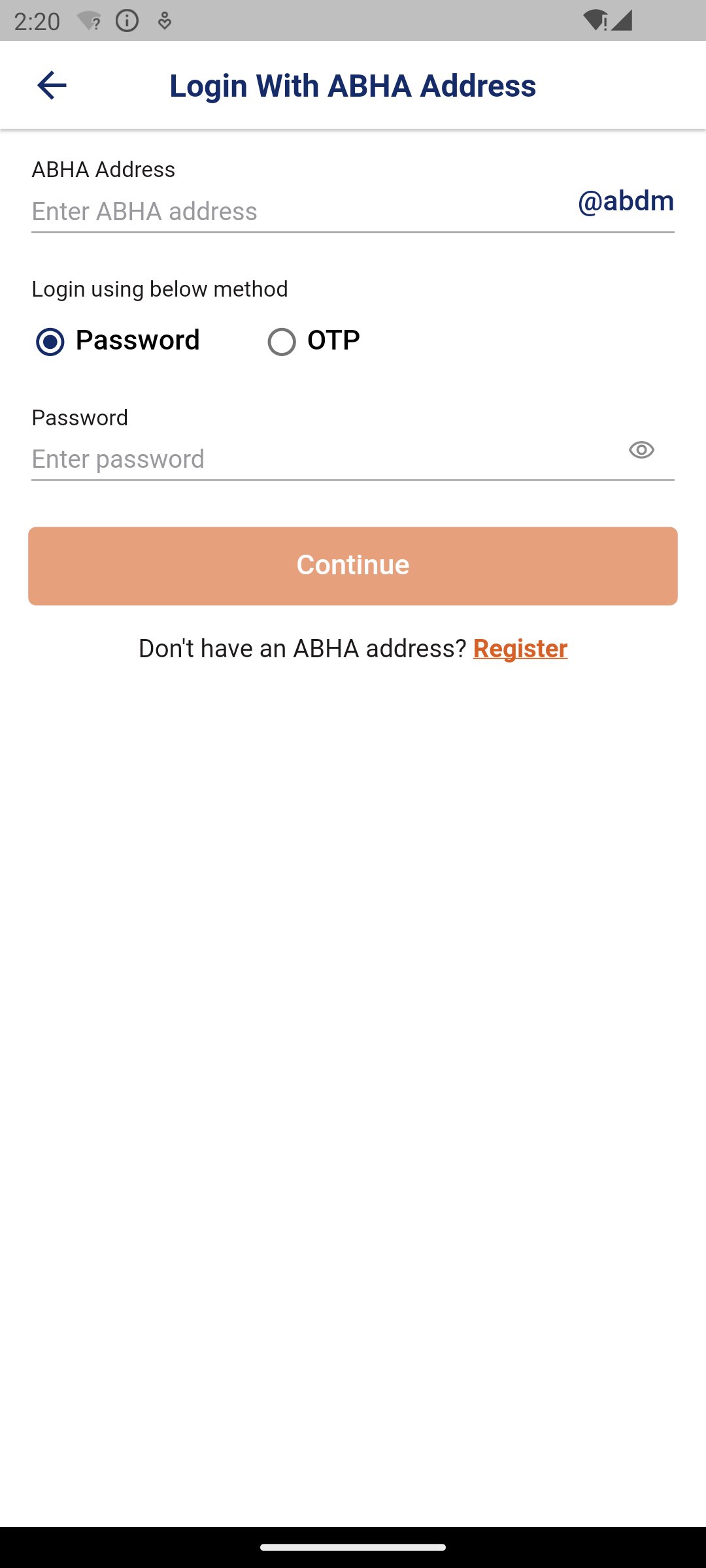
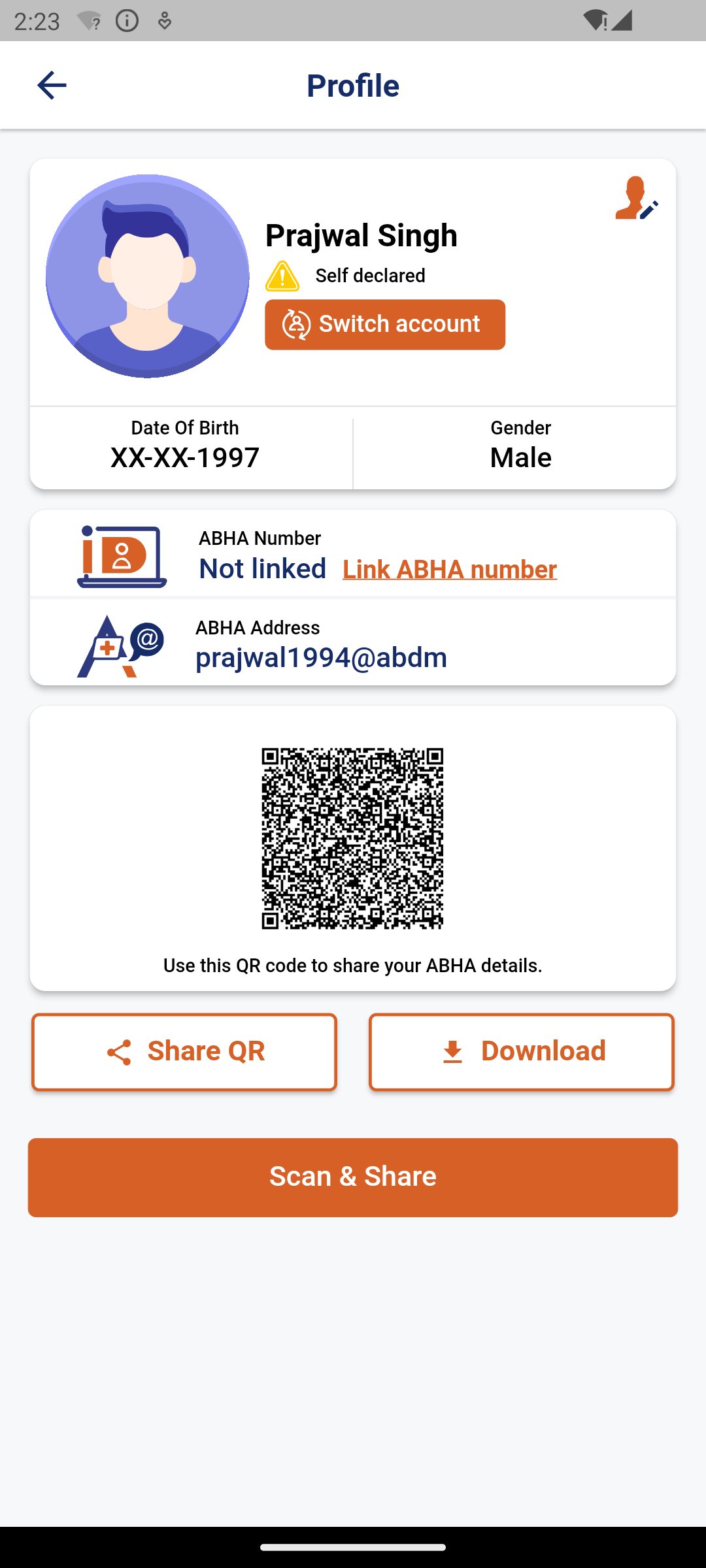
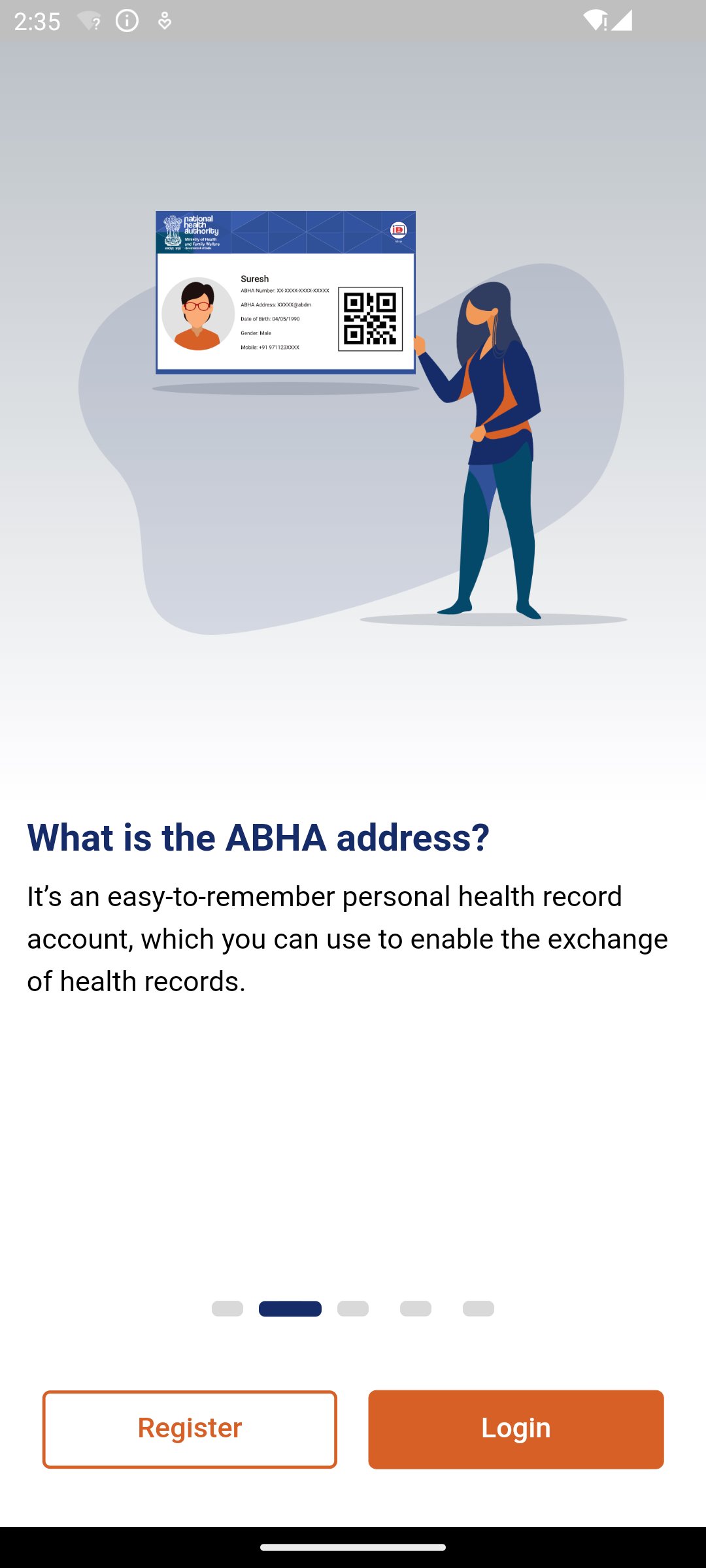
ABHA helps users create an easy-to-remember health address, such as a username followed by abdm. This address works as a digital identity for accessing and linking medical records across ABDM-supported services. The setup starts with a language choice, then mobile number verification through OTP, followed by basic profile details such as name, date of birth, PIN code, and address.
The app may suggest available ABHA IDs, which makes the process easier for users who do not want to create one from scratch. Users can also link the ABHA Address with the 14-digit ABHA Number for KYC verification and possible government health program benefits. The process is useful, but new users should keep their mobile number active because OTP verification is central to account creation.
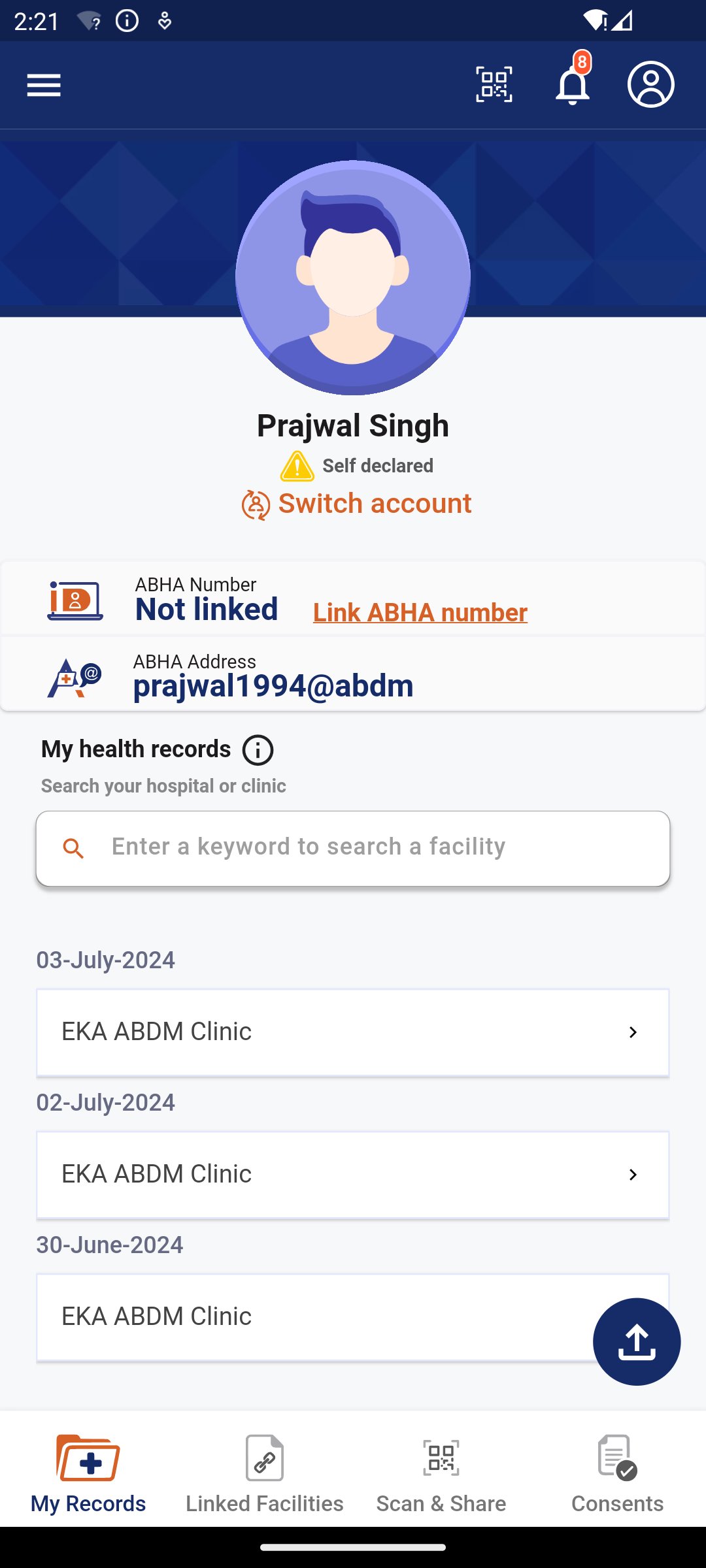
ABHA brings medical records into one digital space when those records are made available by participating providers. Users can view linked lab reports, prescriptions, and CoWIN vaccination certificates without searching through separate paper files or image folders. This is helpful during follow-up visits, especially when a doctor asks for past test results or vaccination details.
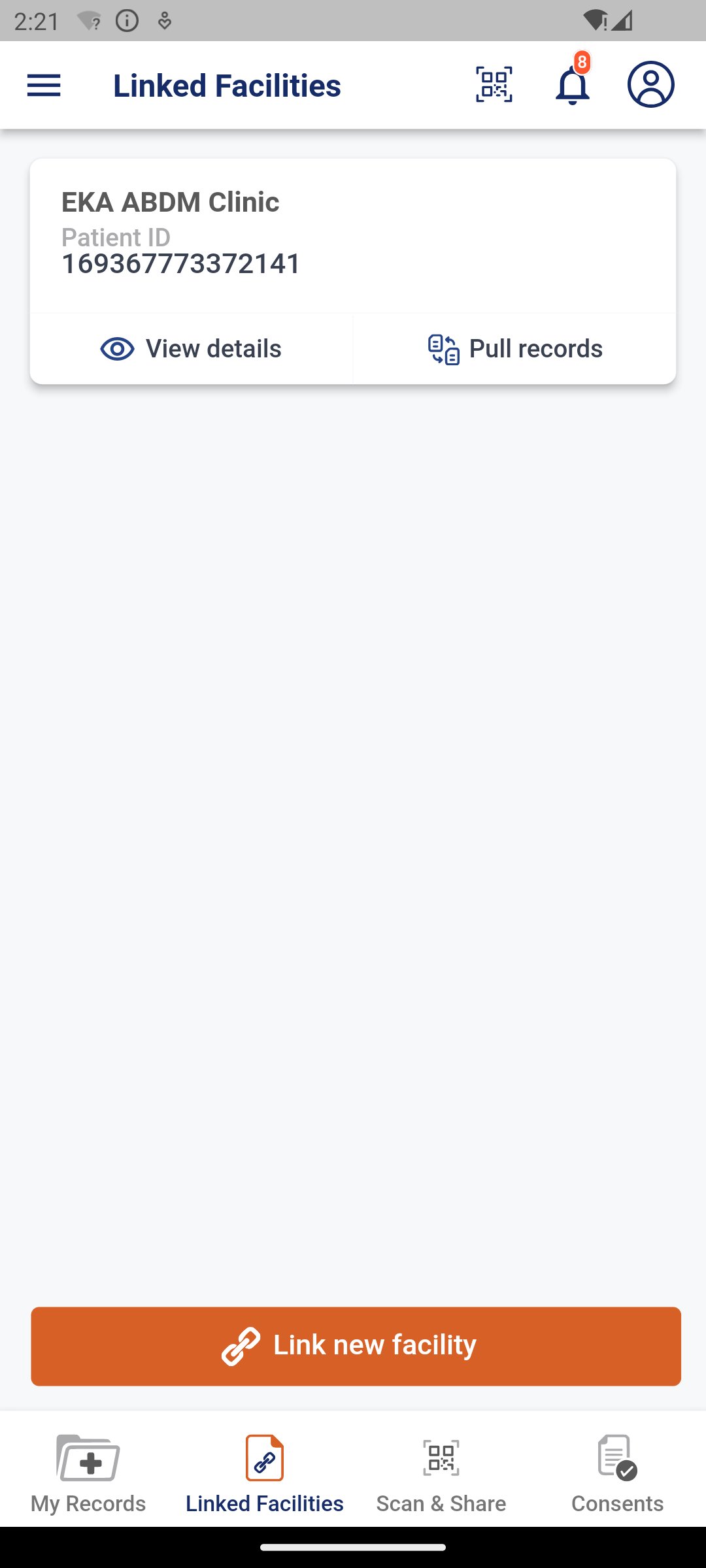
The app depends on ABDM-registered hospitals, labs, and clinics for record linking, so availability can differ by location and provider. In areas where more facilities support ABDM, the experience feels more complete because reports and prescriptions can appear in the account after linking. If a provider is not yet connected, users may still need to carry physical documents or saved copies on the phone.
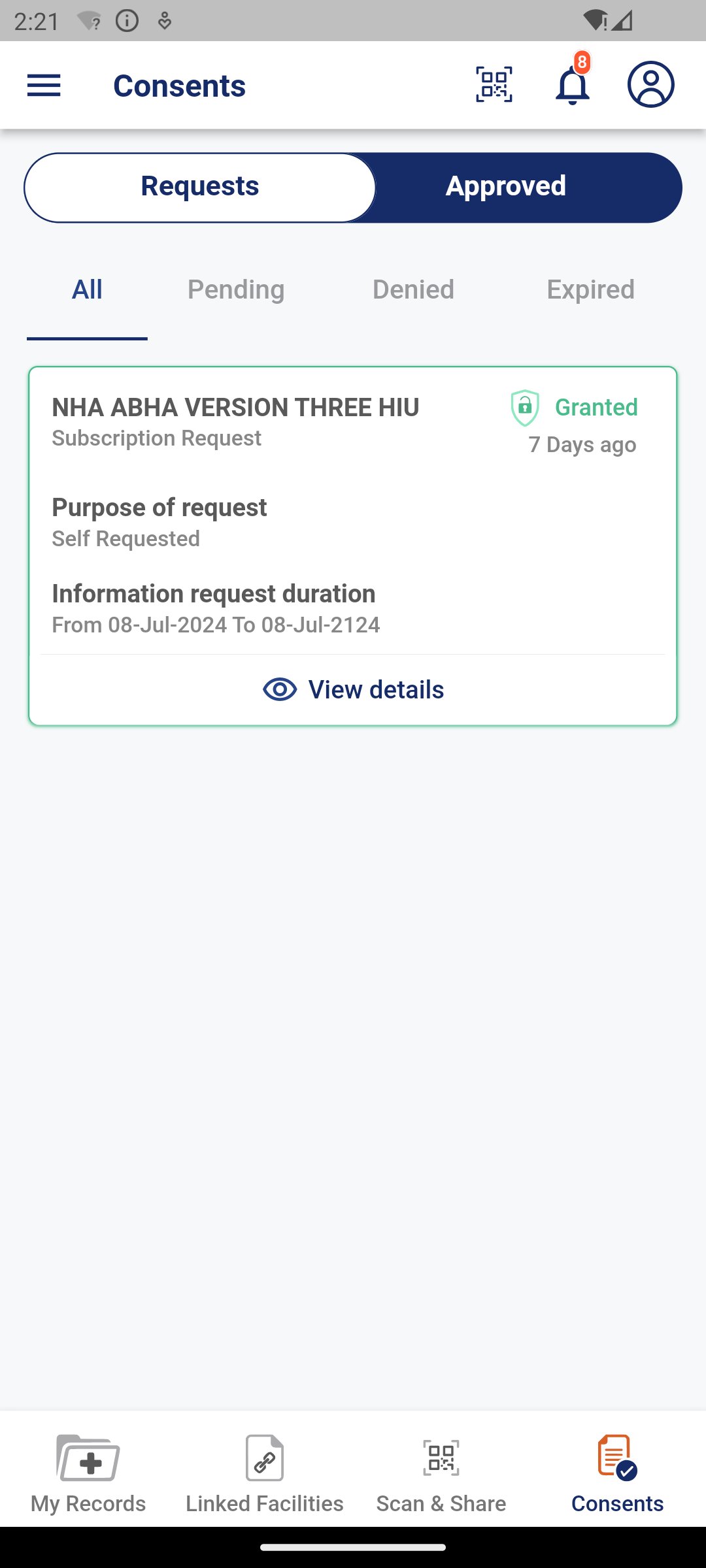
ABHA focuses strongly on user control when health records are shared. A doctor, health facility, or health program can access selected records only after the user gives consent. This approach matters because health information is personal, and users should know what is being shared, who can see it, and how long access remains active.
The app allows users to manage access duration and revoke consent when needed. In a real visit, this can reduce repeated explanations and document sharing, since the required reports can be shared digitally for the consultation. The limitation is that users still need to understand each consent request carefully, especially when multiple records are involved. Taking a moment to check the requester and the selected data is a practical habit before approval.
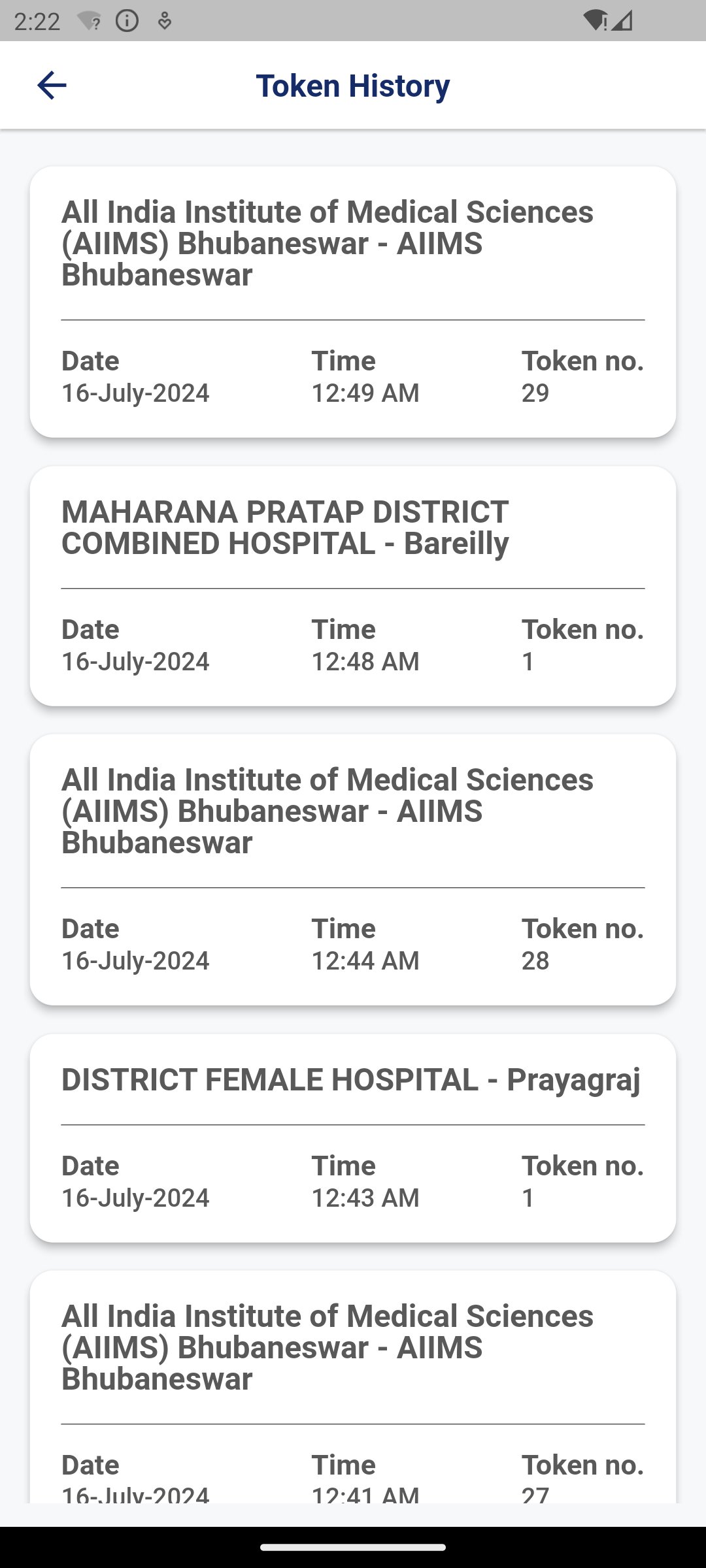
ABHA includes a Scan QR option for ABDM-compliant hospitals and facilities. This feature can make visit registration faster by letting users scan a facility QR code or upload a QR image from the gallery. After that, the app can create a token for the hospital visit, which can be shown or shared at the counter.
This feature is especially useful during busy outpatient visits, where quick registration can save time before meeting a doctor. Users should still confirm that the facility supports ABDM-based QR registration before relying on it. If the QR scan fails or the facility does not support the flow, the normal counter registration process may still be required.
ABHA has a revamped interface that makes the main tasks easier to find than in older versions. The first launch includes language selection, with support for English and Hindi, so many users can start setup in a familiar language. The updated flow also supports ABHA Address creation through multiple options, which gives users more flexibility during registration.
The interface is cleaner, but the app still handles serious health identity tasks, so some screens may feel detailed for first-time users. OTP verification, profile entry, address selection, and QR token creation each serve a specific purpose. Users who are new to digital health accounts may need a little time to understand the flow, but the app keeps the main actions tied to practical healthcare needs.
These points reflect how ABHA performs as an official digital health account app for everyday medical record access and facility visits.
ProsYou can download ABHA latest version from APKPure to create or access an Ayushman Bharat Health Account on Android. The ABHA APK is around 90MB, so the download is usually manageable on a stable mobile data or Wi-Fi connection. During installation, Android may ask for confirmation before opening the file.
After installation, users can choose a language, verify a mobile number with OTP, and continue account setup. For smoother use, keep personal details ready and check whether nearby hospitals or labs support ABDM services before relying on linked records or QR token registration.

One-click to install XAPK/APK files on Android!

Thanks for your rating and feedback!
You have already rated.