Scan Date:Nov 7, 2026
Show More


9.7 MB
File Size
Everyone
Android 6.0+
Android OS
5G not working? Check 5G network, signal & phone support. Fix it step by step.
5G not working on your phone? 5G Check tells you why in plain words and shows you how to fix it. Check your 5G network, 5G signal and your phone's 5G support in one simple app.
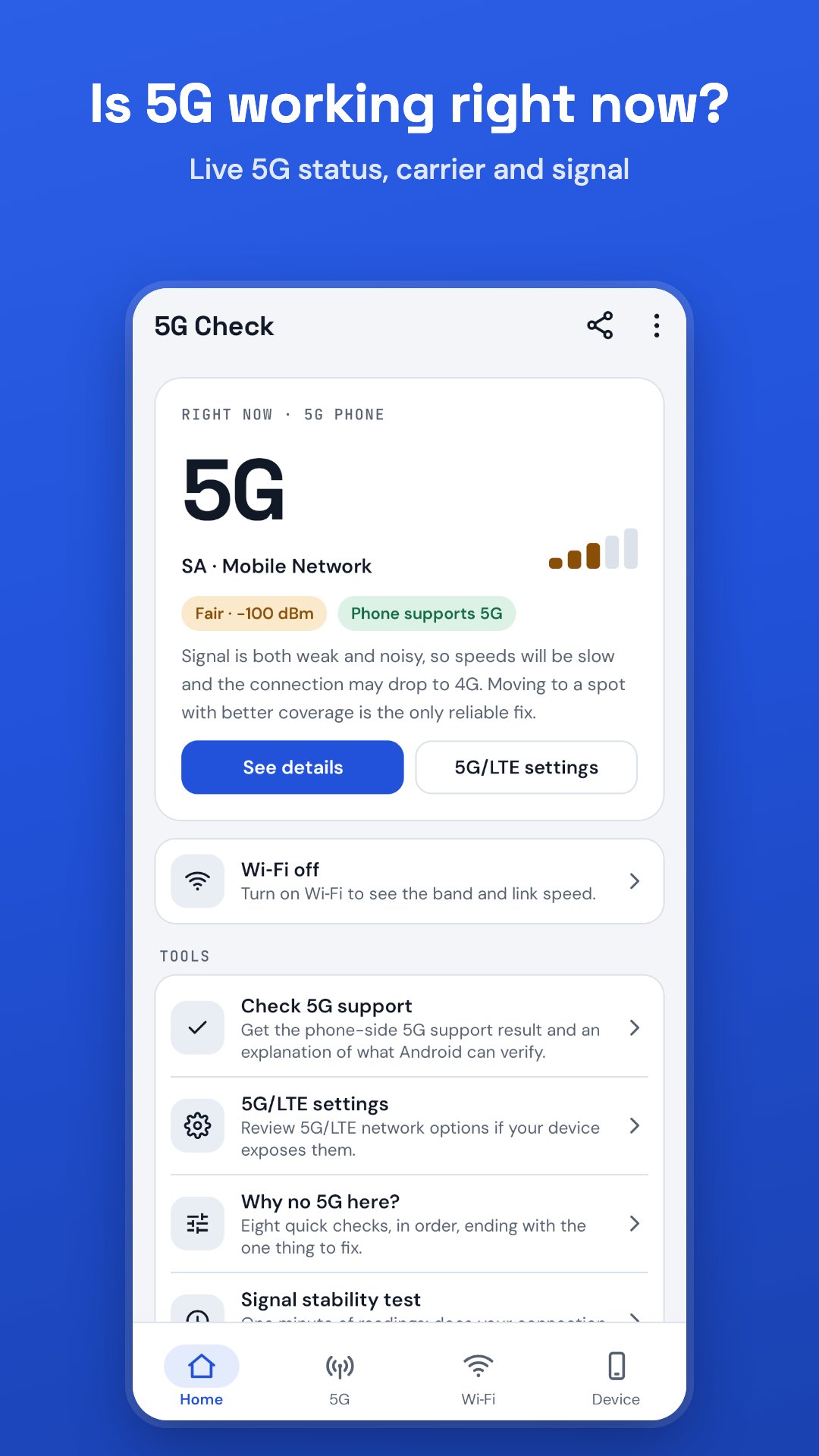
Is 5G working right now?
See your live 5G status at a glance: 5G or 4G/LTE, SA or NSA 5G, your carrier, and how strong and clean the 5G signal is.
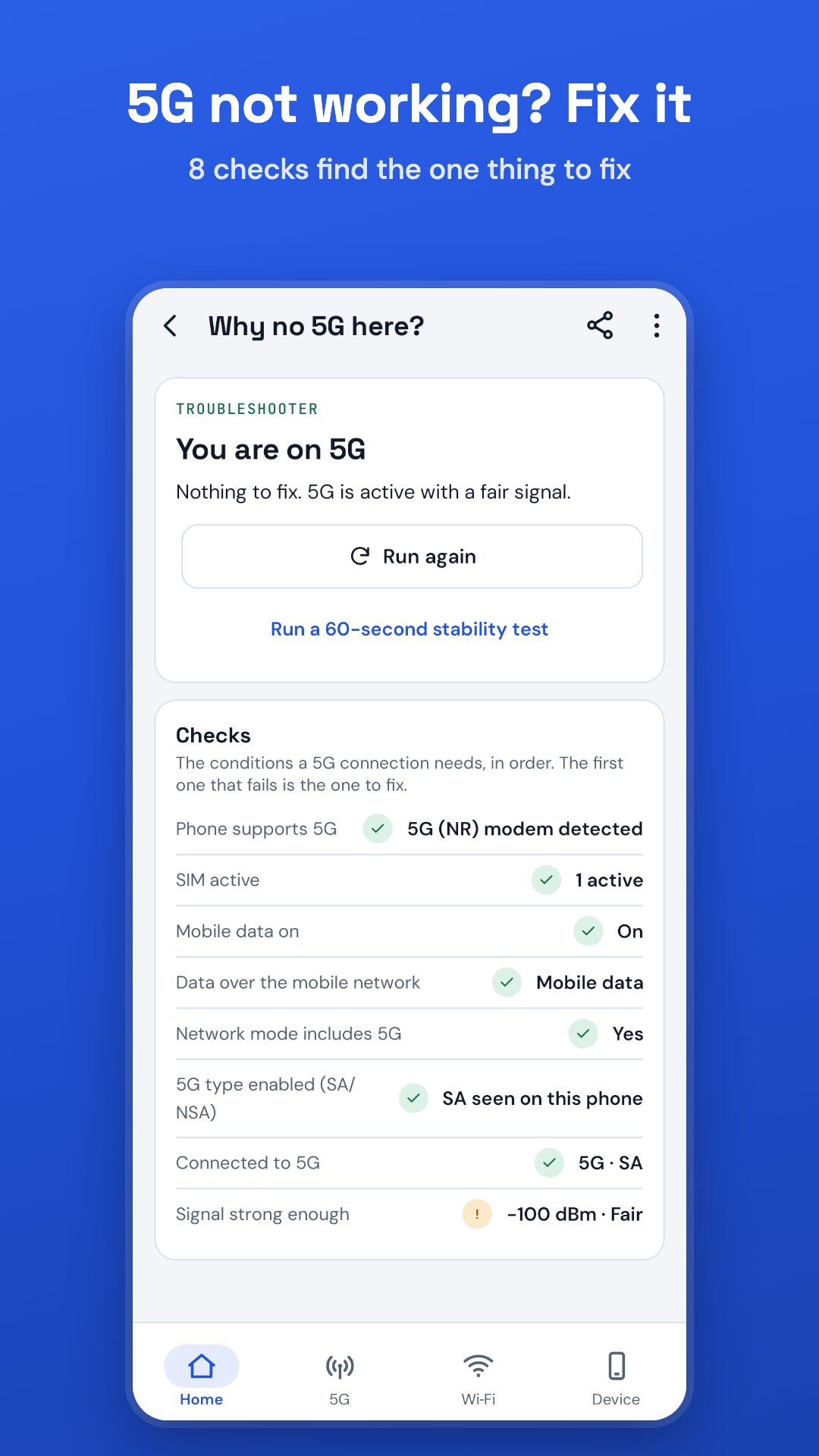
5G not working? Step-by-step fix
The troubleshooter runs eight quick checks in order: does the phone support 5G, is the SIM active, is mobile data on, are you on Wi‑Fi, does the network mode include 5G, is your carrier's kind of 5G (SA or NSA) allowed, are you connected to 5G, and is the signal strong enough. The first check that fails is the one thing to fix, with the exact 5G settings path for your phone and a button that opens it. Come back and it checks again.
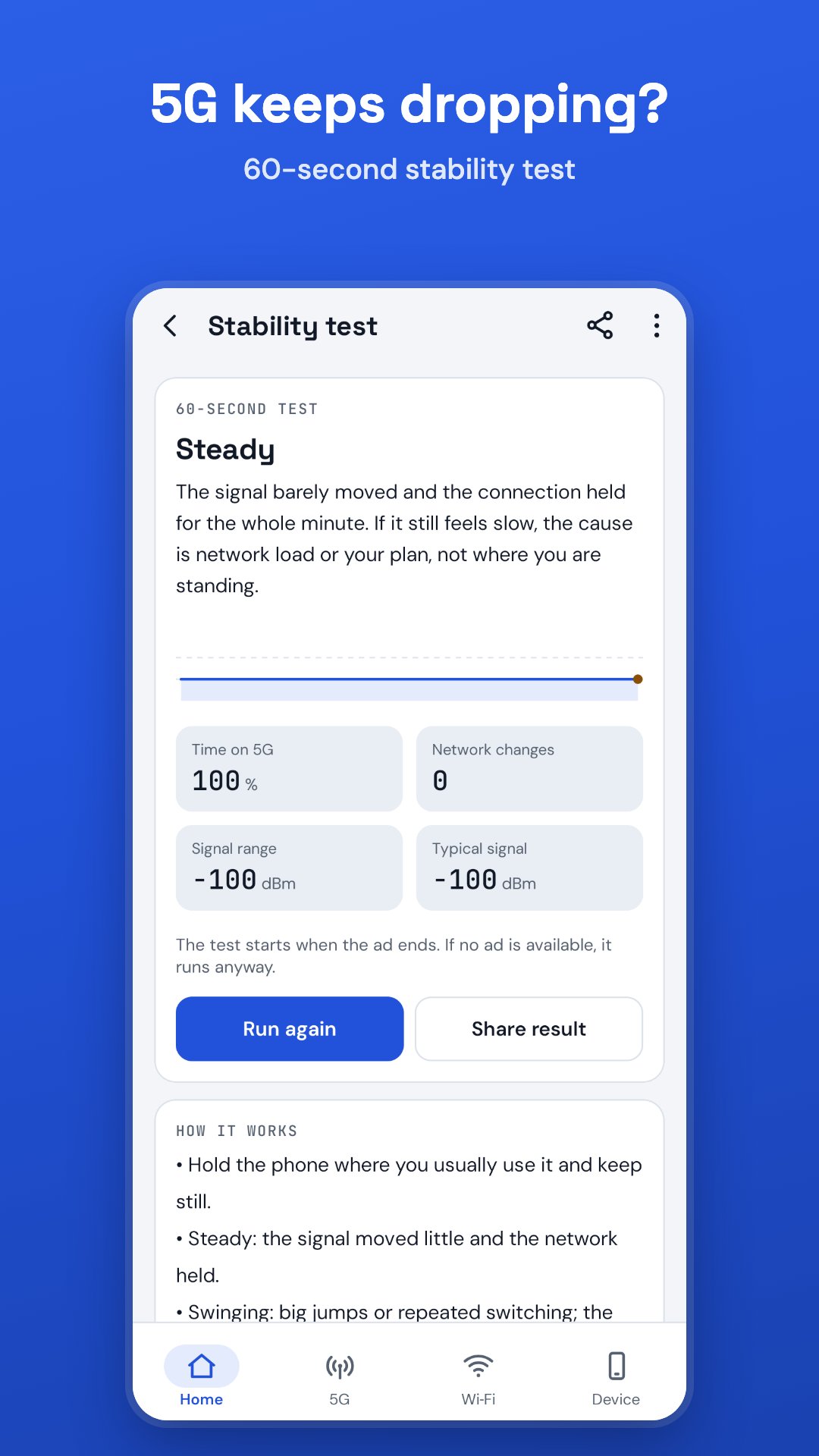
5G keeps dropping? 60-second stability test
Hold the phone still while the app reads the network and signal every second. You get a clear result (Steady, Swinging, Dropping out of 5G or Weak here) with time on 5G, network changes and signal range, ready to share with your carrier. The test starts after a short ad that you choose to watch.
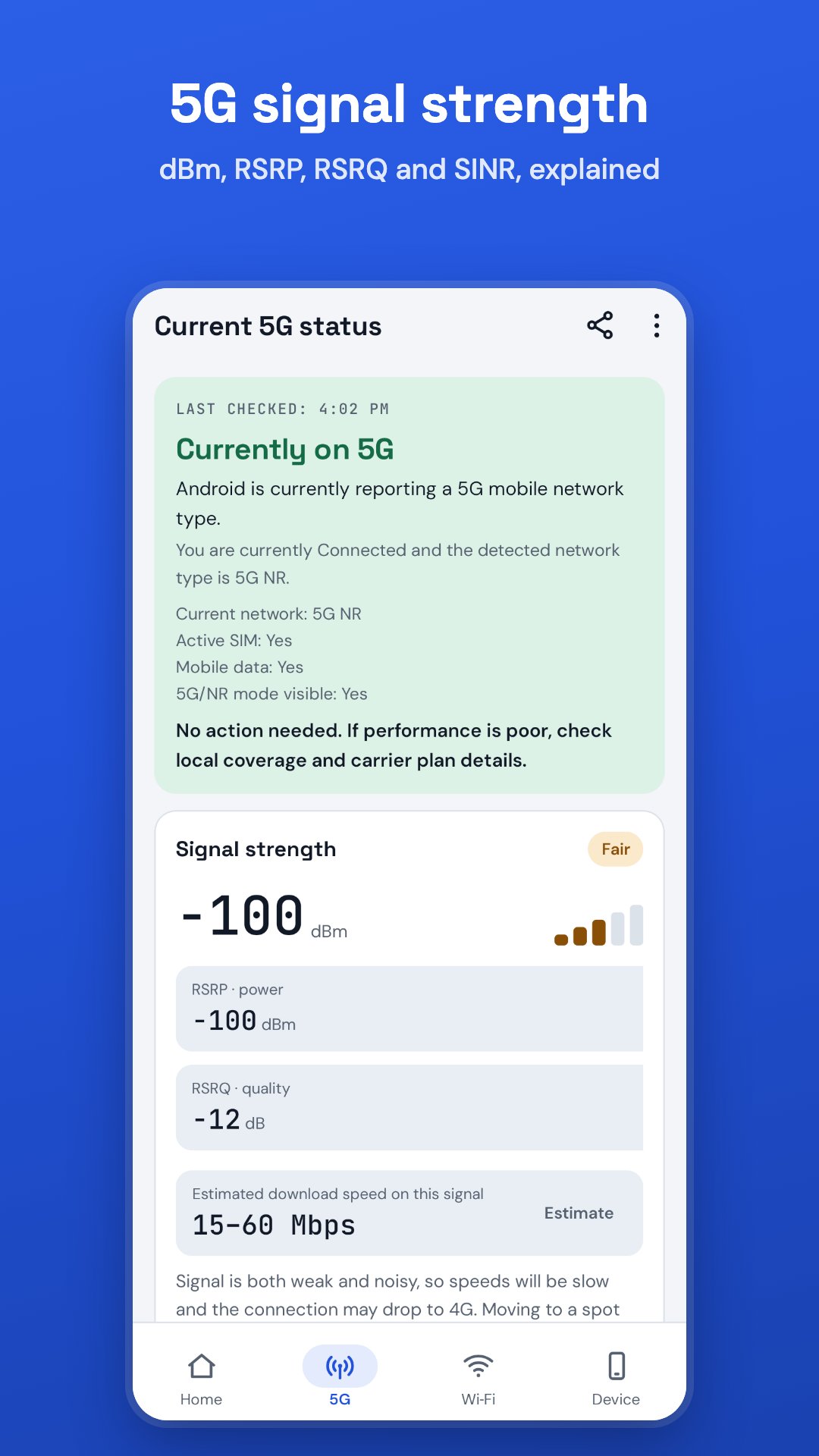
5G network and signal strength
• 5G and LTE signal strength in dBm with RSRP, RSRQ and SINR, rated Excellent, Good, Fair or Poor
• What the signal means: weak, noisy or fine, and what actually helps
• Estimated 5G or 4G download speed for the current signal (an estimate, not a speed test)
• Signal graph and history of every network change
• 5G by time of day: learn when 5G is usually available where you are
Does my phone support 5G? Check any phone
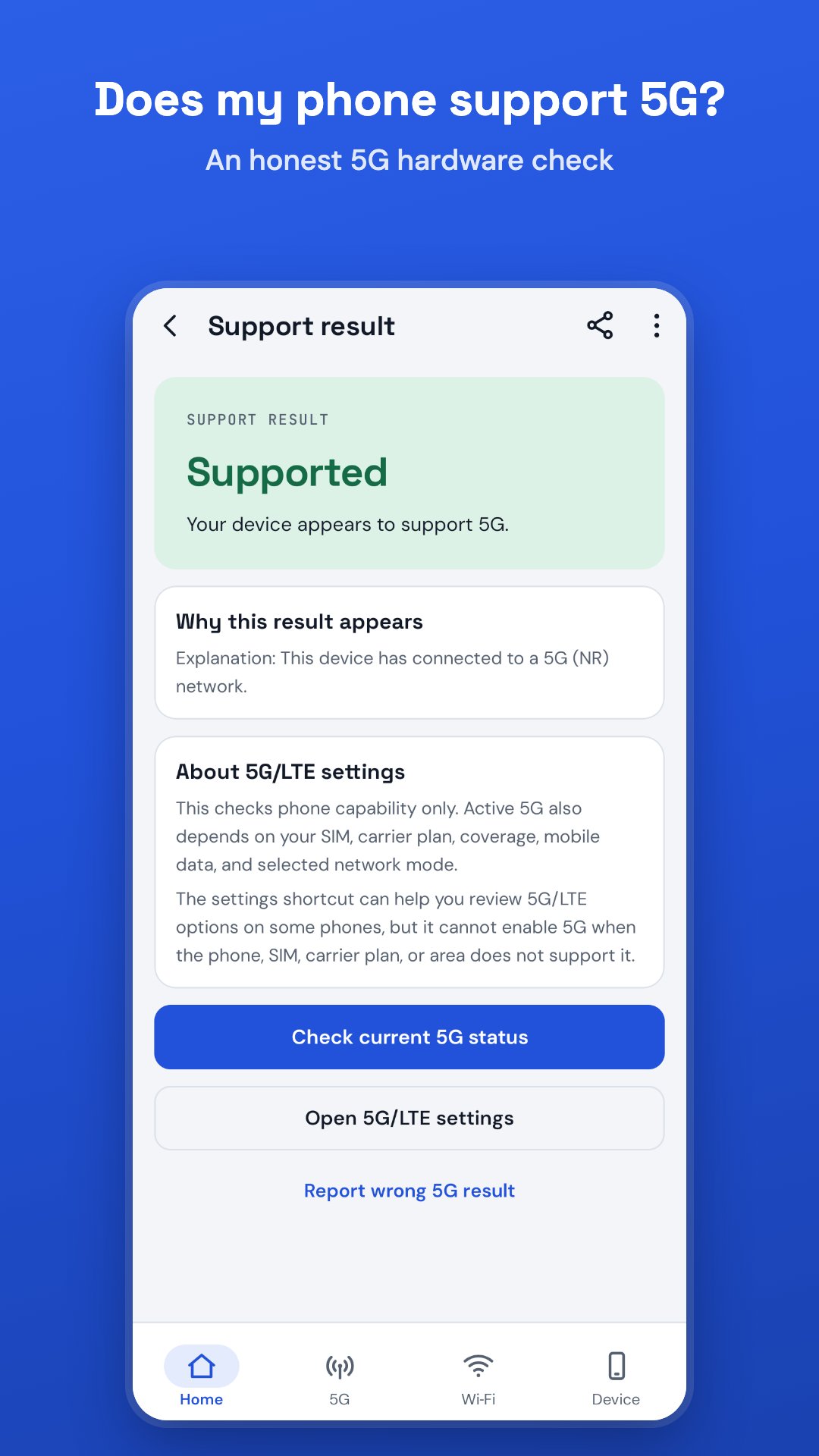
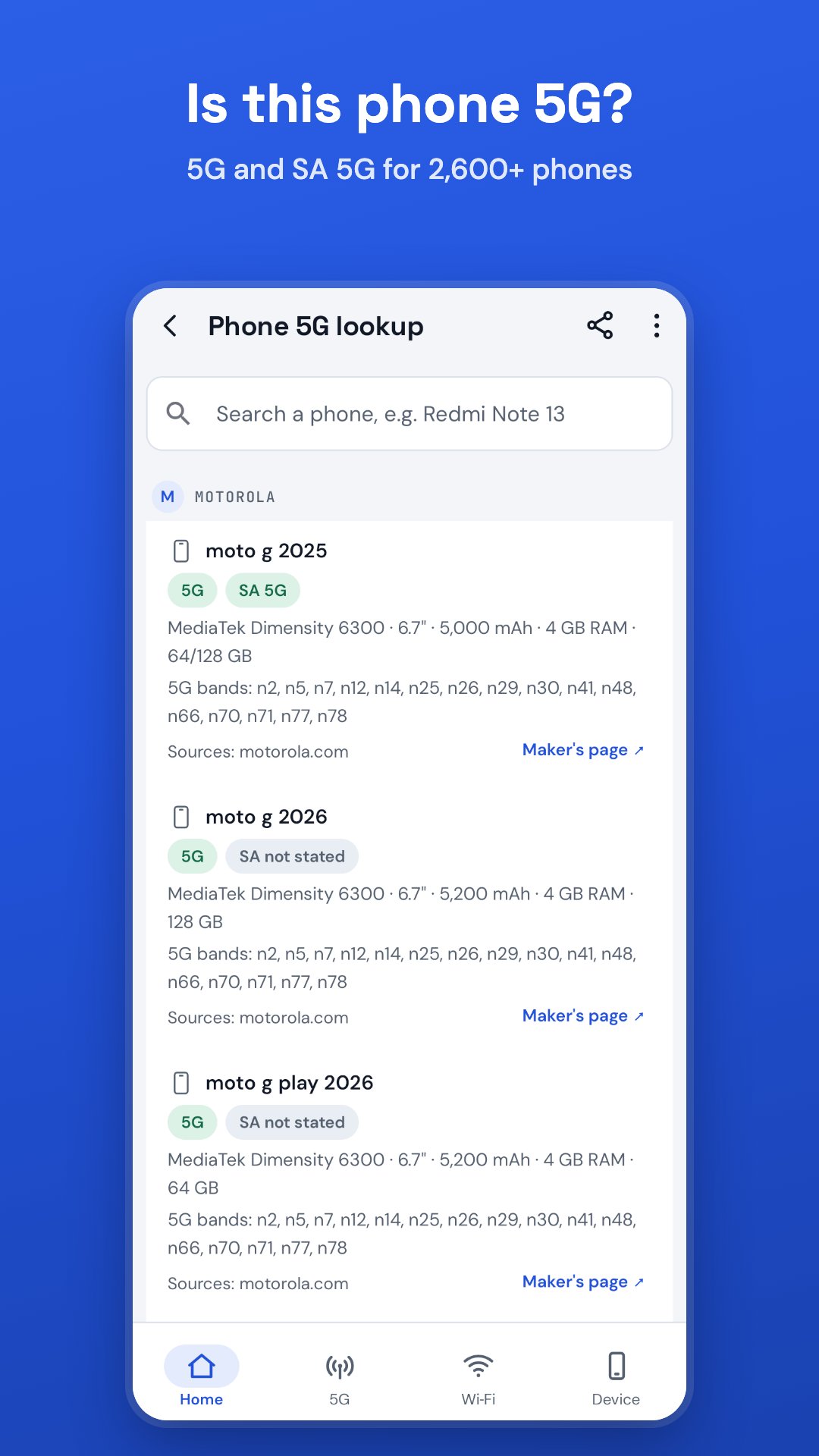
Check whether your phone is 5G ready: 5G (NR) hardware, whether it has ever connected to 5G, and what Android can confirm. Then look up 2,700+ phones as sold in 15 countries, from Samsung, Apple, Redmi, POCO, realme, OPPO, vivo, OnePlus, Motorola, Pixel and more: 5G or 4G only, SA 5G support, bands for 350+ models and key specs (chipset, battery, RAM) for 400+, with sources.
5G settings made simple
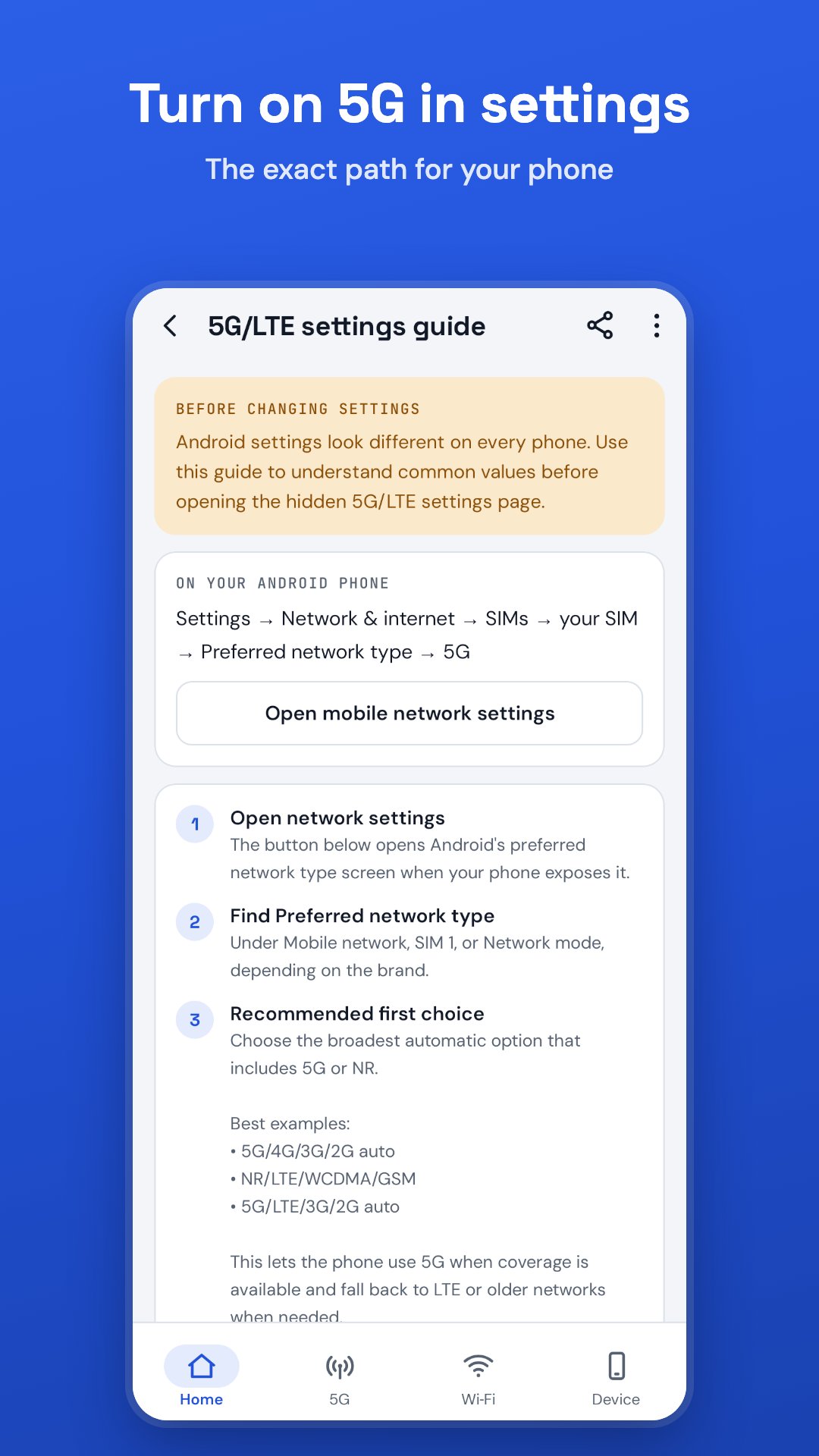
Find the preferred network type setting, check that 5G is switched on, and jump straight to the right screen. Exact menu paths for the major phone brands, and general steps for other Android phones.
India: Jio 5G, Airtel 5G, Vi and BSNL
• Carrier notes: Jio True 5G runs standalone (SA) 5G; Airtel 5G Plus is mostly non-standalone (NSA). What each needs (plan, SIM, phone), and known quirks
• Dual SIM: which SIM is on 5G, which carries your data, and a quick test that shows whether the phone or the carrier is the problem
• Coverage map and 5G plan links for Jio, Airtel and Vi
• Calls: whether voice uses VoNR, VoLTE, Wi‑Fi calling or 2G/3G, and what that means for 5G
Other carriers get general guidance.
5G drop alerts (optional)
Get a notification when your phone falls from 5G to 4G/LTE, and when 5G comes back. Short flickers are ignored.
Wi‑Fi check
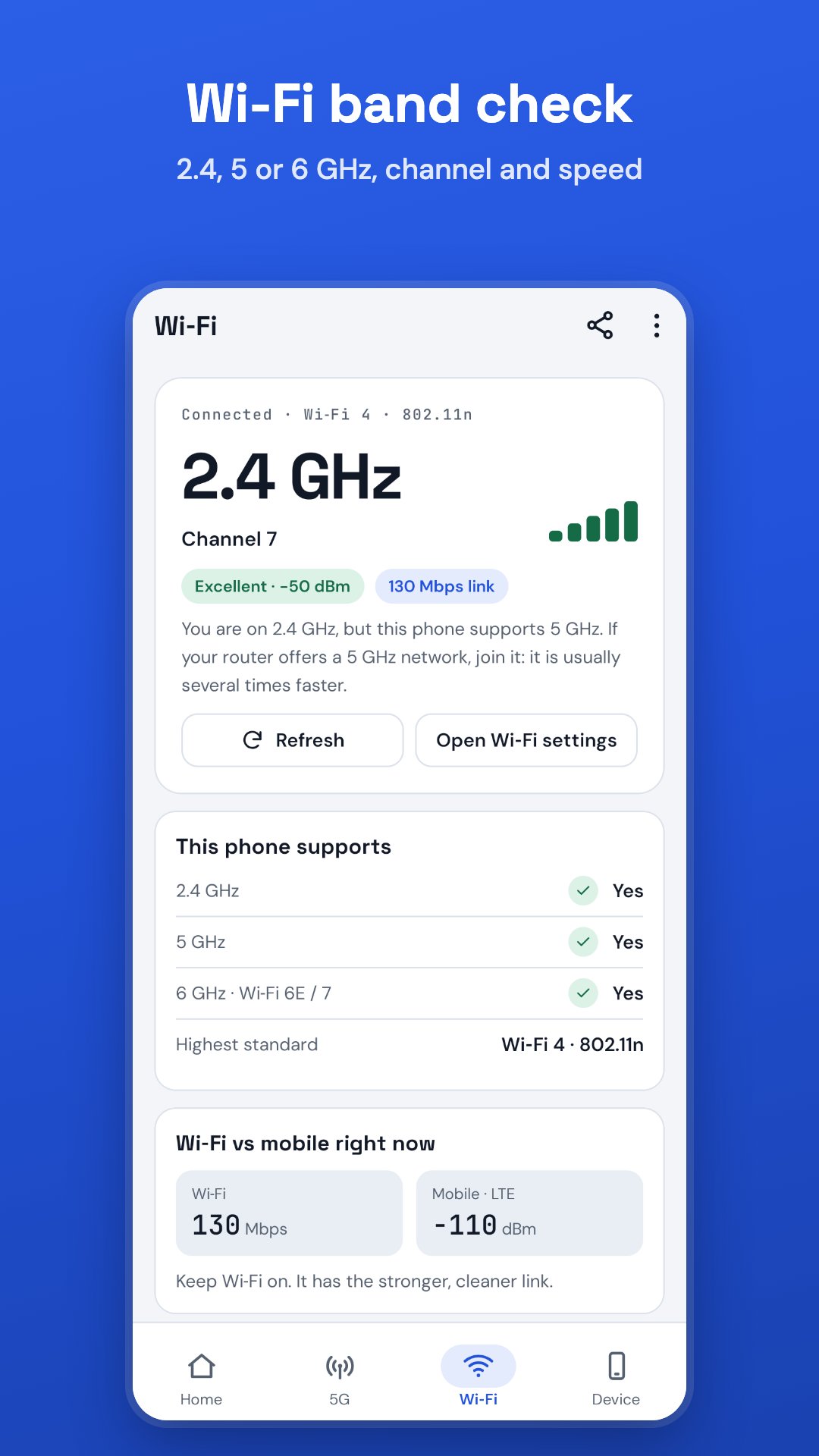
See your Wi‑Fi band (2.4, 5 or 6 GHz), channel, link speed and standard, and whether your phone supports 5 and 6 GHz.
Widgets, tile and report
• Home-screen widgets: 5G status, compact 5G tile and Wi‑Fi band
• Quick Settings tile with network type and signal
• Share a diagnostic report with your carrier's support team
Questions 5G Check answers
• Why does my phone show 4G or LTE instead of 5G?
• How do I turn on 5G on my phone?
• Why does 5G keep switching to 4G?
• Will Jio 5G or Airtel 5G work on my phone?
• Which phones support Jio True 5G?
• Why is there no 5G network here?
Privacy first
No root, no location permission, no account, no login. 5G Check reads network information on your phone only. The phone-state permission is used to read network type, signal and SIM status.
Works on Android 6+, on phones and tablets, in light and dark mode, in 29 languages.
Note: 5G Check shows what Android reports. It cannot switch your phone to 5G, add 5G to a phone without 5G hardware, or create coverage where your carrier has none.

One-click to install XAPK/APK files on Android!

Thanks for your rating and feedback!
You have already rated.