Safe & Fast APK Downloads on APKPure
APKPure uses signature verification to ensure virus-free 360 Camera App for Android APK downloads for you.

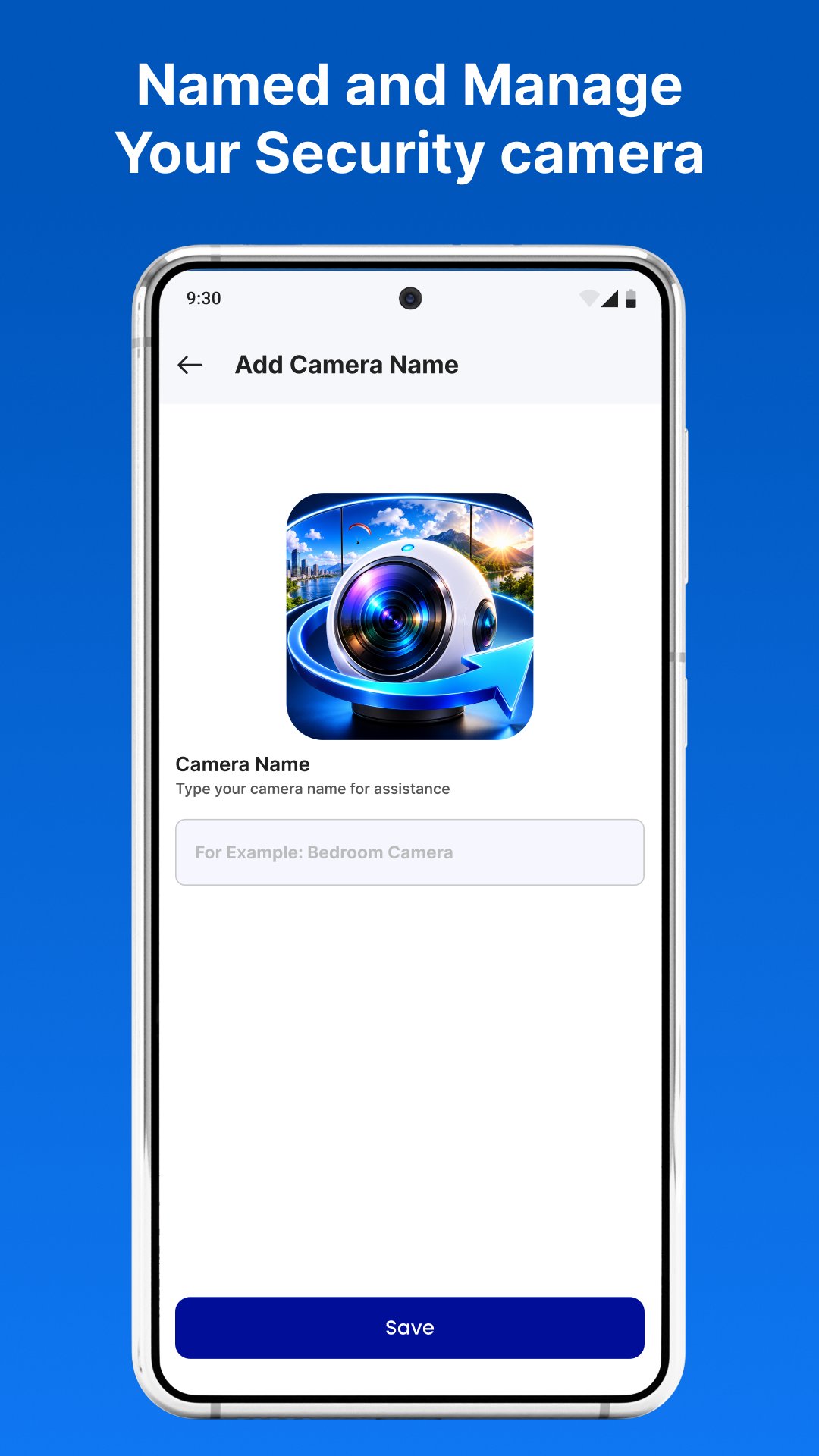
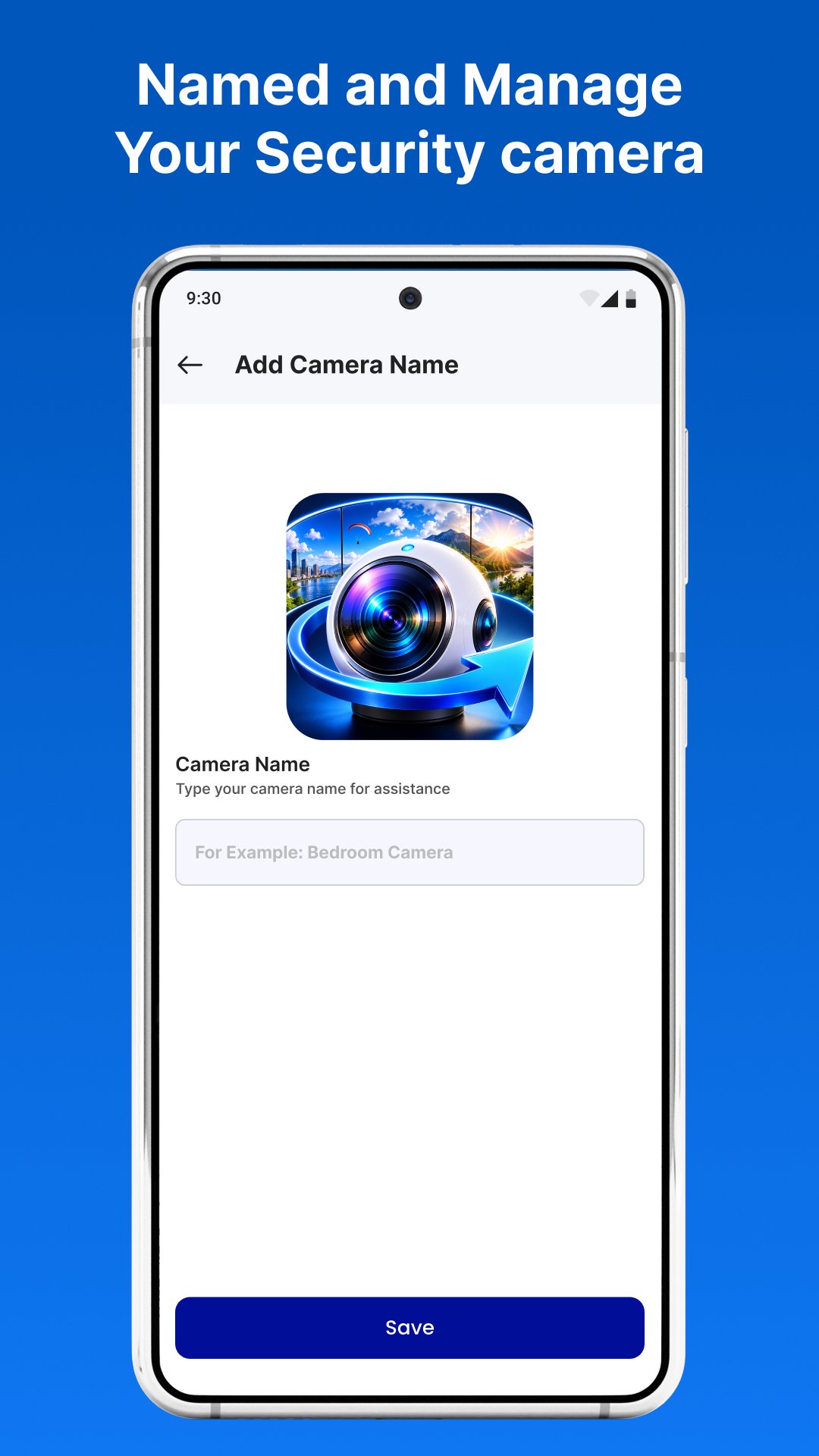
Connect and manage compatible 360 cameras with easy setup and smooth control.
360 Camera App for Android is a companion application that helps you connect and manage compatible 360° cameras from your Android device. Designed with simplicity in mind, the app provides an easy way to establish a stable connection, access supported camera controls, and manage your photography workflow.
Whether you're capturing panoramic landscapes, recording immersive videos, or viewing your content on the go, the app offers a smooth and user-friendly experience for compatible 360 cameras.
Built with a clean interface and straightforward setup process, 360 Camera App for Android helps you spend less time configuring your device and more time creating.
Key Features
Fast Camera Connection
Pair compatible 360 cameras with your Android device using a simple and guided connection process.
Stable Wireless Connectivity
Maintain a reliable connection while accessing supported camera features and managing your device.
Remote Camera Controls
Use your phone to access available camera functions, adjust supported settings, and control compatible devices remotely.
Photo & Video Management
Browse, organize, and access supported panoramic photos and 360° videos stored on your connected camera.
Panoramic Content Support
Designed for users who enjoy creating immersive photos and videos with compatible 360-degree cameras.
Clean & Easy Interface
Navigate quickly with a lightweight design focused on convenience and everyday use.
Why Choose 360 Camera App for Android?
• Quick and reliable camera pairing
• Easy-to-use interface for Android users
• Stable wireless connection with compatible devices
• Convenient remote camera management
• Ideal for panoramic photography, travel, sports, and creative content
Getting Started
Install the app.
Turn on your compatible 360 camera.
Connect your Android device using the supported connection method.
Follow the on-screen instructions to complete setup.
Start managing your camera and capturing immersive content.
Important Information
This application is designed to work with compatible 360-degree cameras.
Available features depend on your camera model, firmware version, Android device, and supported hardware capabilities. Some functions may vary between different camera models.
Disclaimer
360 Camera App for Android is an independent third-party application developed to assist users with compatible 360 cameras. It is not affiliated with, endorsed by, or sponsored by any camera manufacturer or brand. All trademarks, product names, and brand names are the property of their respective owners and are used solely for identification and compatibility reference purposes.





One-click to install XAPK/APK files on Android!

Thanks for your rating and feedback!
You have already rated.