APKPure پر محفوظ اور تیز APK ڈاؤن لوڈ کریں
APKPure آپ کے لئے وائرس سے پاک DisplayNote NEC Edition APK ڈاؤن لوڈ میسر کرنے کے لئے سائنیچر تصدیق استعمال کرتا ہے۔


29.4 MB
فائل سائز
Everyone
Android 2.3.4+
Android OS
Mirror your computer screen and collaborate in real-time with mobile devices
What is DisplayNote ?
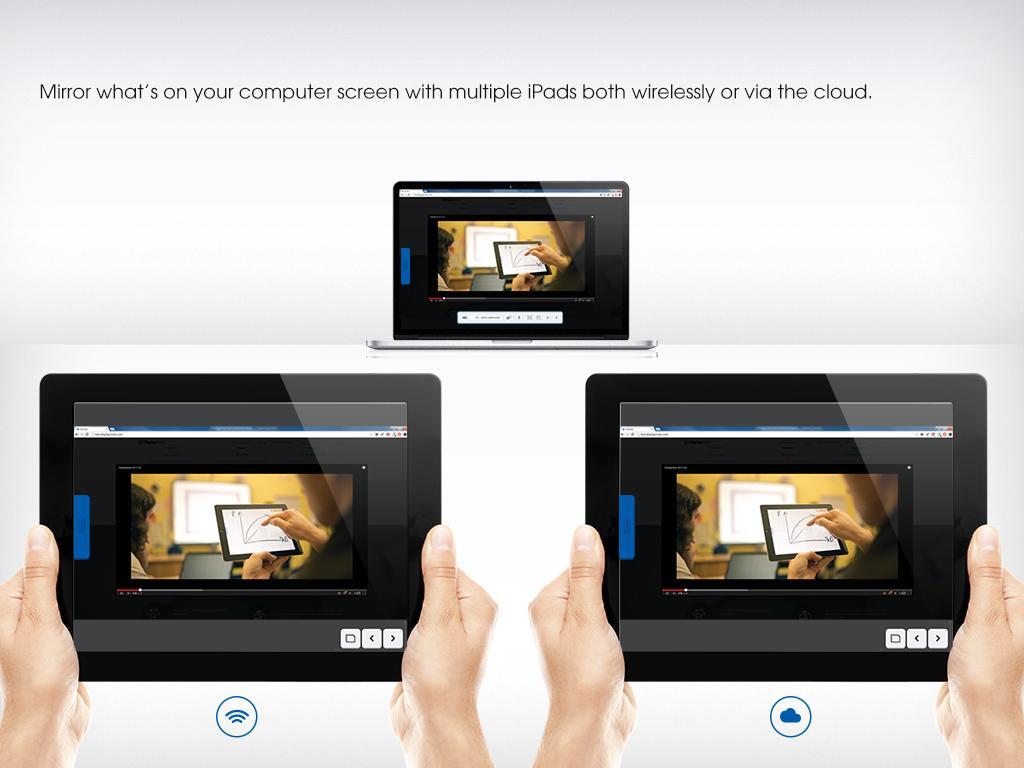
Duplicate what’s on your computer screen to as many tablets and phones as you want to – at the same time, whether they’re in the same room or anywhere in the world.
Before your begin
To start you will need to create a DisplayNote account and start a DisplayNote session on your computer. From that, multiple participants will be able to join your session on their tablet and phone.
Present, Share & Collaborate
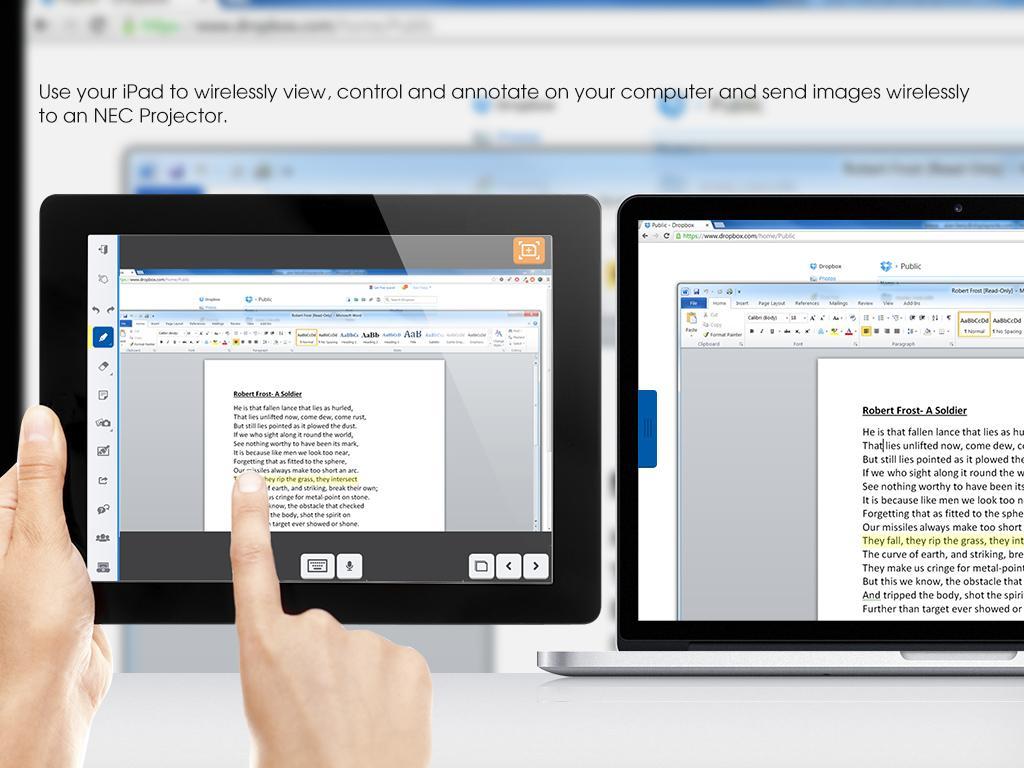
Use your tablet or phone to connect and control your PC wirelessly and annotate directly over any content you view.
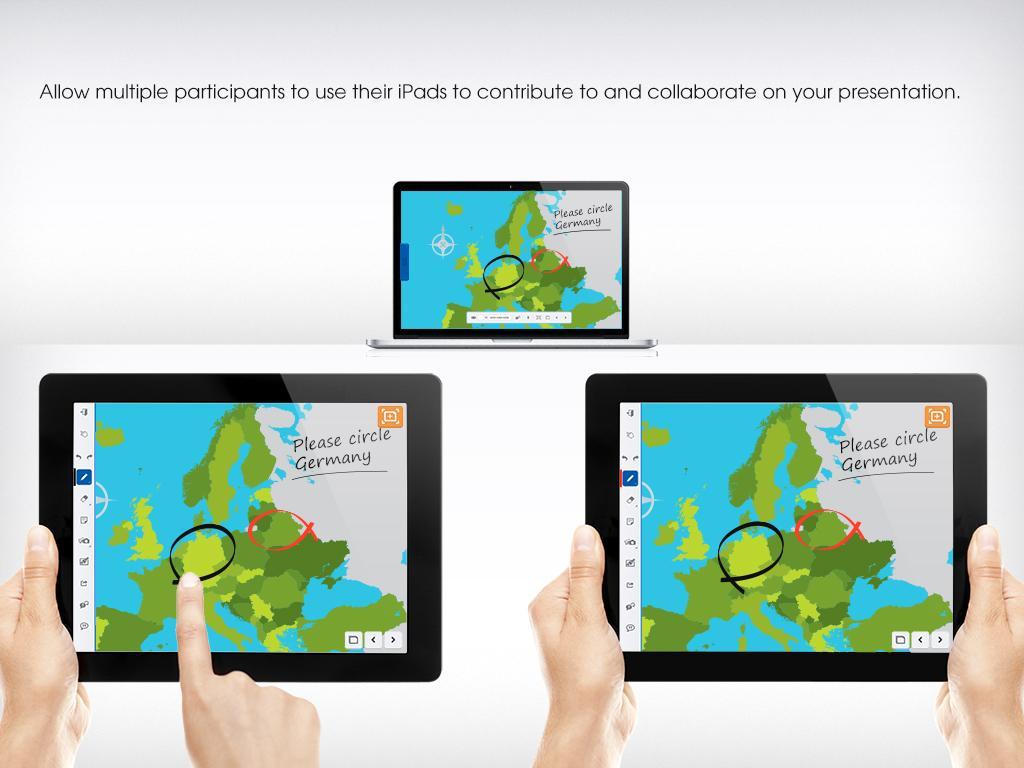
Let participants use their tablet/phone to share annotations, images and notes with each other and with you.
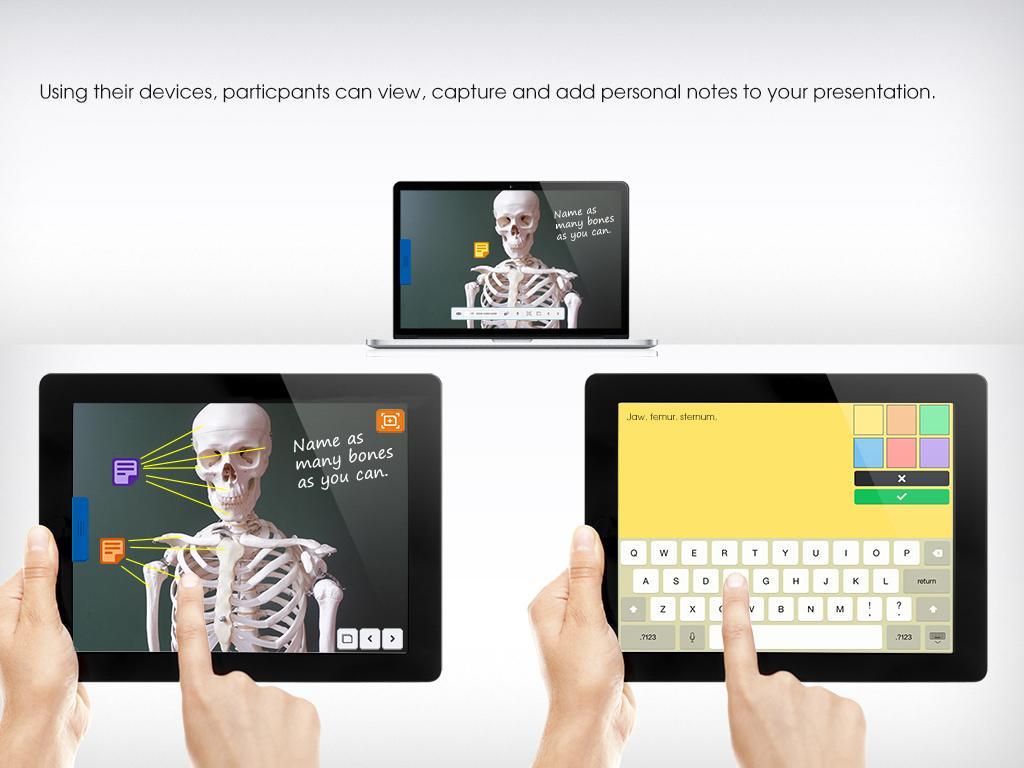
Users can use their device to capture and personalise your presentations and can save them on their device or export to Dropbox/email.
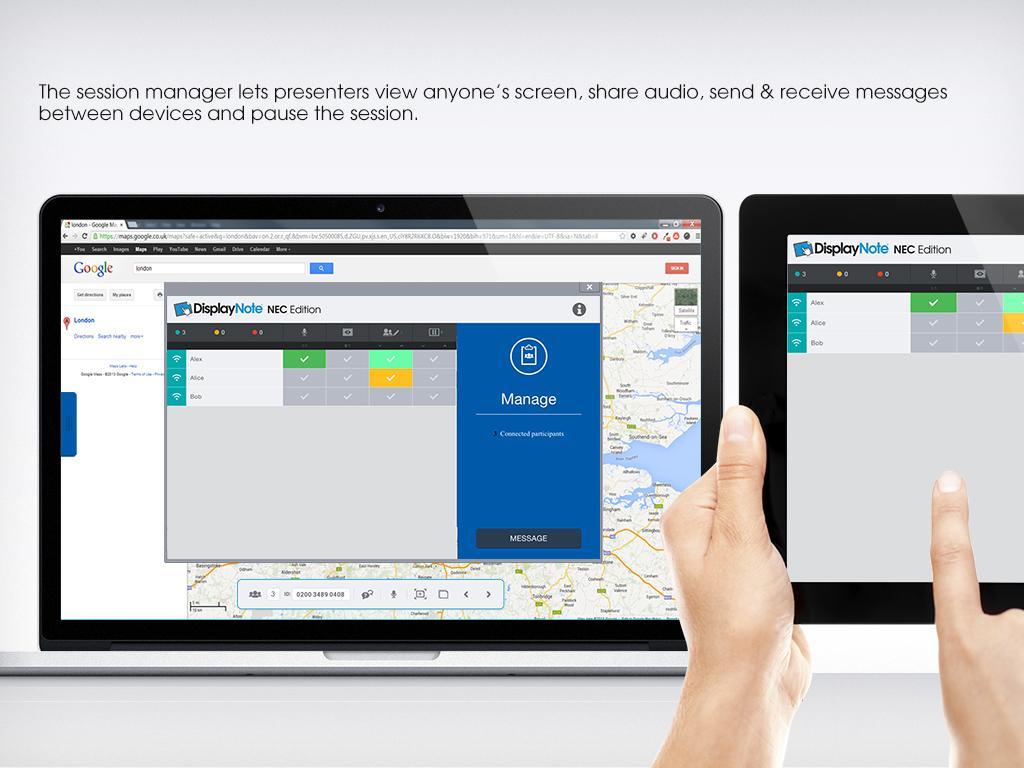
Open up lines of communication with between presenter and participant via 2 way audio and 2-way messaging, available via a local area connection and over the cloud.
View what’s on a connected tablet or phone screen when they’re working inside DisplayNote.
Check levels of understanding by posing quiz questions to a participant’s tablet and/or phone
Users will also be able to send images and PDFs wirelessly from their device directly to the projector.

Android پر XAPK/APK فائلیںانسٹالکرنےکےلیےایککلککریں!

آپ کی درجہ بندی اور آراء کا شکریہ!
آپ پہلے ہی درجہ بندی کر چکے ہیں۔





