Muat turun APK Selamat & Cepat di APKPure
APKPure menggunakan pengesahan tandatangan untuk memastikan muat turun APK Video Audio Cutter, Mp3 Compressor, Ringtone Maker tanpa virus untuk anda.


16.2 MB
Saiz Fail
Everyone
Android 4.2+
Android OS
Video and Audio Cutter with MP3 Converter, MP3 Cutter and Ringtone Maker
Video Audio Cutter is easy and powerful Audio and video editor app to convert, edit and trim your videos, Audios. Save in MP3 & AAC from bit rate e.g. 48kbps, 64kbps,128kbps to 320kbps and different videos resolution from 320X180 to 1280X720
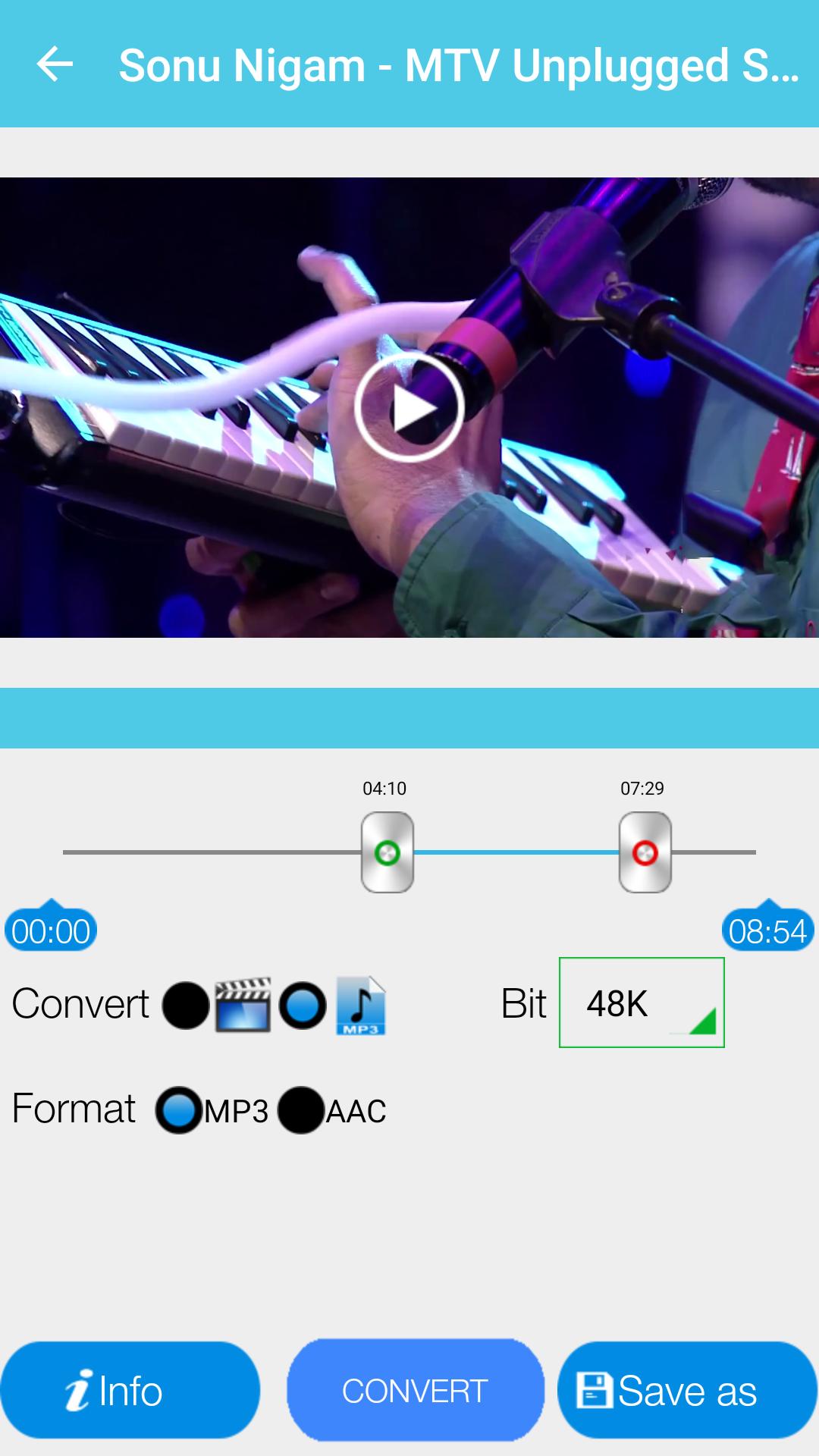
How to Edit/Convert/Trim Video:
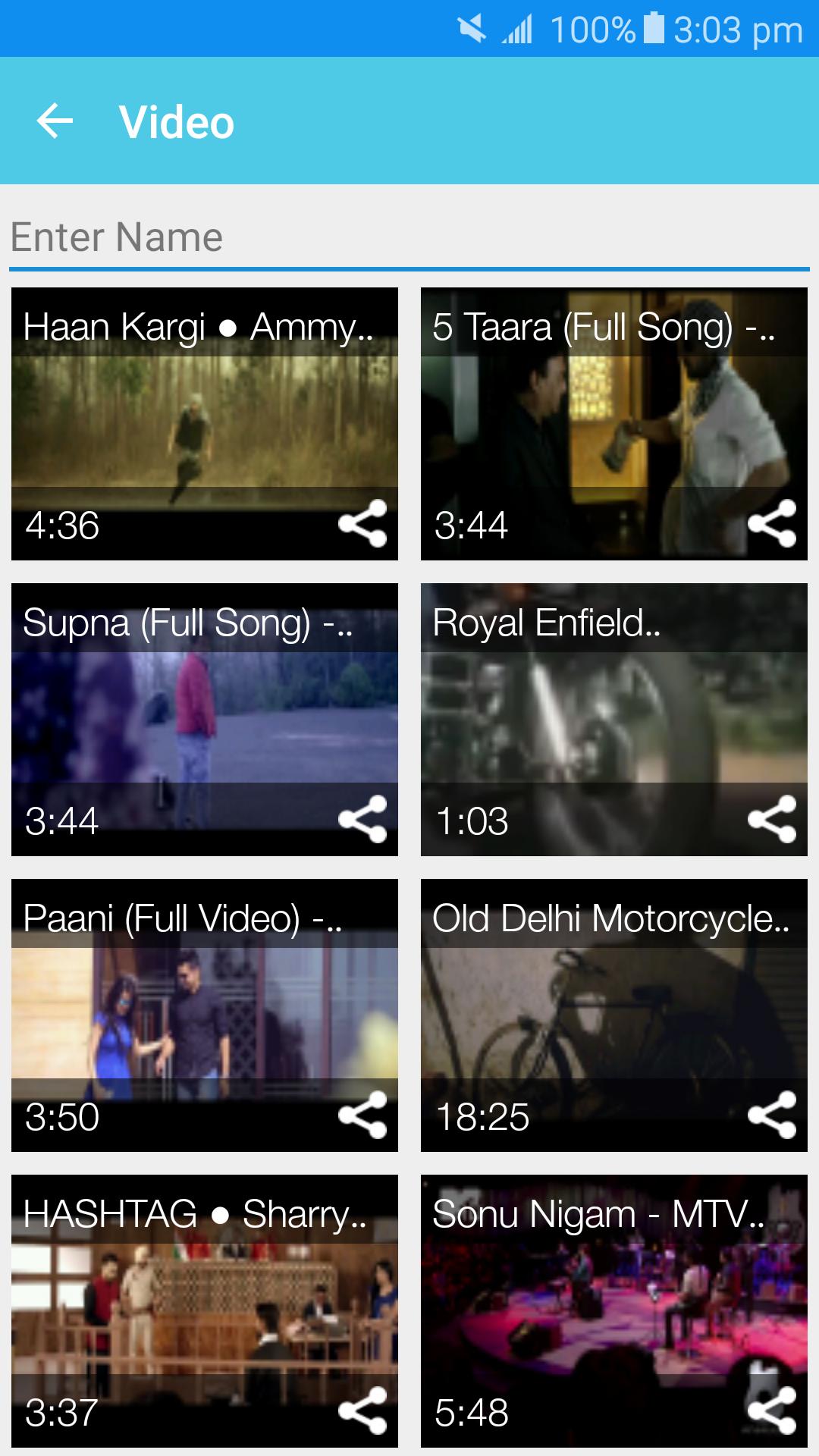
- Start App all the videos avaialble on device will shows.
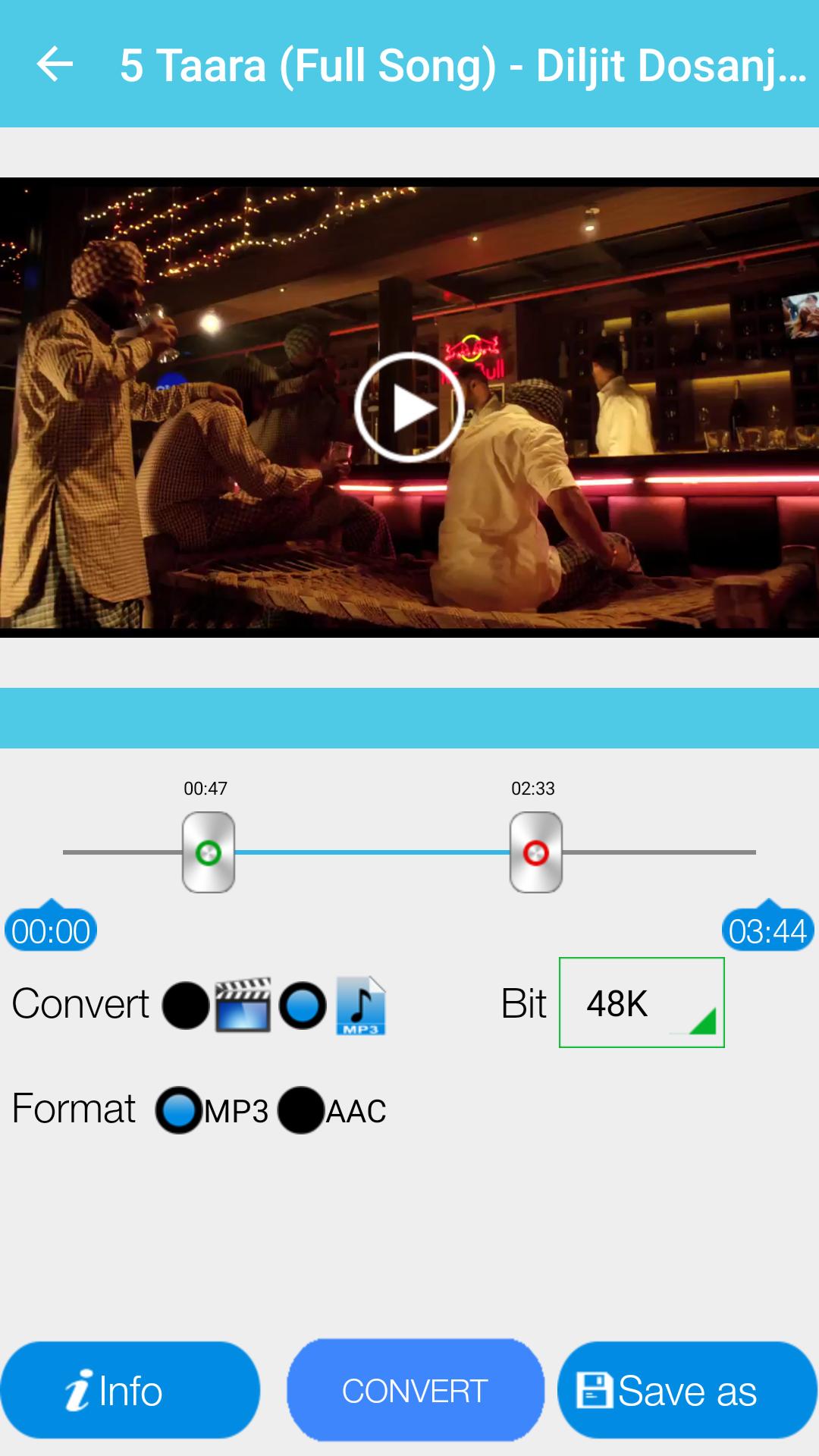
- Select Video you want to Edit and select starting and end point to make new video/Audio.
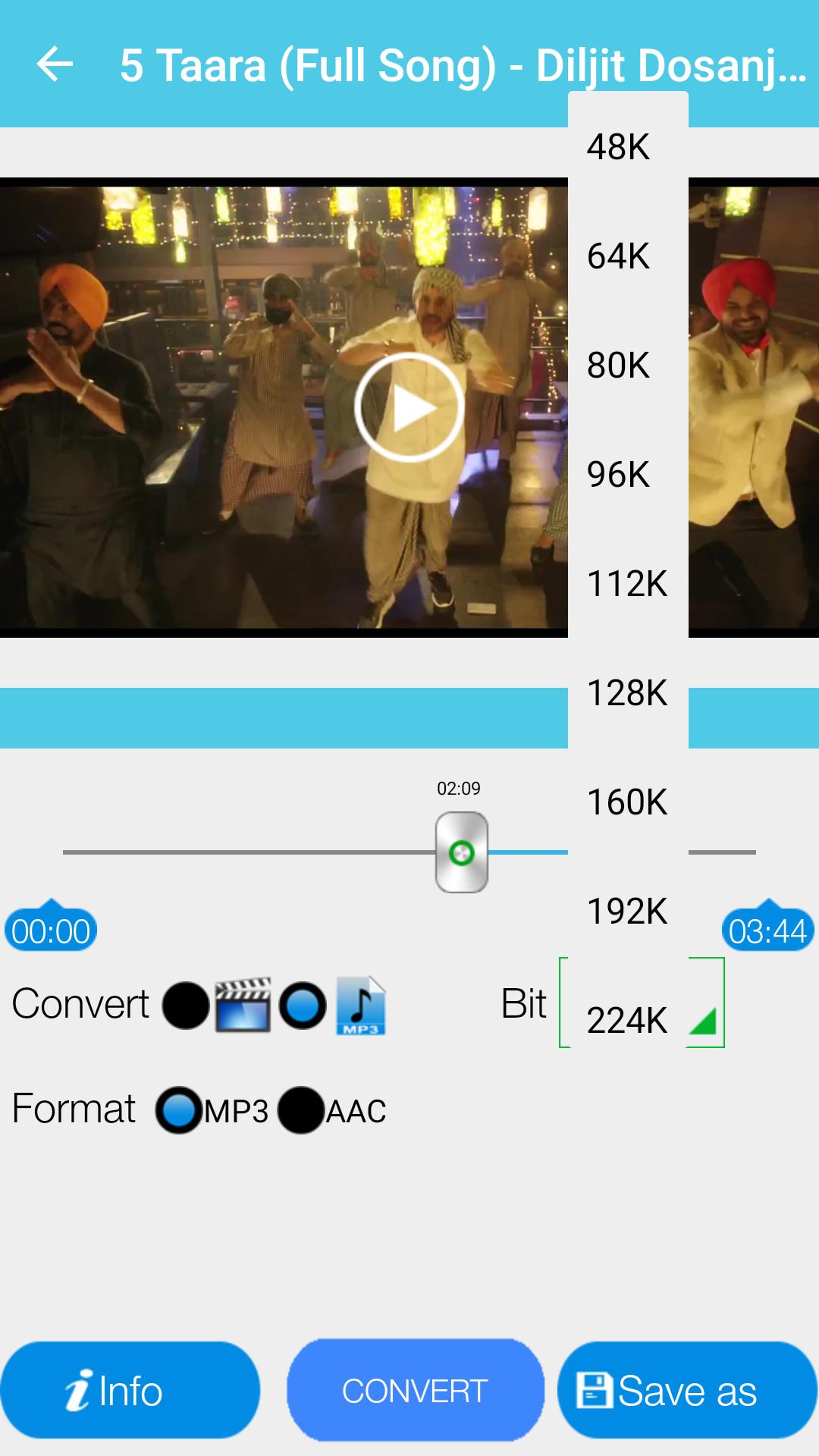
- Select your choice to convert into audio (MP3,AAC) or video.
- Add Metadata in info and select video resolution.
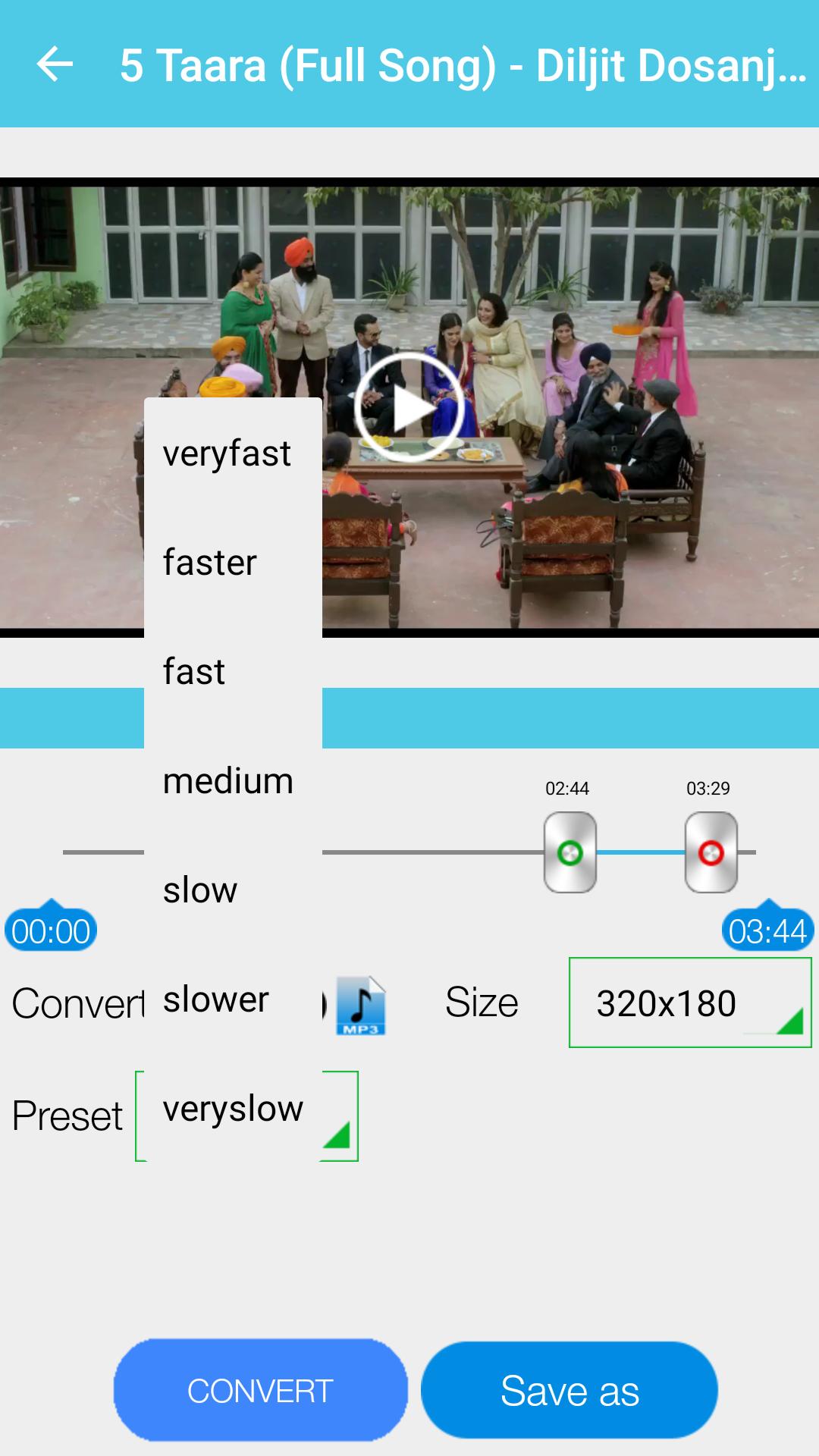
- Select speed from very slow to very fast mode and select saving folder or it will default take folder as "Video to MP3".
- Press Convert Button and That's it.
Note: It can take uptp 3 minutes if video file is in HD and large size. We request you to wait kindly as process get done.
App Features:
- Supports MP3 bit rates : 48K, 64K, 80K, 96K, 112K, 128K, 160K, 192K, 224K, 256K and 320K.
- Add/Edit Meta Data: Artist, Album, Genre,Year.
- Select Video reslotions: 320X180, 480X270, 640X360, 800X450, 960X540, 1280X720.
- Work as Video Cutter/Editor/Converter and video compressor.
- MP3 Cutter for editing audio files.
- Supports different Video formats: MP4, WMV, AVI, 3GP, MKV, MOV, FLAC and more.
- Supports different Audio formats: MP3, AAC, WMV, M4A.
- Convert to MP3 and AAC.
- Browse folders directly within an APP.
- Share Videos and Audios on different apps and social media.
- Trim/Convert MP3 files in your device.
- Edit MP3 Meta-Data (TitleTitle, Artist, Genre, Year..)
- Options (Play, Delete, Rename, Share, Edit Meta-Data, Trim, Merge)
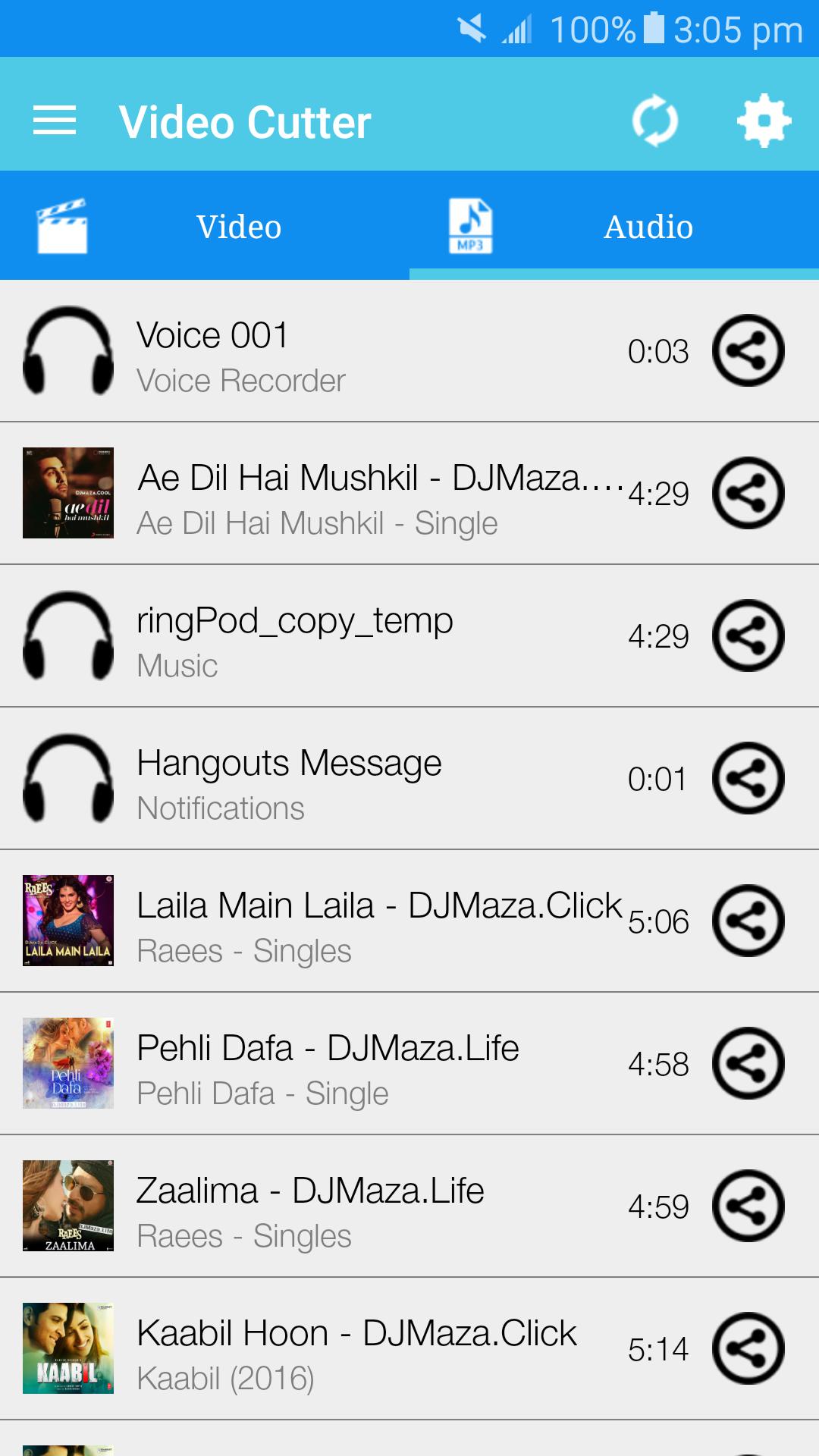
How to Edit/Trim Audio:
- Select an Audio of your choice under Audio Section.
- Select starting and ending point and Press Save and give name of your choice.
- Chose how you want to save MP3 as Music, Ringtone, Notification.
- That's it. Its done you can use app as Ringtone maker and MP3 cutter.
You can check all converted audio and video files in Audio Cutter and Video Cutter section in app.
You can give feedback and we would love to listen your suggestions by E-mail, Facebook, Twitter or Google+.
E-mail: rajendrasr427@gmail.com
Facebook: https://www.facebook.com/SoulAppsWorld
Google+: https://plus.google.com/communities/112149670828284243828
Twitter: https://twitter.com/soulappsworld





Satu klik untuk memasang fail XAPK/APK pada Android!

Terima kasih atas penilaian dan maklum balas anda!
Anda sudah dinilai.





