Muat turun APK Selamat & Cepat di APKPure
APKPure menggunakan pengesahan tandatangan untuk memastikan muat turun APK Assistive Touch - Quick Ball tanpa virus untuk anda.


3.9 MB
Saiz Fail
Everyone
Android 4.0.3+
Android OS
Protect home & volume buttons, access all setting quickly & smoothly. Free App
Assistive Touch for Android
What is Assistive Touch?
Assistive Touch is an easy tool for Android devices. It's fast, it’s smooth, and it’s totally FREE.
With a floating panel on the screen, you can easily use your Android smart phone. More conveniently, you can quickly access to all your favorite apps, games, settings and quick toggle. You can use smart clean function to clean running background apps, help your phone faster. Assistive Touch is also an ideal app to protect the physical buttons (home button and volume button). It is very useful for big screen smart phone.
Assistive Touch for Android
- Virtual Home key, easy touch to lock screen and open recent task
- Virtual Volume key, quick touch to change volume and change sound mode
- Clean ram, boost speed, one touch boost
- Easy touch to open your favorite application
- Go to all setting very quick with a touch
★ Easy touch setting include:
- Capture Screenshot (5.0 and up)
- Power popup (5.0 and up)
- Open Notification
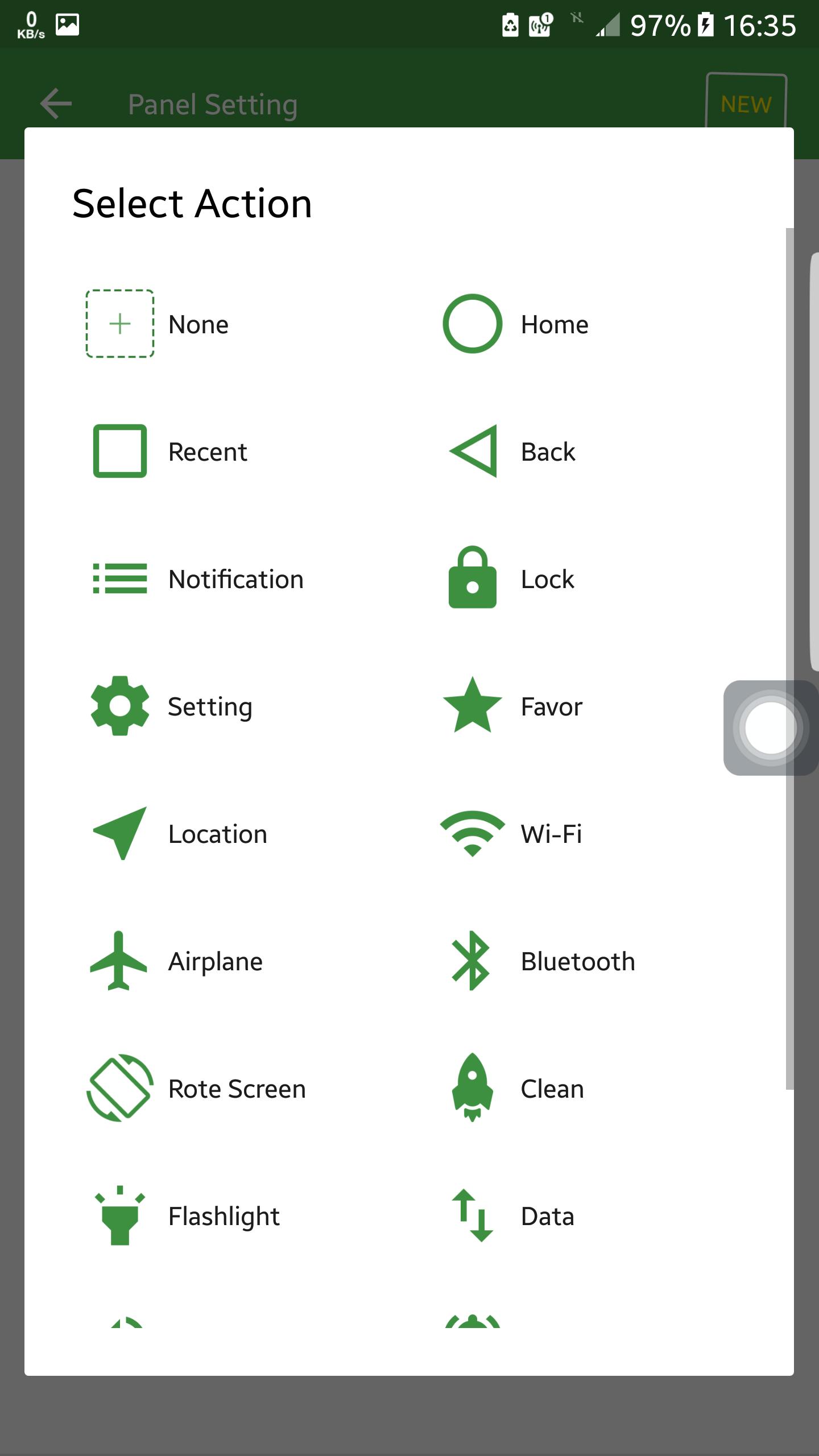
- WiFi
- Bluetooth
- Location (GPS)
- Ring mode (Normal mode, Vibrate mode, Silent mode)
- Screen rotation
- Volume up & down
- Airplane mode
- Flashlight Bright
- Launch all applications or games on your device
Highlight Features :
Smooth and simple assistive phone operation
- All the operations can be done by just clicking or holding down the Easy Touch button with one hand
Small & Light
- Fast download and installation & it doesn't take too much capacity
Ram Booster
- Boosts your phone, frees up memory (RAM), speeds up your device and saves battery.
- Tap Boost to make it easy to optimize directly from your home screen.
Quick access to all the apps
- Access quickly to your favorite games, apps and settings with just one touch
Gestures
- Three gestures are available to make your smartphone smarter!
- The gesture function is very special in the apps market.
Notifications bar
- Get important messages and don't miss any updated notification.
Intelligent
- With Easy Touch, you can easily operate your Android phone with just one touch.
- Click on the icon to set your function mode in the small floating button.
Screen lock
- Lock your phone screen quick to protect your privacy and data.
- Customize the unlock function with your own style.
- Easy to lock screen.
Screenshot
- Take screenshots & create your own Screenshot style.
Weather Report
- The Weather Forecast (Location Authorization required) makes your life easier.
Theme Center
- Supports DIY theme & new amazing themes are often updated.
- Creative theme styles (Keep increasing).
Quick settings
- Set your smartphone quick with your favorite options
Customization
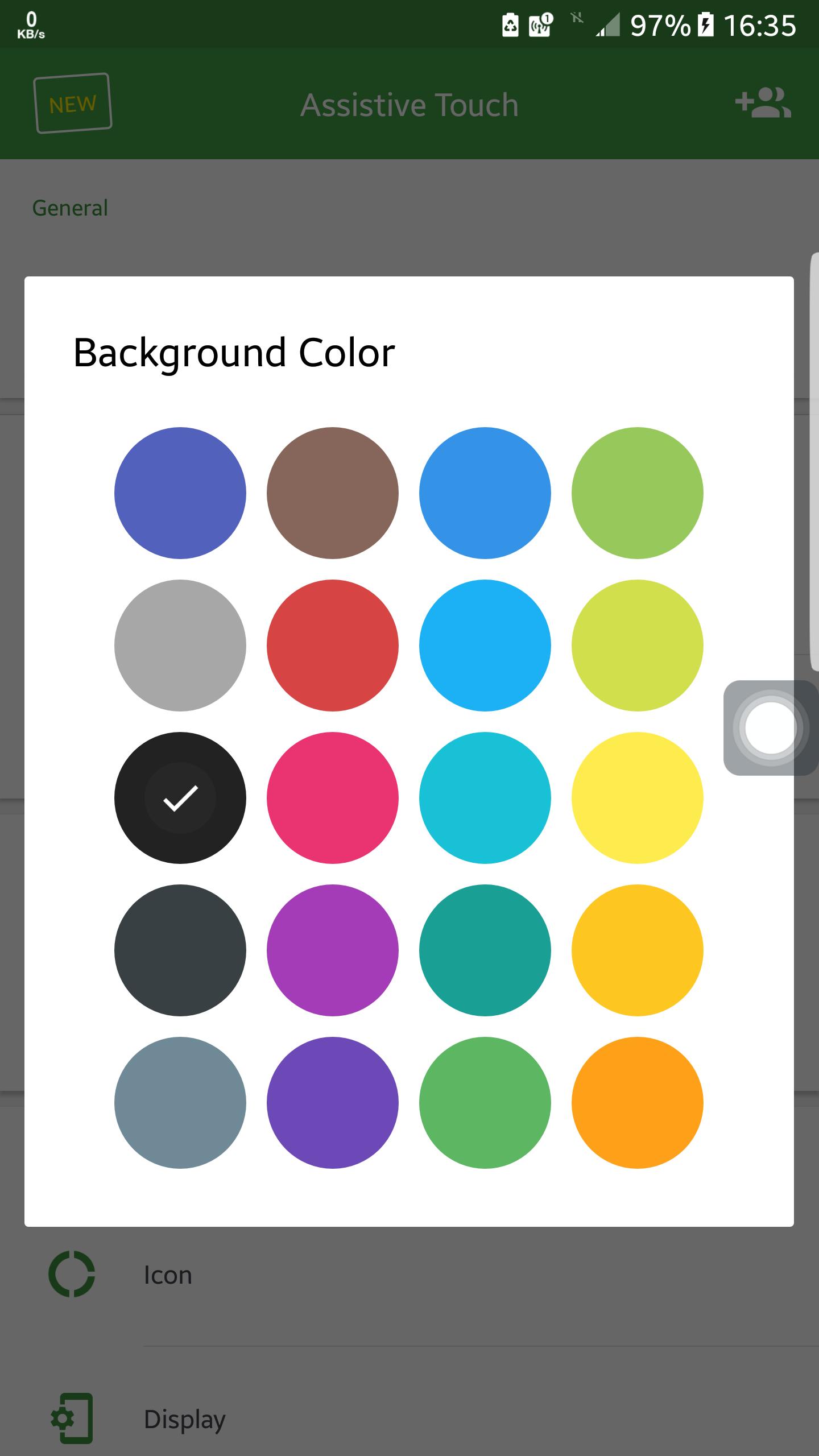
- You can change the background color with your favorite color
- You can change the Easy Touch icon with many pretty icons, totally free
- Gestures Settings for the Floating Panel (One Click, Double Click, Triple Click)
This app uses Accessibility services.
Thank you for your support
Frequently asked questions:
1. Ask: How to uninstall this app?
- If you use lock screen function, it require turn on Device Administration so If you want to uninstall this Easy Touch, please open app and go to setting, click on uninstall button.
2. Ask: Why my phone don't have Screenshot Capture function?
- Screenshot Capture only available on Android 5.0 or higher.
This app uses Accessibility services.
- It's FREE!
Please Rate 5 star to support this App. Thanks
If you dont like this app or not support in your smart phone please dont post bad rating and reviews.
If you have some suggestions, please contact us codecuestudio@gmail.com









Satu klik untuk memasang fail XAPK/APK pada Android!

Terima kasih atas penilaian dan maklum balas anda!
Anda sudah dinilai.




