Package Name:com.mobilecad.app
Show More


40.0 MB
File Size
Everyone
Android 10.0+
Android OS
Open STEP, IGES, STL, DXF. Model, dimension and export — offline, no account.
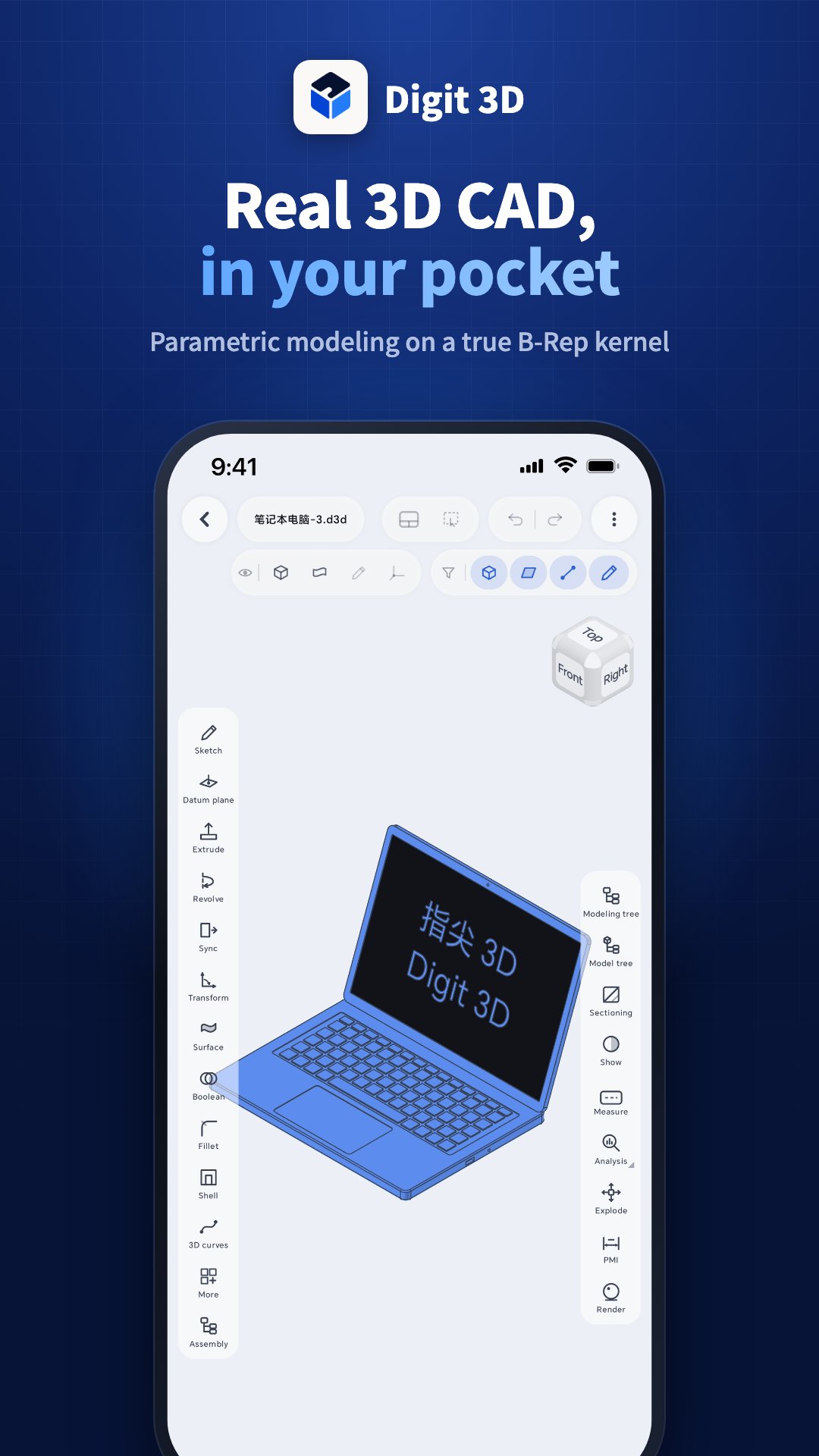
Digit 3D is a mechanical CAD app that runs entirely on your Android device. Sketch, model, measure, and draft without an account, without a server, and without an internet connection.
WHAT YOU CAN DO
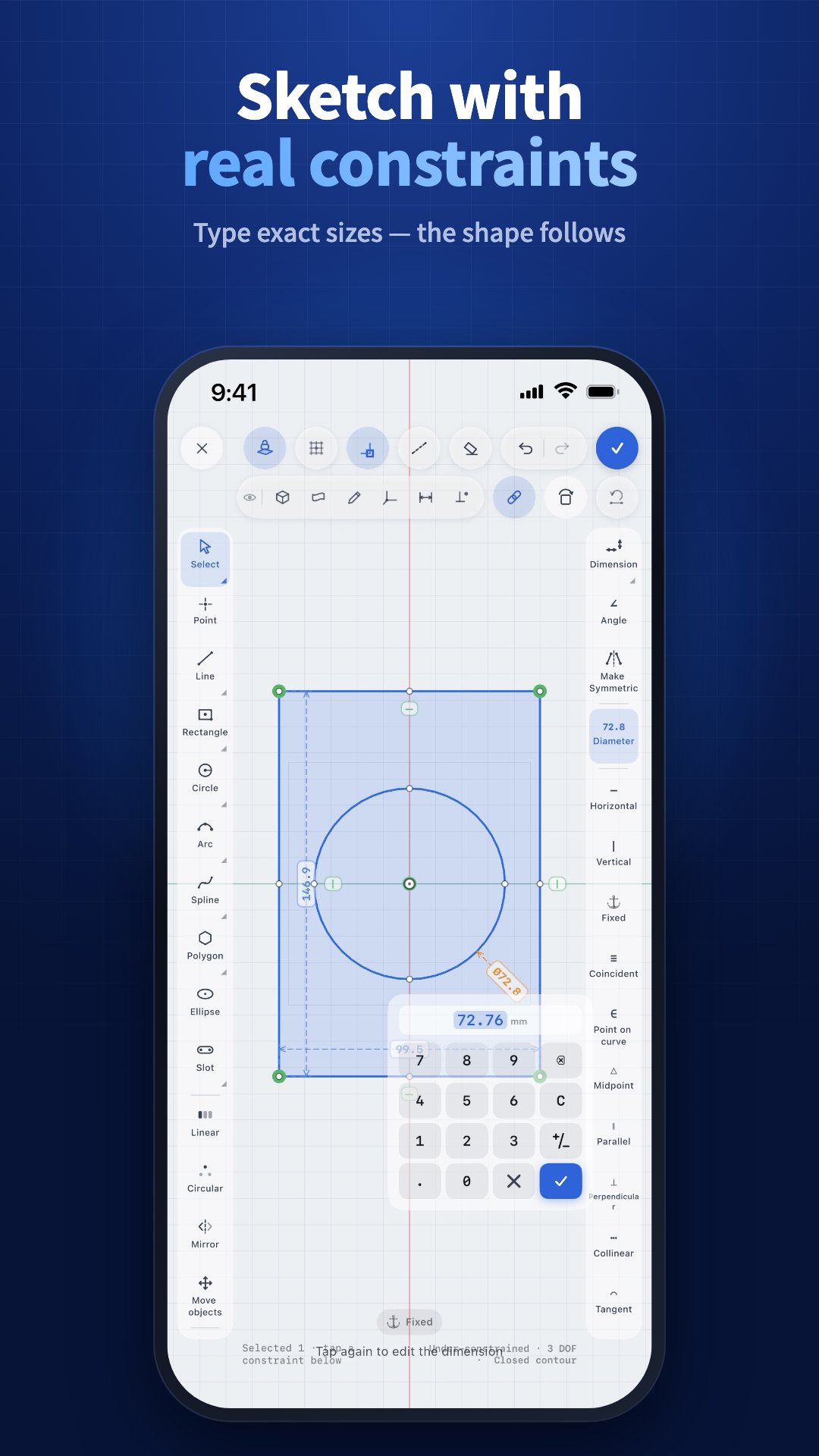
• Parametric sketching — lines, arcs, circles, polygons, splines, with constraints and dimensions that hold as you edit.
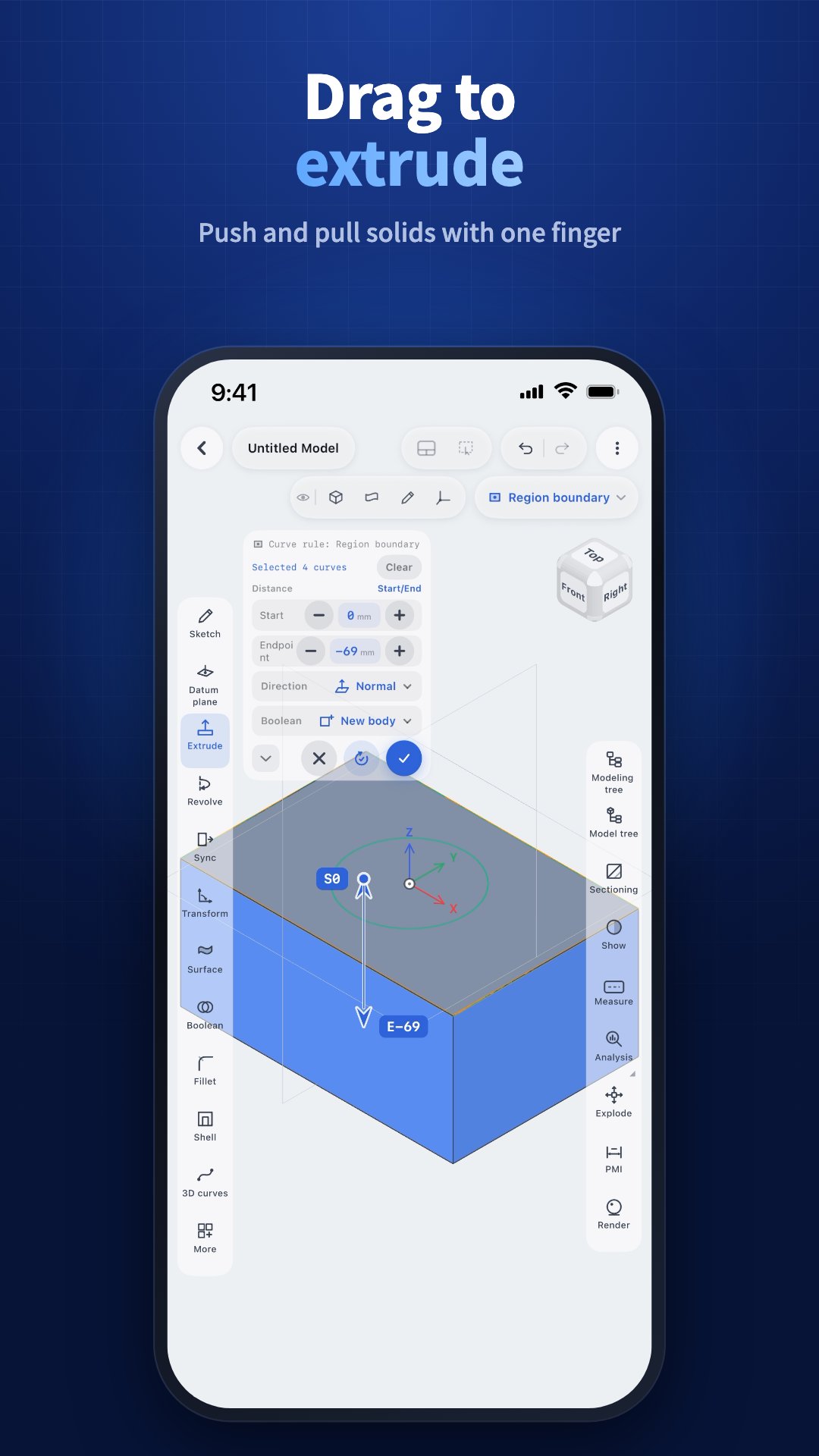
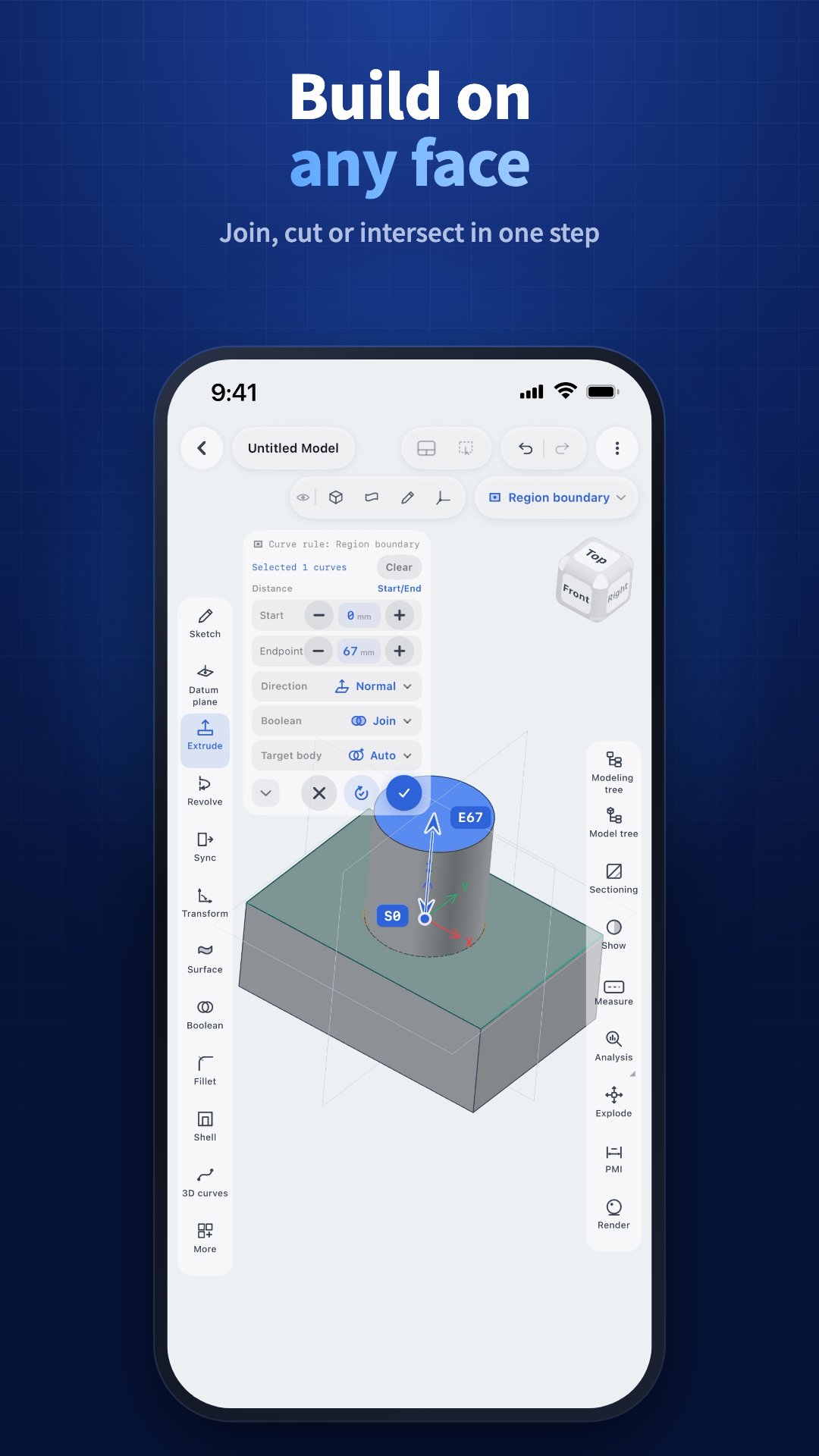
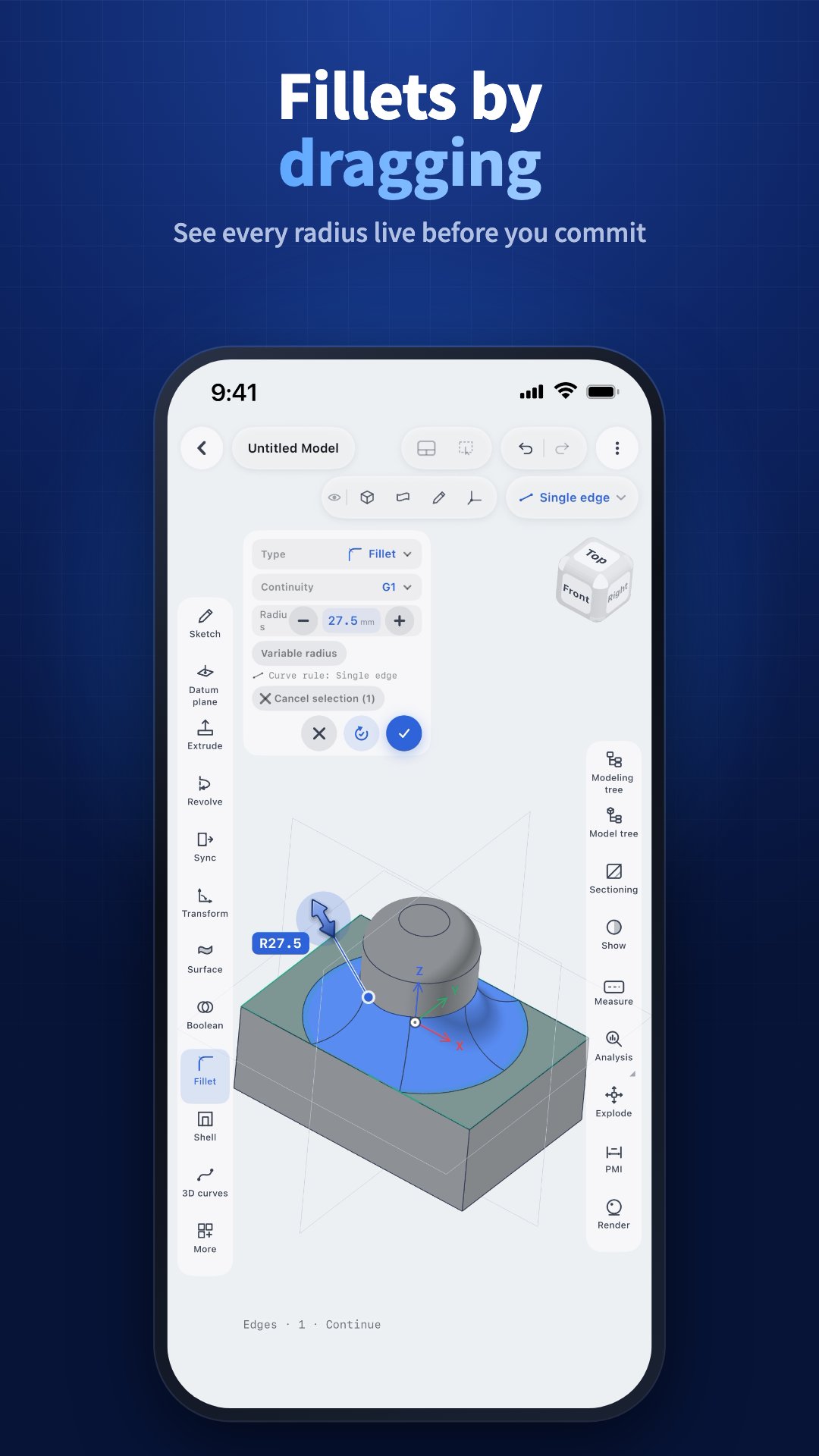
• Solid modeling — extrude, revolve, sweep, loft, fillet, chamfer, shell, draft, and Booleans on a real B-Rep kernel.
• Synchronous modeling — push, pull, move, and offset faces directly on imported geometry that has no feature history.
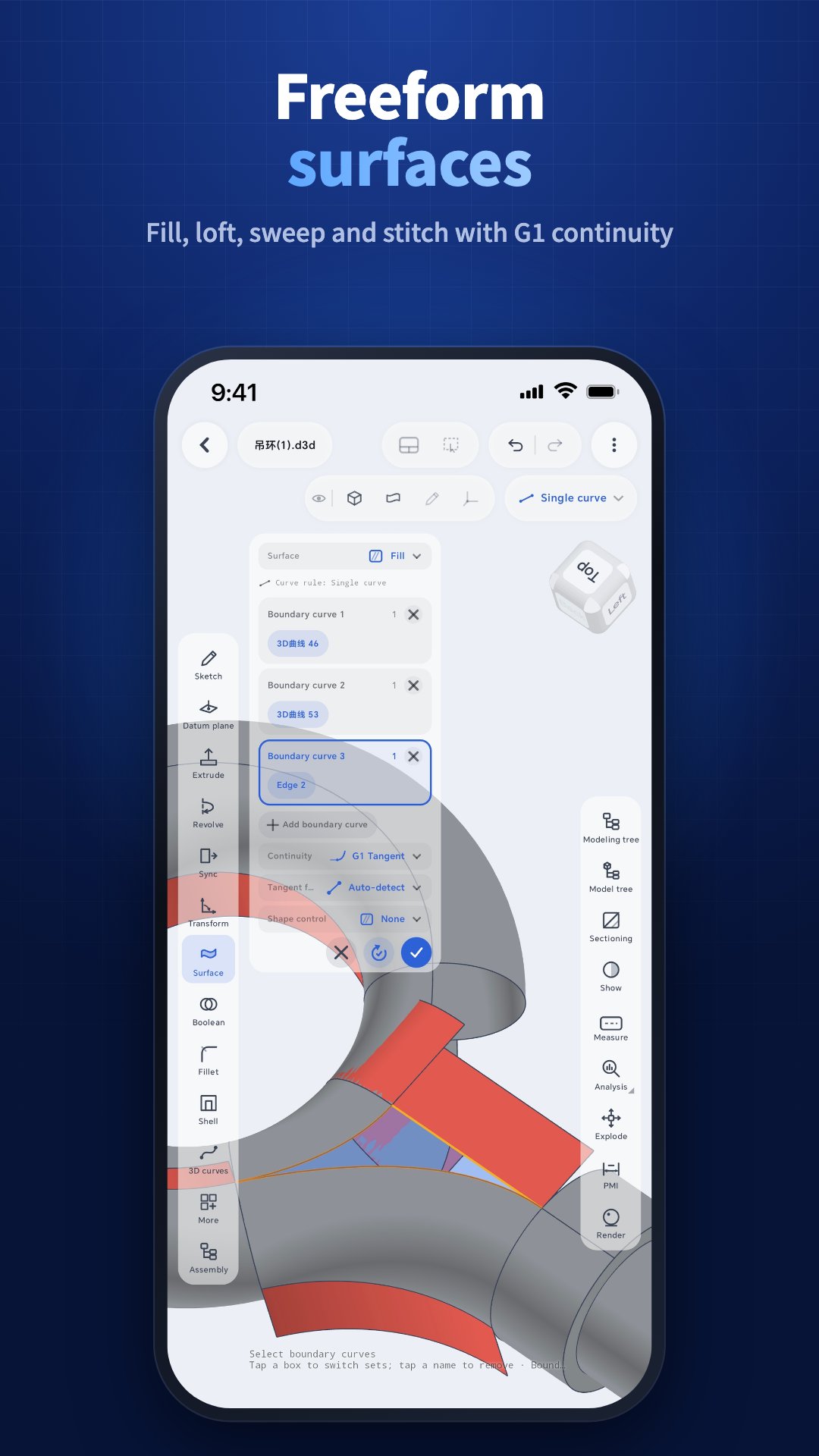
• Surfaces, datum planes, and a full feature tree you can roll back and edit at any step.
• 2D drafting — draw, dimension, annotate, and manage layers, then export DXF.
• Measure distance, angle, and local radius anywhere on a model.
FILES
• Import STEP, IGES, STL, OBJ, and DXF.
• Export STEP, STL, DXF, and PNG.
• Save .mcad projects that keep the full parametric history.
• Large assemblies are supported — an 80 MB STEP with over a thousand parts opens on a flagship phone.
PRIVACY
Digit 3D asks for no location, camera, microphone, or contacts permission. Your models stay on your device unless you turn on Cloud Storage and back them up yourself. An account is optional: every free feature works without one, and you only sign in to use a subscription.
FREE AND PRO
Viewing, 2D drafting, 3D modeling, importing, saving local projects, and exporting DXF and PNG are free — no limits, no watermarks, no time restriction.
Pro unlocks:
• STEP and STL export
• Sectioning
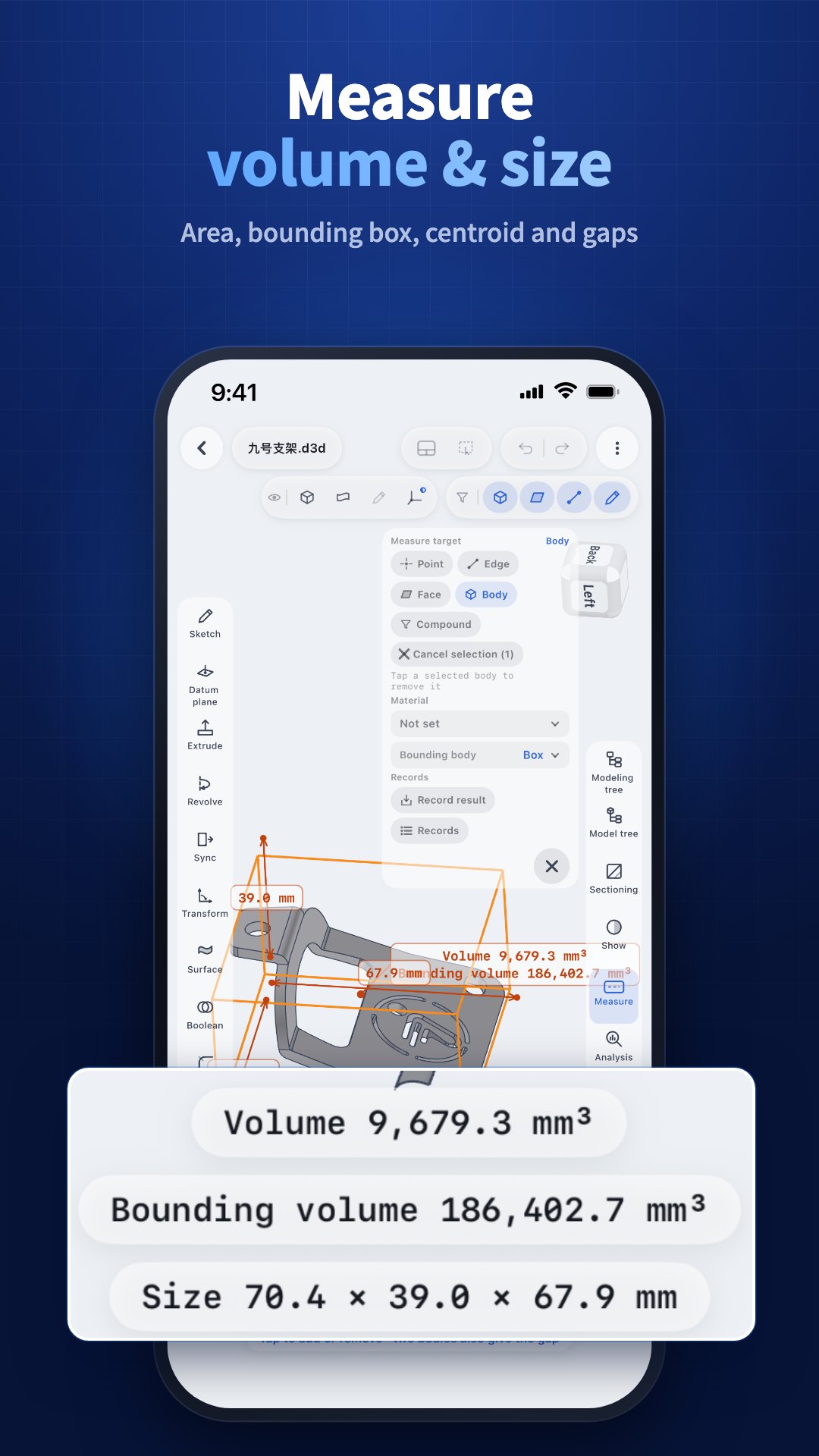
• Whole-body measurement — volume, bounding volume, overall size, area, and mass from 20 materials
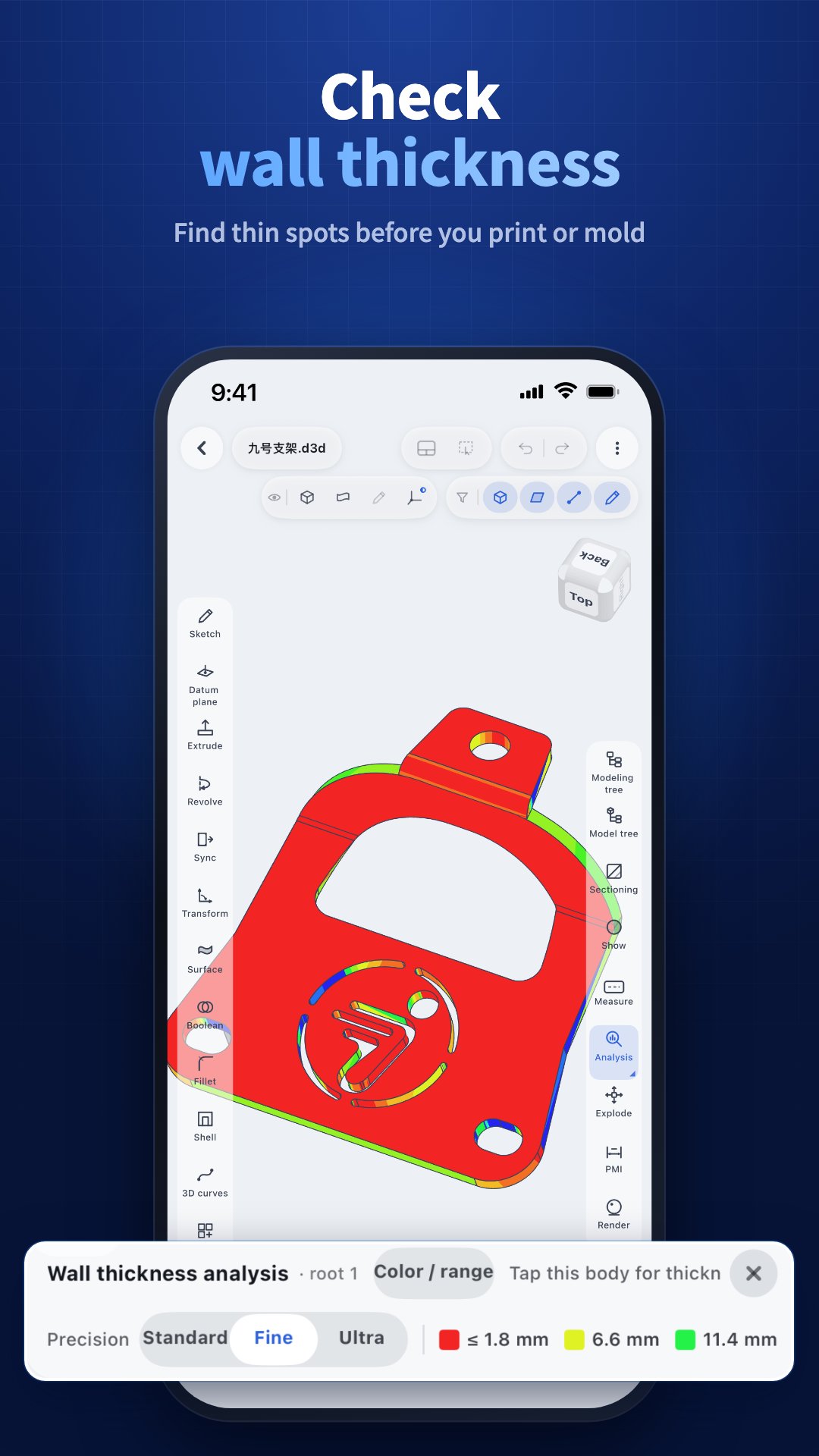
• Draft-angle and wall-thickness analysis
Every install includes a one-time 7-day Pro trial. It needs no payment method and simply ends after 7 days.
REQUIREMENTS
Android 10 or newer, 64-bit (arm64). A device with 4 GB of RAM or more is recommended for large assemblies.

One-click to install XAPK/APK files on Android!

Thanks for your rating and feedback!
You have already rated.