Package Name:com.ub.bubblelevel
Show More


5.8 MB
File Size
Everyone
Android OS
Shelf, frame, table: turn your phone into a spirit level you can calibrate.
Is that picture hanging crooked? Is the shelf really level?
Bubble Level turns your phone into an accurate spirit level and inclinometer. Lay the phone flat on a surface to measure the surface, or stand it on an edge to measure that edge; the app works out which measurement you want on its own.
Place the phone, read the angle, get back to work.
📐 TWO MODES, CHOSEN AUTOMATICALLY
Surface Mode
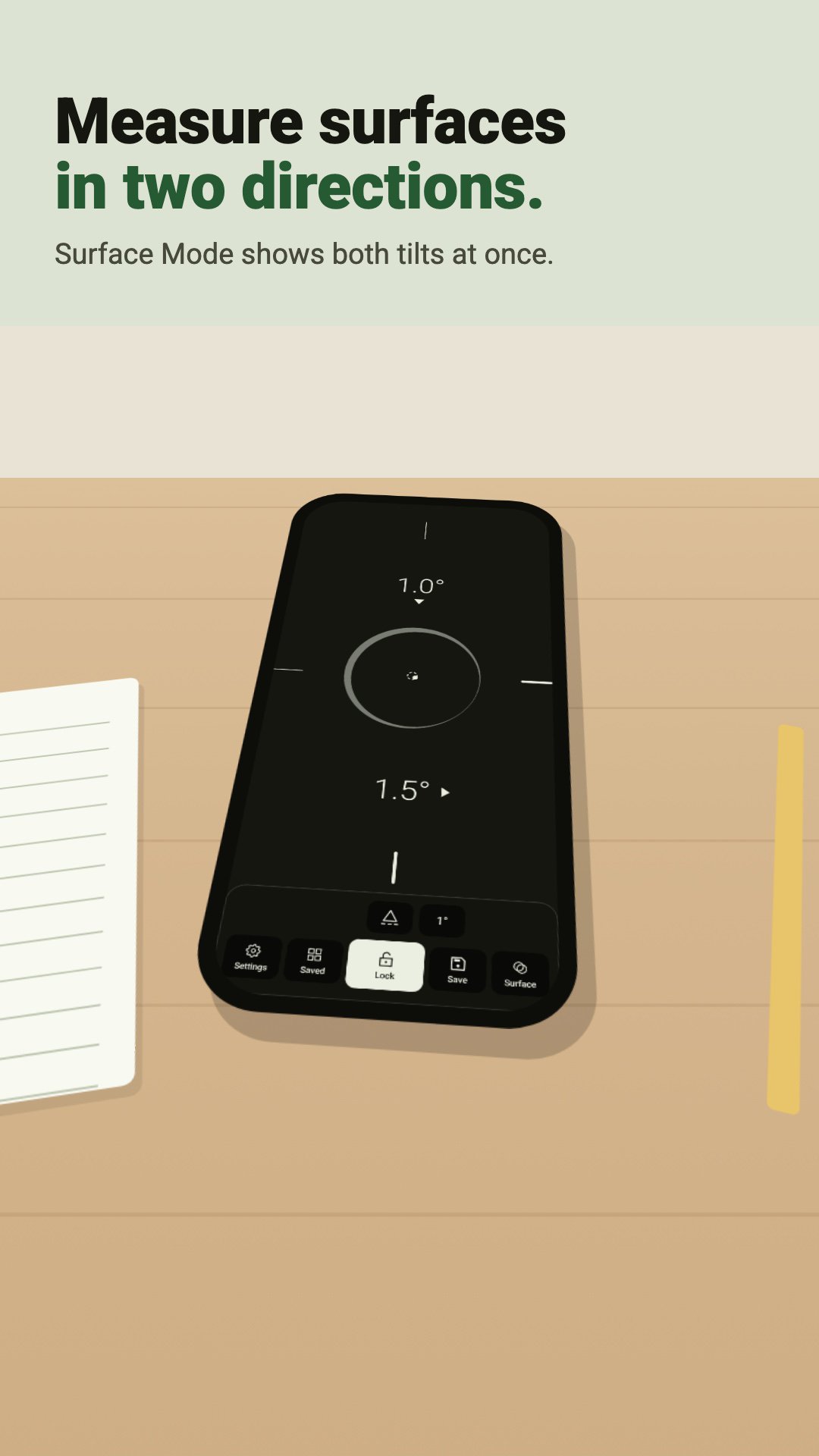
Lay the phone on a surface; the bubble shows the tilt in both directions at once.
Level Mode
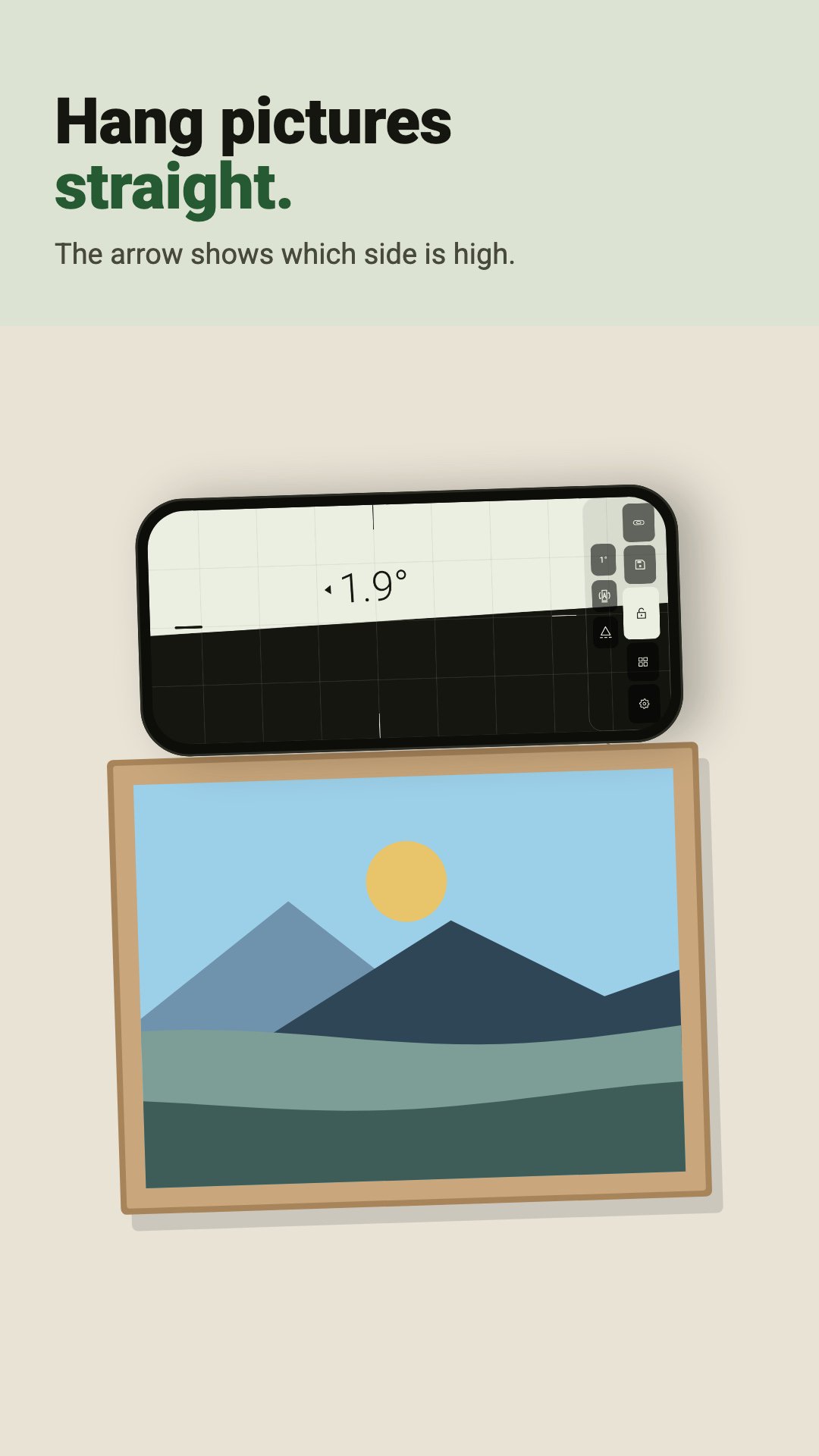
Stand the phone on one of its edges; the water line shows the angle of that edge.
The arrow next to the value shows which side is high, so you never have to work out what to turn which way. The reference edge follows whichever edge is at the bottom; if you prefer, fix it to the bottom, left, top or right edge.
🎯 CALIBRATE, THEN MEASURE WITH CONFIDENCE
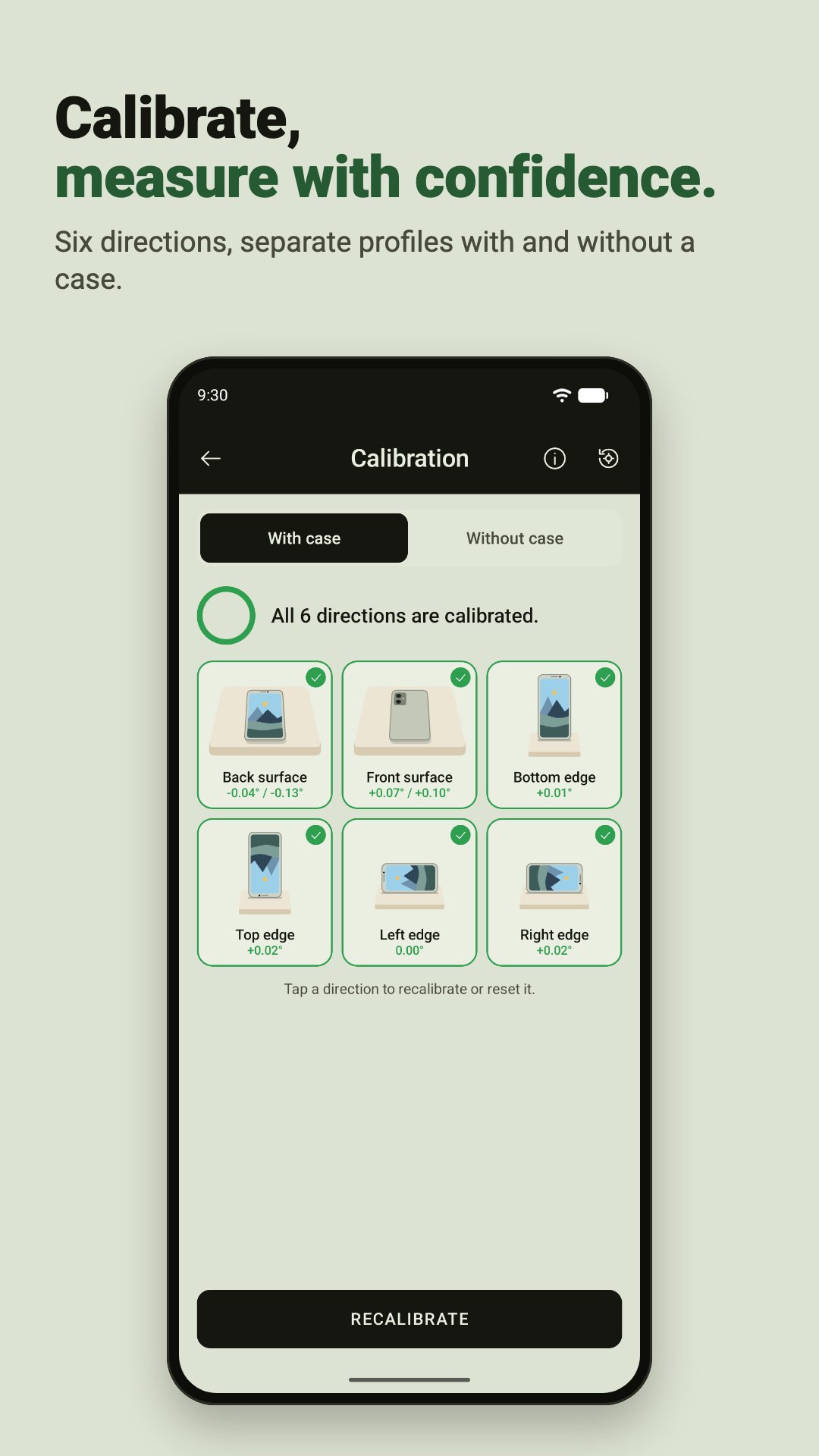
Every phone sensor has a small offset, and a case changes how the phone sits. Bubble Level lets you calibrate each of the six directions separately: back surface, front surface and the four edges.
Calibration moves along by itself. Place the phone on a level surface as shown in the drawing and tap Calibrate; once you take your hand away and the phone stays still, the reading is recorded automatically and the next direction begins. If the phone is on the wrong edge, the app warns you.
If the direction you are measuring has not been calibrated yet, the measuring screen tells you.
✅ SEE LEVEL AT A GLANCE
When the tilt comes within tolerance, the screen turns green. Choose a tolerance from Very Narrow to Very Wide to suit the job. With sound and vibration alerts, you know you are level even without looking at the screen.
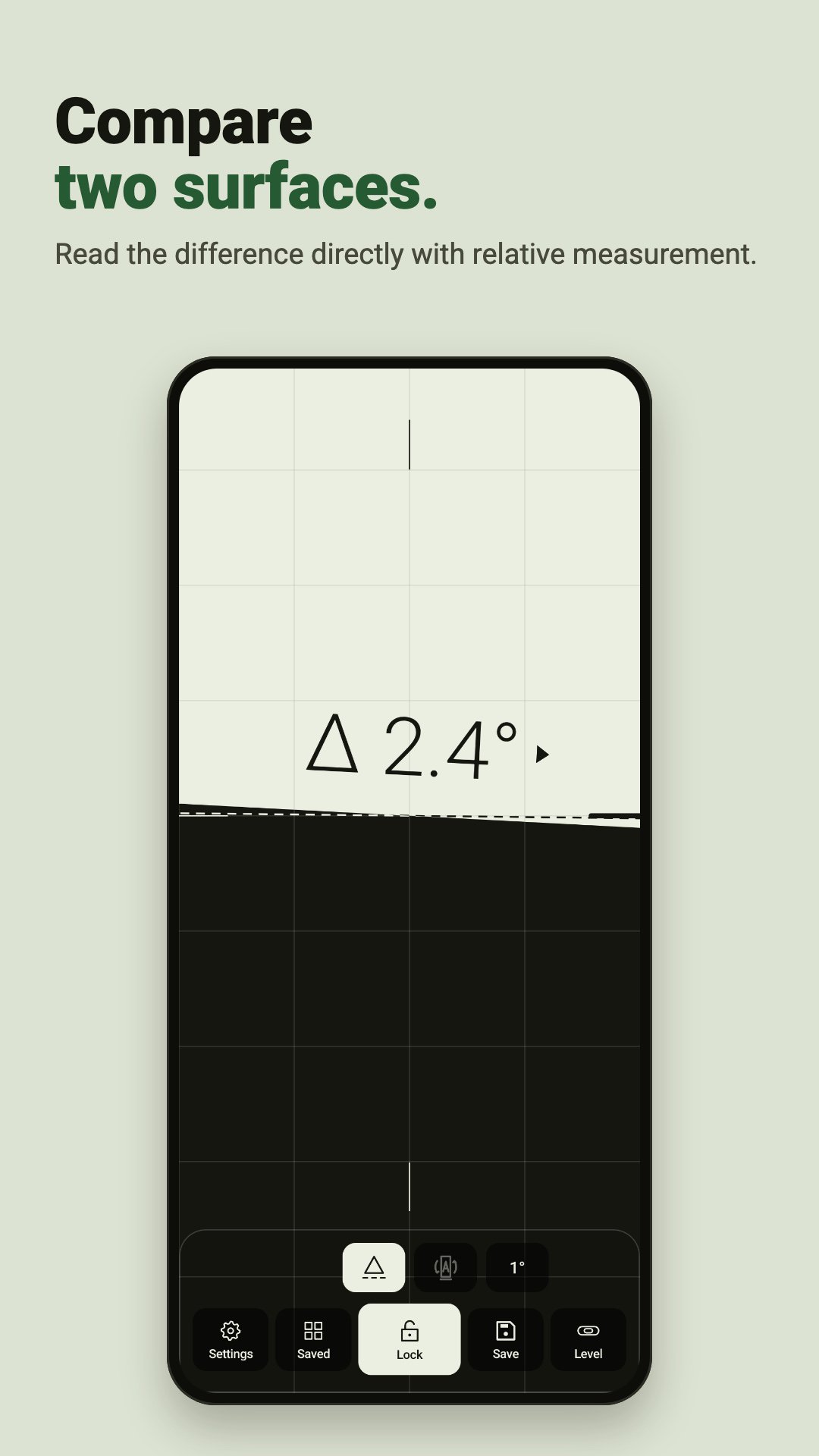
🔒 LOCK AND COMPARE
As long as you hold your finger on the screen, the reading stays locked; lift the phone and read the value comfortably. Freeze the reading with the Lock button; use the delayed lock to place the phone in hard-to-reach spots and measure.
With relative measurement, take one surface as zero and read directly how far the next one deviates from it.
💾 SAVE AND SHARE
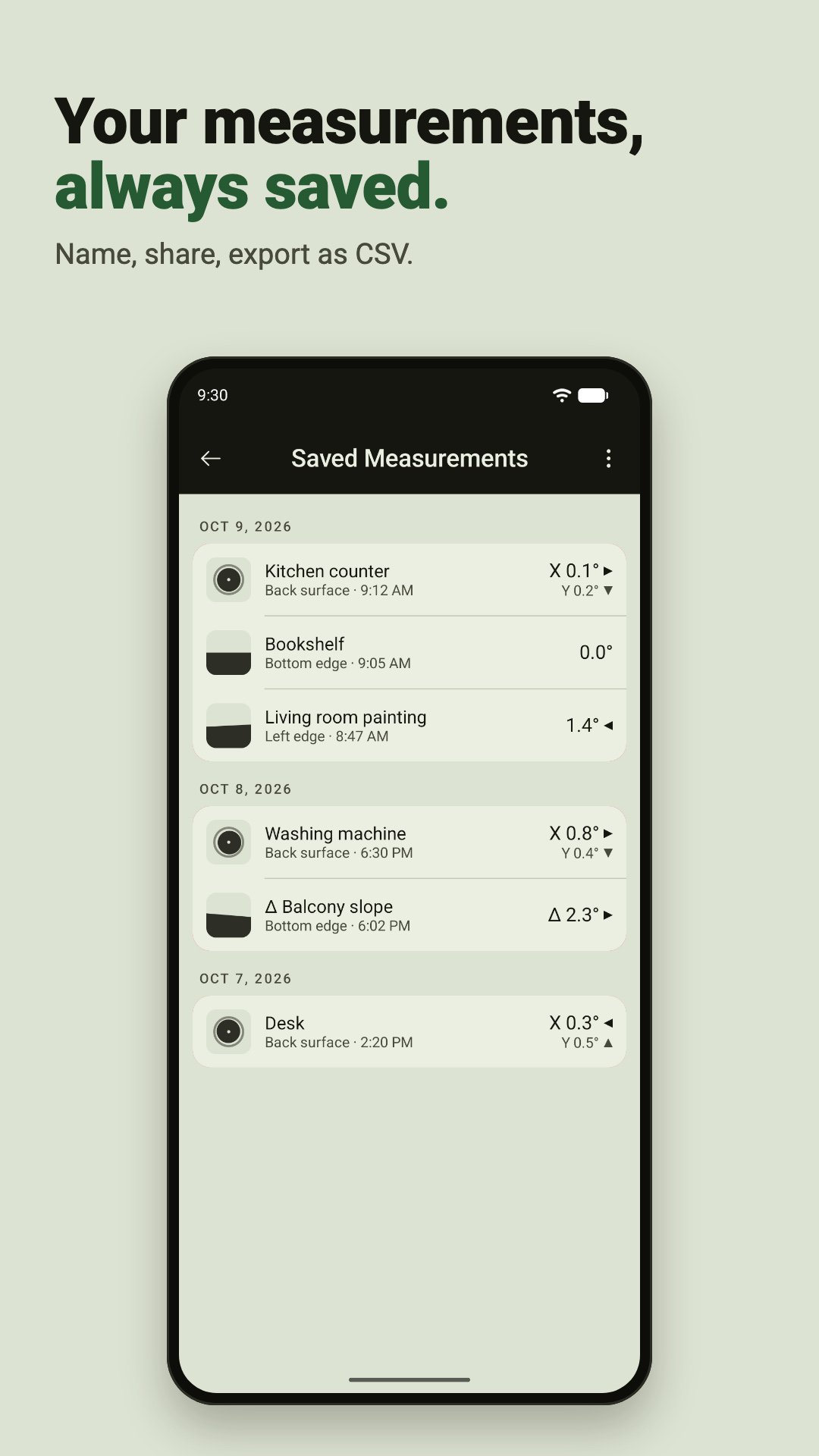
Save measurements, name them, copy or share them. Saved measurements are grouped by date, and you can undo an accidental delete. Export them all as CSV and open them in a spreadsheet app.
⚙️ MADE TO FIT YOUR NEEDS
- Degrees, percent, in/ft and mm/m
- Decimal or whole-number display
- Guide grid and reference edge highlight
- Visual alert color
- Light and dark theme, theme color
- Keep screen on while measuring
- App language independent of your phone's language (17 languages)
⭐ PRO: ONE-TIME PAYMENT
The free version measures in degrees, calibrates and keeps 3 measurements. Pro unlocks:
- Relative measurement
- Unlimited saves
- Sound and vibration alerts
- Button and delayed lock
- A second calibration profile (with and without a case)
- All units
- Theme color
No subscription, no renewal: pay once and Pro is yours for good.
📱 WHERE TO USE IT
Hanging pictures and mirrors, putting up shelves and cabinets, leveling a washing machine or fridge, parking a camper, setting up desks and countertops, lining up a camera.
🔒 YOUR DATA
No account needed. There are no ads while you measure: an ad appears only if you choose to watch one to unlock a Pro feature for 1 hour. No location, camera or contacts permission is requested. The app sends anonymous usage statistics and crash reports so we can find and fix problems; your measurements are stored on your device.
📊 HOW ACCURATE IS IT?
Accuracy depends on your phone's sensor and on your calibration. For the best results, calibrate each direction on a surface you know is level and keep the phone still while measuring. Values are shown to a tenth of a degree.
No account. No ads while you measure. No subscription.
Place your phone and start measuring.


One-click to install XAPK/APK files on Android!

Thanks for your rating and feedback!
You have already rated.